self hosted blog · Oct 17, 2026
10 Self Hosted Blog Platform Options Compared for 2026
Which self hosted blog platform fits the way the site will really be run, not just how it looks on launch day? Most buyers focus on editor comfort and forget the four costs that show up later, weekly maintenance, real page speed, how easily content can leave, and whether newsletters and memberships
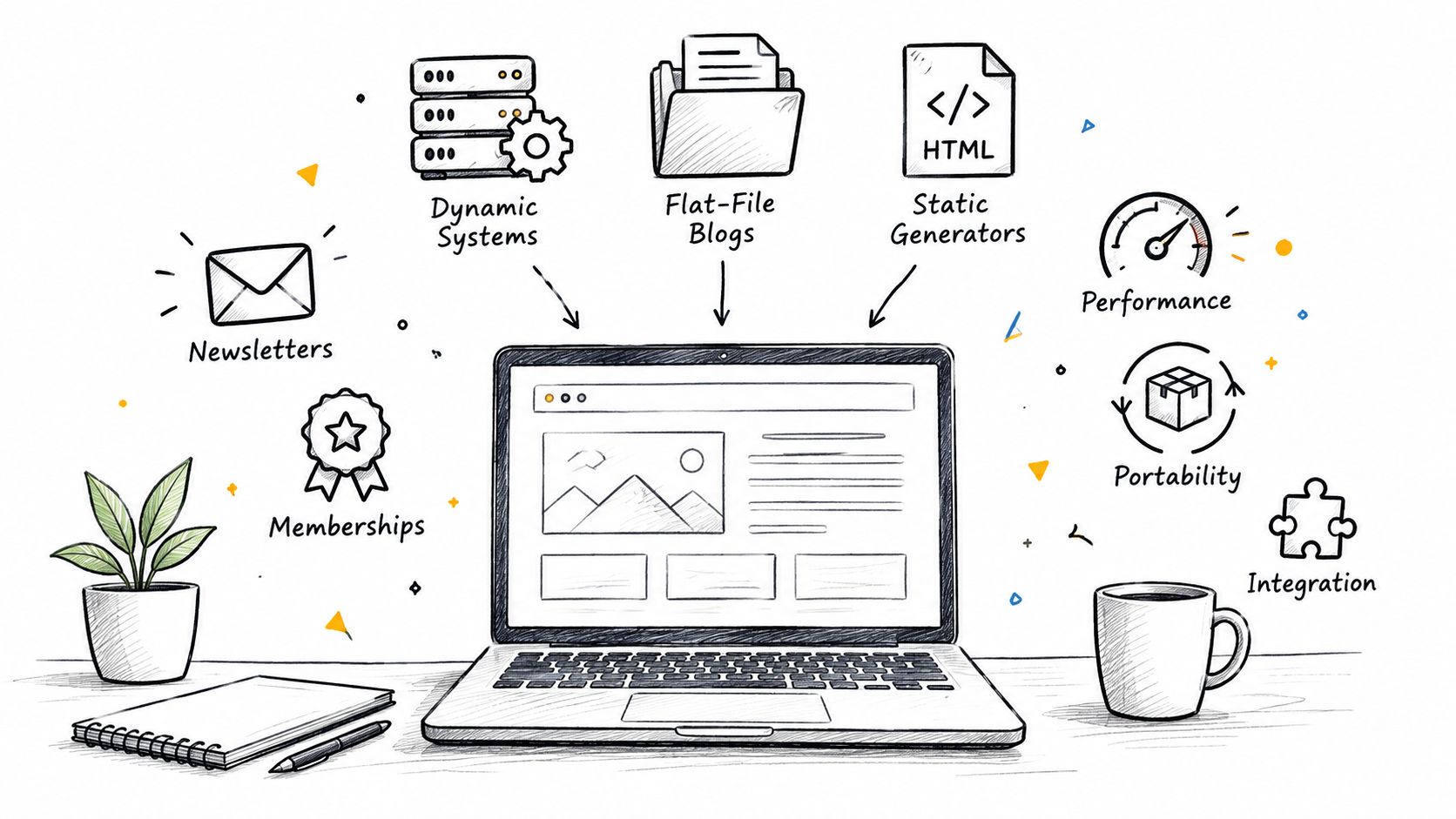
Which self hosted blog platform fits the way the site will really be run, not just how it looks on launch day? Most buyers focus on editor comfort and forget the four costs that show up later, weekly maintenance, real page speed, how easily content can leave, and whether newsletters and memberships are handled without extra tools. For teams that want a broader operating model, WordPress management without a developer is a useful reference point before committing to a stack.
Most self hosted blog platforms fall into three groups, dynamic systems that run on your server and build pages on request, flat-file systems that store content as files, and static generators that build plain HTML before you upload it. The ten options below are judged on those late-stage costs, because that's where ownership gets expensive or pays off. If a platform needs constant maintenance, slows down under load, traps content in a hard-to-export format, or forces a separate newsletter tool, that trade-off is called out plainly.
Table of Contents
1. WordPress
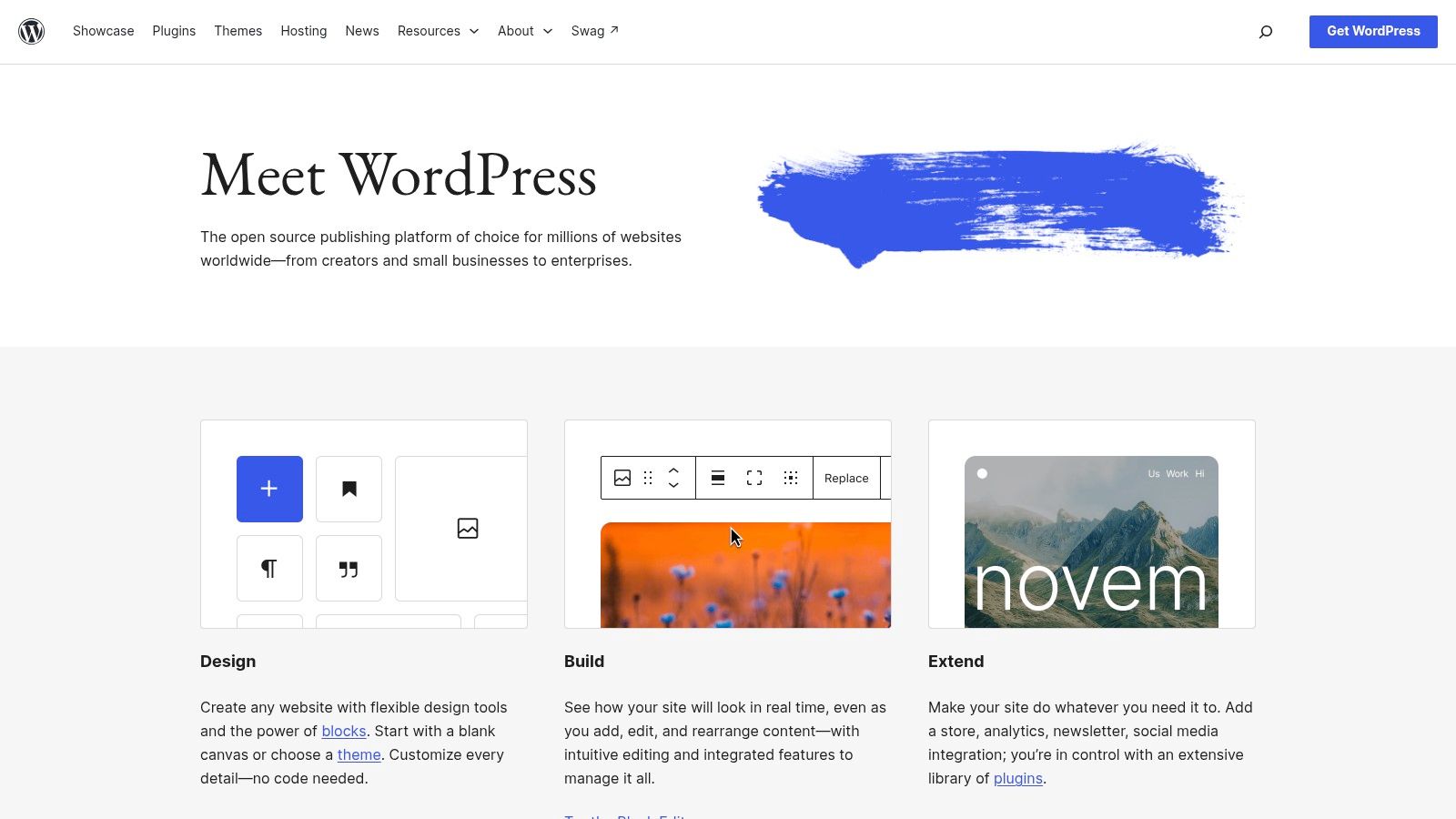
WordPress is still the default answer for many people because it solves the widest set of publishing problems in one place. It started as a blogging tool and grew into a general-purpose CMS, and W3Techs data shows how far that shift went: WordPress currently runs on 39.6% of all websites and 58.4% of sites whose CMS it can identify (W3Techs WordPress usage). That scale matters because it explains why developers, hosts, plugin authors, and agencies keep building around it.
Where WordPress works best
WordPress is strongest when the site needs editors, not engineers. The visual editor, media library, roles, and permissions make it easy for non-technical writers to publish, while the theme and plugin ecosystem covers SEO, performance, memberships, and commerce. The downside is equally well known, ongoing updates, plugin curation, and security attention never really stop.
Practical rule: WordPress is a good fit when the site needs to become more than a blog later. If the plan may include landing pages, taxonomies, search optimization, or member-only content, its flexibility is still hard to beat.
For content portability, WordPress has a real advantage because the export path is mature and widely understood. That said, export quality and media handling still need verification during a migration, especially if the site uses a large image library. For a business that wants to understand the cost of keeping WordPress stable over time, the internal breakdown at WordPress real operating cost in 2026 is a relevant next read.
Verdict on the four costs
Weekly maintenance: High, because updates, backups, and plugin checks never fully disappear.
Real page speed: Mixed, because performance depends heavily on hosting, theme quality, and plugin load.
Content exit: Good, because the export path is established and broadly interoperable.
Newsletters and memberships: Strong, but often plugin-driven rather than cleanly built in.
Website: wordpress.org
Related reading: AI-powered alt text tips for WordPress
2. Ghost

Ghost is a strong choice if you want a cleaner publishing stack with newsletters and memberships built in. The editor is focused, the workflow is tight, and the product feels designed for writers or small teams that care more about publishing than general CMS flexibility. For readers weighing audience revenue tools, the comparison at Substack vs Ghost vs Beehiiv revenue is a useful next read.
The main trade-off is scope. Ghost handles publishing, email, and paid audiences well, but it does not try to cover every niche use case that larger CMS ecosystems support. That keeps the experience clean, and it also means fewer moving parts to maintain.
There is a clear upside for operations. The newsletter and membership layer is part of the product, so you avoid the plugin sprawl that can slow down other stacks. Ghost also has a modern API approach, which makes headless use or a custom front end practical for teams that need it.
The limit shows up fast if your site depends on lots of extensions or unusual integrations. Ghost's ecosystem is smaller than WordPress's, and the hosting setup often assumes comfort with Node and Docker. That is manageable for technical owners, but it is a real burden for anyone who wants the site to stay simple to run.
Verdict on the four costs
Weekly maintenance: Moderate. Less hands-on than WordPress, but the stack is still technical.
Real page speed: Strong. The platform is usually lean and fast.
Content exit: Good. API access and structured publishing make migration easier.
Newsletters and memberships: Excellent. These are core strengths, not add-ons.
Website: ghost.org
3. Hugo
Hugo fits teams that care more about output than admin comfort. It builds static sites quickly, keeps hosting simple, and works well when content lives in Git and deployments are automated. For a developer-led publication, that is a real advantage, because the system stays narrow, predictable, and easy to move.
Static output lowers upkeep because there is no database to babysit and no server-side CMS layer to harden. That brings portability, strong performance potential, and a smaller security surface. Hugo also handles Markdown-first authoring, taxonomies, multilingual setups, and image processing, so it stays flexible without turning into a bulky stack.
Where Hugo asks a price is at the editor. Non-technical writers usually need a separate workflow, such as Git-based publishing or an external CMS, because Hugo does not provide a rich browser UI on its own. That makes it a solid technical choice and a weaker business choice when several people need to publish without support.
Hugo works best when the publication team is comfortable treating the blog like code. If the team wants a dashboard for writers, this is usually the wrong starting point.
The migration question matters here too. Static generators are easy to host, but they do not solve audience tools, payments, or editorial operations by themselves. If portability matters and you still want fewer systems around the content, the comparison at VeloCMS versus Hugo is worth a look.
Verdict on the four costs
Weekly maintenance: Low, because the runtime is simple.
Real page speed: Excellent, because the output is static HTML.
Content exit: Excellent, because content lives in plain files and moves cleanly.
Newsletters and memberships: Not covered out of the box. Plan on external services.
Website: gohugo.io
4. Eleventy
Eleventy, or 11ty, is a static site generator for teams that want control without a heavy framework. It supports multiple template languages, so Markdown, Nunjucks, Liquid, or a mix can all fit the same build. That flexibility helps developers who already have a preferred workflow and do not want to rebuild it from scratch.
Why 11ty works well
Its main appeal is practical. Eleventy fits into modern JavaScript workflows, keeps the build process relatively simple, and gives developers a clear path from source files to published pages. The starter ecosystem also helps new projects move from setup to launch without much ceremony.
The trade-off is on the content side. Eleventy does not include a browser-based CMS, so writers usually work in Git or through a separate editing layer. That is fine for technical teams, but it adds friction once non-technical contributors need to publish. Comments, search, and membership features also depend on external pieces, since they are not built in.
For a developer-run blog, that trade-off can be acceptable. For a site that needs editors, audience tools, and low-friction publishing, it asks for more coordination after launch.
Verdict on the four costs
Weekly maintenance: Low to moderate, depending on the deployment stack around it.
Real page speed: Strong, because the published site is static.
Content exit: Excellent, with file-based content and a transparent build model.
Newsletters and memberships: Weak unless separate services are added.
Website: 11ty.dev
5. Grav
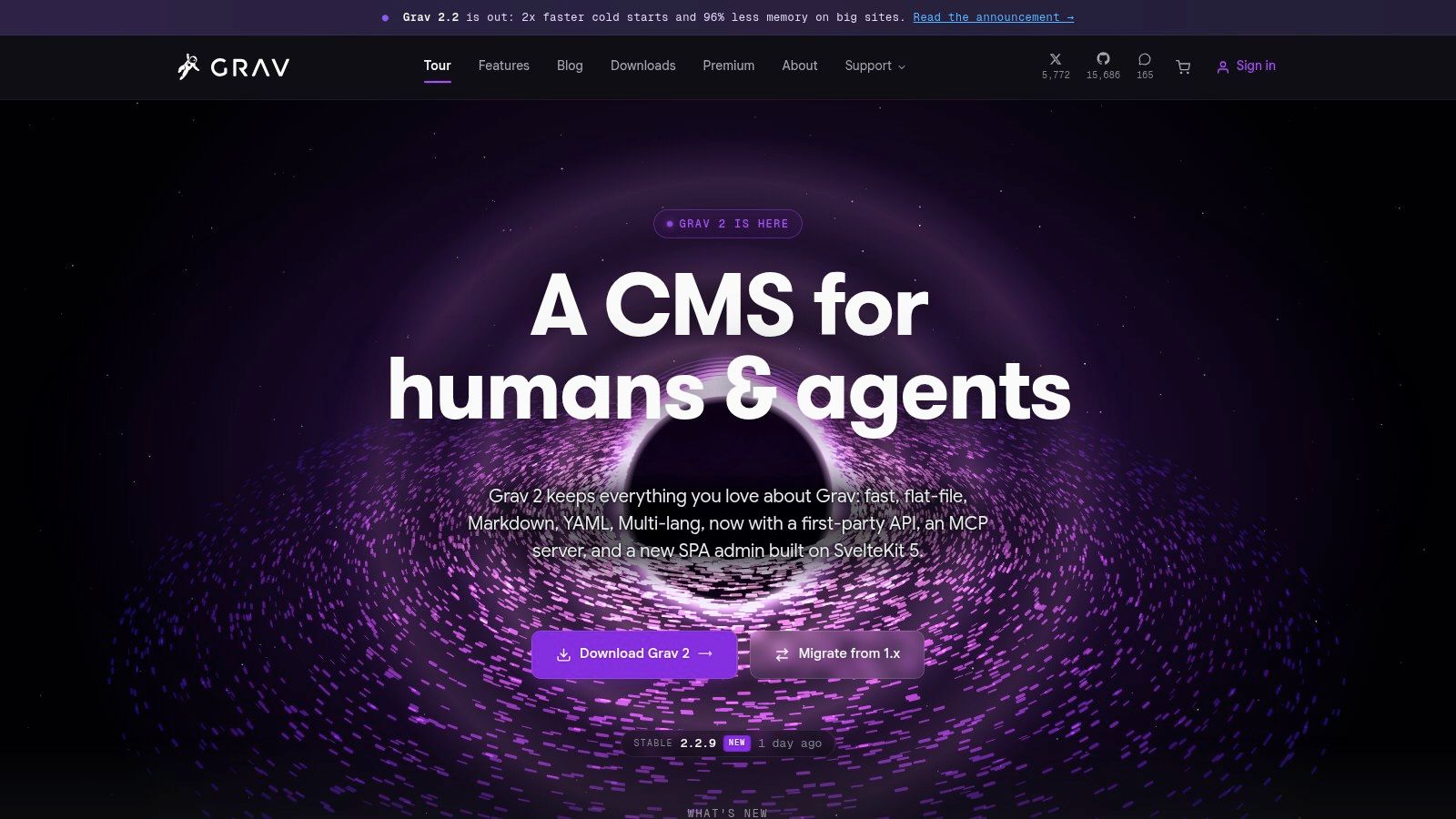
Need a self hosted blog platform that keeps content in files, but still gives editors a browser-based interface? Grav sits in that middle ground. The flat-file setup makes backups and portability straightforward, so the content is easier to move and reason about than in many database-driven CMS setups.
Grav's admin plugin gives writers a familiar place to manage posts, users, and settings, which helps it avoid the feel of a developer-only tool. It also supports theming, plugins, and multilingual content, so small teams can publish more than plain posts without adding a database. On standard PHP hosting, it is straightforward to run.
The trade-offs show up after launch. Grav's plugin and theme ecosystem is much smaller than WordPress's, so teams that depend on a wide choice of add-ons may run into limits. Upgrades and compatibility need attention too, because smaller ecosystems can age unevenly when extensions lag behind the core.
Good fit, bad fit line: Grav works well for a team that wants a simple content store with a usable editor. It starts to strain when the site needs broad third-party integration or a large marketplace of add-ons.
Verdict on the four costs
Weekly maintenance: Moderate, lighter than WordPress but not hands-off.
Real page speed: Strong, helped by the flat-file design.
Content exit: Very good, because the content is already stored as files.
Newsletters and memberships: Limited, usually handled by separate tools.
Website: getgrav.org
6. Kirby CMS
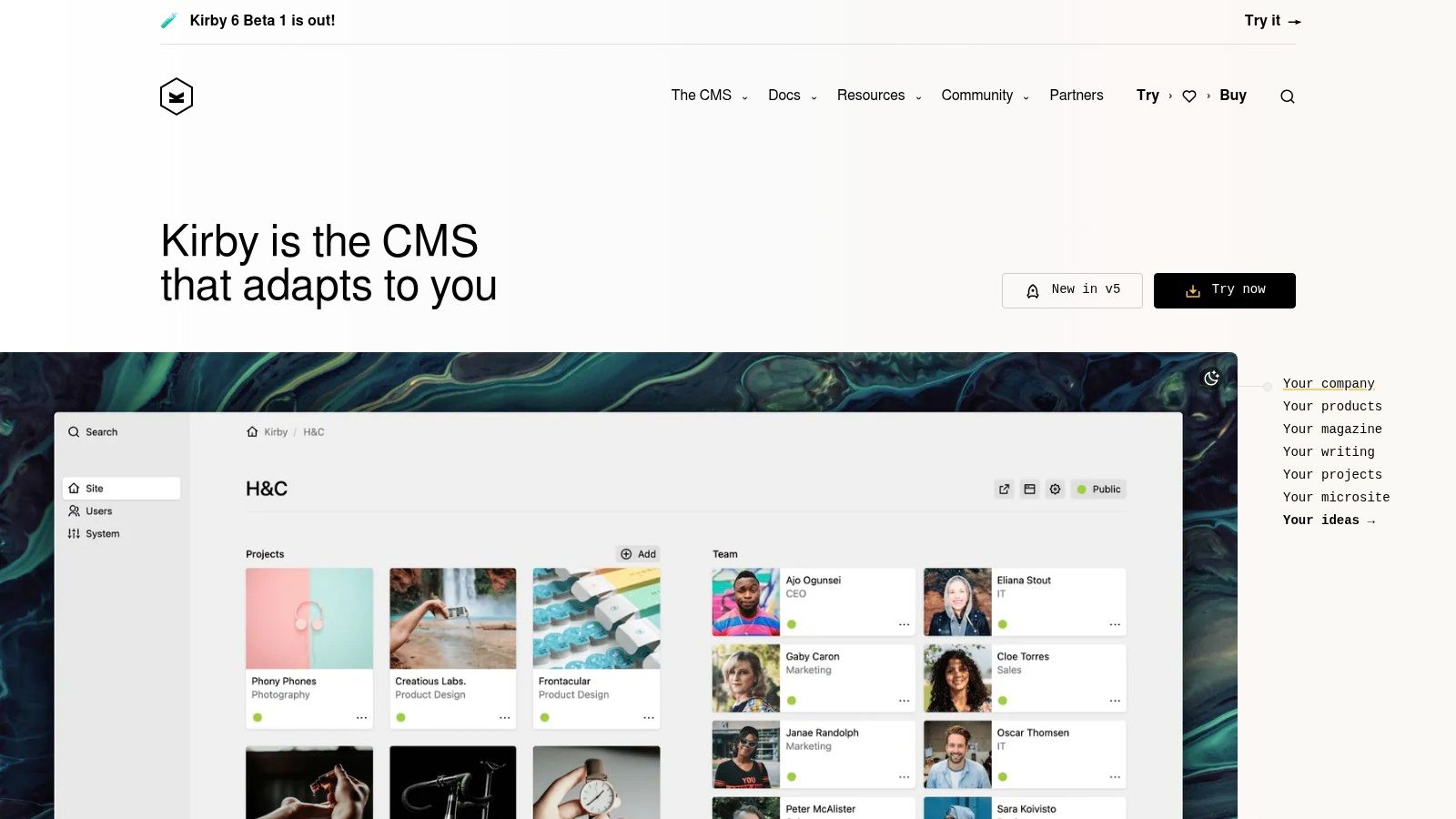
Kirby is built for teams that want a polished authoring experience without a database. Its Panel is one of the cleaner admin interfaces in the flat-file category, and that matters because many self hosted systems are easy to deploy but awkward to use every day. Kirby tries to handle both.
What makes Kirby different
Custom fields let developers shape the content model around how editors work. The flat-file structure keeps deployments simple and Git-friendly, so the platform fits code-centric workflows well. For agencies and small teams, that clarity is part of the appeal.
Kirby's licensing is the first thing to weigh. It is commercial, with per-site fees, so teams looking for free software should look elsewhere. The ecosystem is also smaller than WordPress's, which limits how much can be solved with off-the-shelf add-ons. Even so, the licensing is clearer than the patchwork some plugins create in bigger platforms.
Kirby works best when the publication is small enough to value elegance, but serious enough to need structure. It is less attractive when the business wants a huge extension market or a no-cost setup.
Verdict on the four costs
Weekly maintenance: Low to moderate, because the stack stays compact.
Real page speed: Strong, especially with well-built templates.
Content exit: Excellent, because files are portable and easy to version.
Newsletters and memberships: Weak unless external services are added.
Website: getkirby.com
7. Craft CMS
Craft CMS fits teams that need more than a basic blog. It handles content modeling well, supports polished editorial workflows, and gives agencies room to build sites that may later grow into landing pages, resource hubs, or multi-site setups. The authoring experience is built in, which matters when editors use the CMS every day.
Its field system is the main reason teams pick it. Editors can work with structured content that matches real publishing needs, while Twig templating and GraphQL support give technical teams solid integration options. The result is a platform that suits blogs tied to larger content operations.
The trade-off is effort. Craft usually means paid licensing for higher tiers, more server resources than static generators, and more time spent learning the system and keeping the hosting setup in shape. That extra control is useful, but it is not free in either money or maintenance.
For the four costs after launch, Craft is a mixed but sensible choice. Weekly maintenance is moderate because the platform needs regular care. Real page speed is good, though it depends heavily on implementation. Content exit is also good, but structured content takes more work to recreate elsewhere. Newsletters and memberships are usually handled with external tools, so they are not the main reason to choose Craft.
Craft makes the most sense when the publication is part blog, part content operation, and the team wants structure without giving up editorial polish.
Website: craftcms.com
8. WriteFreely
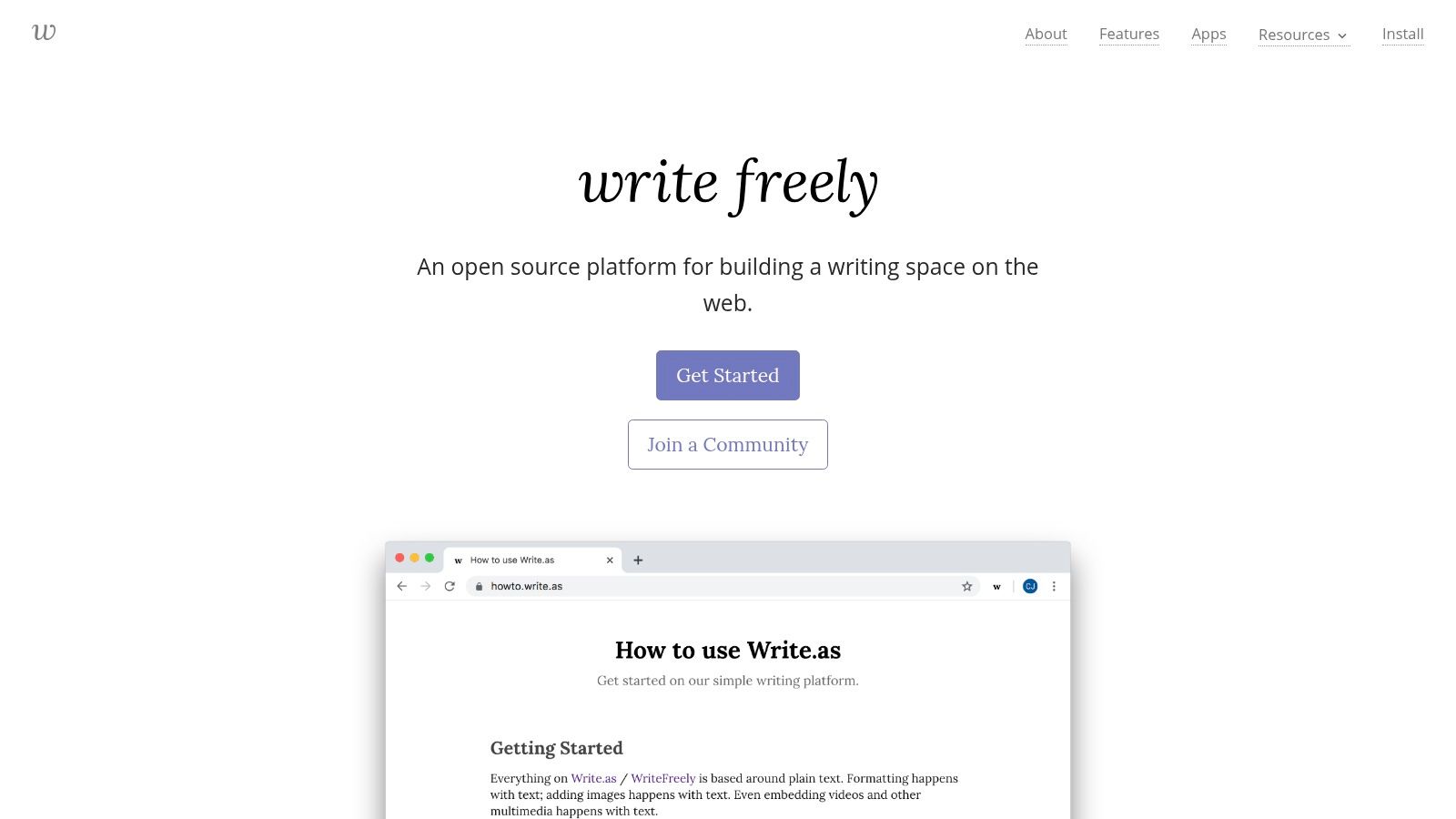
WriteFreely fits writers who want a simple blog, not a full publishing stack. It keeps the editor clean, stays light to run, and supports distraction-free Markdown writing. Federation through ActivityPub is built in, so posts can reach the Fediverse instead of staying tied to one site.
That simplicity is the main reason to use it.
For solo writers and small communities, the trade-off can work well. Multi-user publishing and basic authentication are available, but the platform stays focused on the writing surface rather than site building. That makes it a practical choice for people who care more about fast publishing and privacy than custom layouts or complex workflows.
The limits show up fast once the site needs more. Customization is narrow, integrations are limited, and there is no built-in e-commerce or newsletter system to rely on. A straightforward publication can live with that. A business site or membership-driven project will likely need more than WriteFreely gives on its own.
Verdict on the four costs
Weekly maintenance: Low, because the platform is lightweight and simple to keep running.
Real page speed: Strong, since the stack is intentionally minimal.
Content exit: Very good, because the content model is simple and not heavily locked down.
Newsletters and memberships: Weak, because those features are not central to the product.
Website: writefreely.org
9. Publii
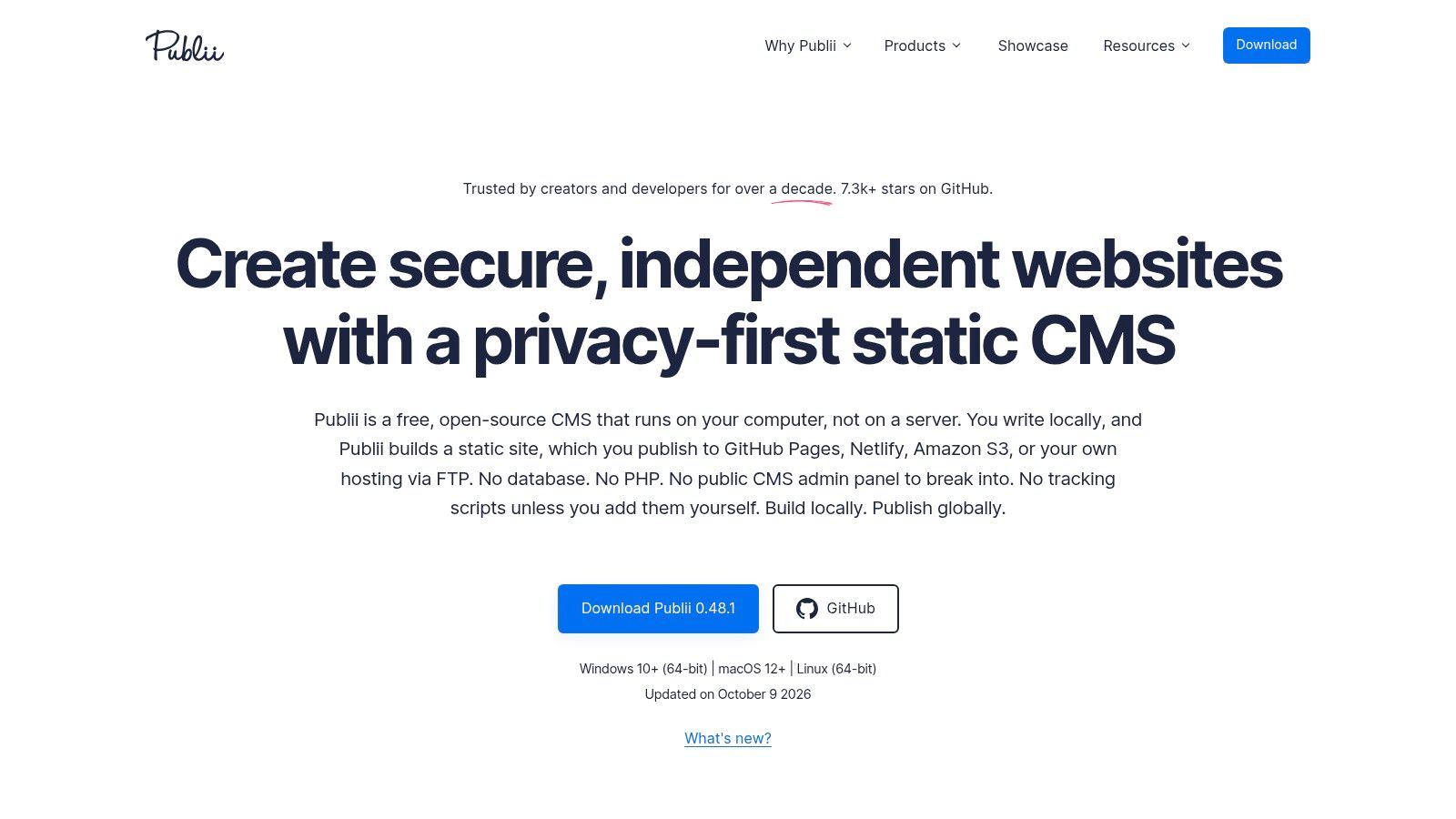
Publii takes a different path. It gives non-technical users a desktop CMS that publishes static sites to common hosts, so the editing experience stays approachable while the public site stays fast and secure. For anyone who wants to avoid command-line publishing, that mix is practical.
Why Publii matters
Publii supports block, WYSIWYG, and Markdown editing, so authors can work in the format that suits them best. Built-in SEO features, including sitemaps, structured data, and social previews, help smaller sites cover the basics without piling on plugins. Sync options also give it more flexible deployment choices.
The desktop-first design has a cost. Editing is tied to one machine unless content is synced externally, which makes team collaboration harder and complicates publishing from multiple devices. Dynamic features also depend on outside services, because static output does not provide them on its own.
Publii is a strong fit for a small business that wants static-site speed without asking the owner to work like a developer.
Verdict on the four costs
Weekly maintenance: Low, because there is no server-side CMS to maintain.
Real page speed: Strong, thanks to static HTML output.
Content exit: Good, since the output is portable and host-agnostic.
Newsletters and memberships: Weak unless other services are added.
Website: getpublii.com
10. Hexo
Hexo fits technical blogs that need a simple static workflow. It runs on Node.js, handles Markdown well, and has enough theme support to give a small publication some flexibility. If one developer owns the site, that can be a clean setup.
The trade-off shows up after launch. Weekly upkeep stays low if the Node stack is kept current, and page speed is strong because the output is static. Content also stays easy to move because it lives in files, which helps if you ever want to switch hosts or rebuild elsewhere.
Two limits matter more than the rest. Hexo does not give non-technical writers a native web CMS, so editing usually depends on someone comfortable with the tooling. Theme and plugin quality can vary, and newsletters or memberships need outside services rather than built-in support.
For a solo technical owner who wants a fast blog with minimal moving parts, Hexo is a practical pick. For a team that needs shared editing or paid membership features, it is a harder fit.
Verdict on the four costs
Weekly maintenance: Low, if the Node stack stays current.
Real page speed: Strong, because output is static.
Content exit: Excellent, because content is file-based and portable.
Newsletters and memberships: Weak without external tooling.
Website: hexo.io
Top 10 Self-Hosted Blog Platforms Comparison
Platform | Core features | Editor & UX (performance & ease) | Monetization & Email | Target audience | Price / Notes |
|---|---|---|---|---|---|
WordPress | Visual editor, massive theme/plugin ecosystem, media library | Familiar WYSIWYG/Gutenberg; flexible but can need maintenance | Plugins for memberships, newsletters, commerce (third-party) | Broad: bloggers, businesses, agencies, non-technical teams | Free core (self-hosted); hosting + plugin costs vary |
Ghost | Native newsletters, memberships, headless APIs, modern stack | Minimalist, focused editor; strong performance | Built-in membership & email delivery; Stripe payments | Creators & teams who want built-in newsletters/memberships | Open-source self-hosted (free); Ghost(Pro) paid hosted plans |
Hugo | Fast static site generator, Markdown-first, templating | No native web UI; excellent build/perf for developers | Static sites require external services for email/commerce | Developers needing high-performance static sites | Free; cheap static hosting (Netlify, S3, etc.) |
Eleventy (11ty) | Flexible templating, Markdown-first, lightweight build | No built-in CMS; fast dev workflow for JS devs | Requires external tools for newsletters/payments | JS-focused developers wanting minimal tooling | Free; hosting costs only |
Grav | Flat-file CMS, admin plugin, theming & plugins | Browser admin UI available; balanced UX & dev control | Plugins available for members/email but not native service | Teams wanting simple PHP hosting w/ editor UI | Free (open-source); plugin/theme costs possible |
Kirby CMS | Flat-file, Panel admin UI, customizable fields | Polished author UX; developer-friendly, code-first | Commerce/plugins via extensions; no native email delivery | Teams wanting elegant UX + developer control | Commercial license per site (paid) |
Craft CMS | Powerful content modelling, Twig templates, APIs | Excellent authoring UX; scales to complex sites | Commerce & integrations via plugins/third-party | Agencies, enterprises, structured content teams | Paid licenses for Pro/Team; hosting costs |
WriteFreely | Markdown-focused blogging, ActivityPub federation | Distraction-free editor; lightweight & privacy-minded | No built-in commerce or email tools | Writers who want simple, federated publishing | Free (open-source); self-hosted or hosted instances |
Publii | Desktop CMS generating static sites; multiple editors | Editor-friendly desktop app (WYSIWYG/Markdown) | Static output; needs external services for email/paid content | Non-technical users who prefer desktop publishing | Free desktop app; hosting costs for deployment |
Hexo | Node-based static blog framework, plugin/theme ecosystem | CLI/Markdown workflow; fast builds for developers | No native email/commerce; integrate third-party services | Developers who prefer Node/npm and static blogs | Free; hosting costs only |
Pick the Platform You Can Still Maintain in Two Years
The best self hosted blog platform is the one that still feels manageable after the honeymoon period ends. That means testing it on a real server, publishing a few actual posts, and checking whether the content workflow still works when deadlines hit. If newsletters matter, send one test campaign before deciding. If memberships matter, make sure the platform handles them without turning every launch into a plugin audit.
The decision should come down to upkeep, not preference alone. Write down the monthly time you expect to spend on updates, backups, dependency checks, and recovery testing, then compare that with the value of ownership and portability. WordPress remains the most flexible, Ghost is strong for integrated publishing and audience tools, Hugo and Eleventy are excellent for static performance, Grav and Kirby sit in the middle, Craft serves more structured teams, WriteFreely keeps things minimal, Publii removes server-side maintenance for desktop users, and Hexo stays appealing for developer-led blogs.
Content portability should stay a firm priority. Keep writing in open formats such as Markdown, and prefer platforms that make exports realistic rather than theoretical. WordPress's XML export path, static generators' file-based content, and flat-file CMSs all reduce lock-in in different ways, but the practical test is whether the site can leave without losing structure, media, or SEO history.
If the site also needs built-in newsletters or memberships, don't assume the blog platform will handle that cleanly just because it can publish posts. That's where many self hosted setups become fragmented, and the maintenance burden climbs. VeloCMS is a subscription platform with a 14-day free trial and no free plan, and it combines blogging, newsletters, memberships, and theming in one place, with a full-site JSON export that includes each post's Markdown. Check current plans and terms at velocms.org/pricing before making a final move.
VeloCMS gives bloggers and small teams one subscription for publishing, newsletters, memberships, and site theming, so the stack stays simpler after launch. If this comparison made the maintenance burden of self hosting feel too familiar, visit VeloCMS to see whether a more integrated setup fits the way you publish.