blogger newsletter · Oct 26, 2026
Newsletter for Blogger: A Step-by-Step Setup Guide
A blogger publishes a strong post, shares it once on social media, watches traffic spike for a day, then sees it fall quiet. The readers were interested, but there's no reliable way to reach them again. A newsletter for blogger readers solves that gap. It's a recurring email sent from a list the blo
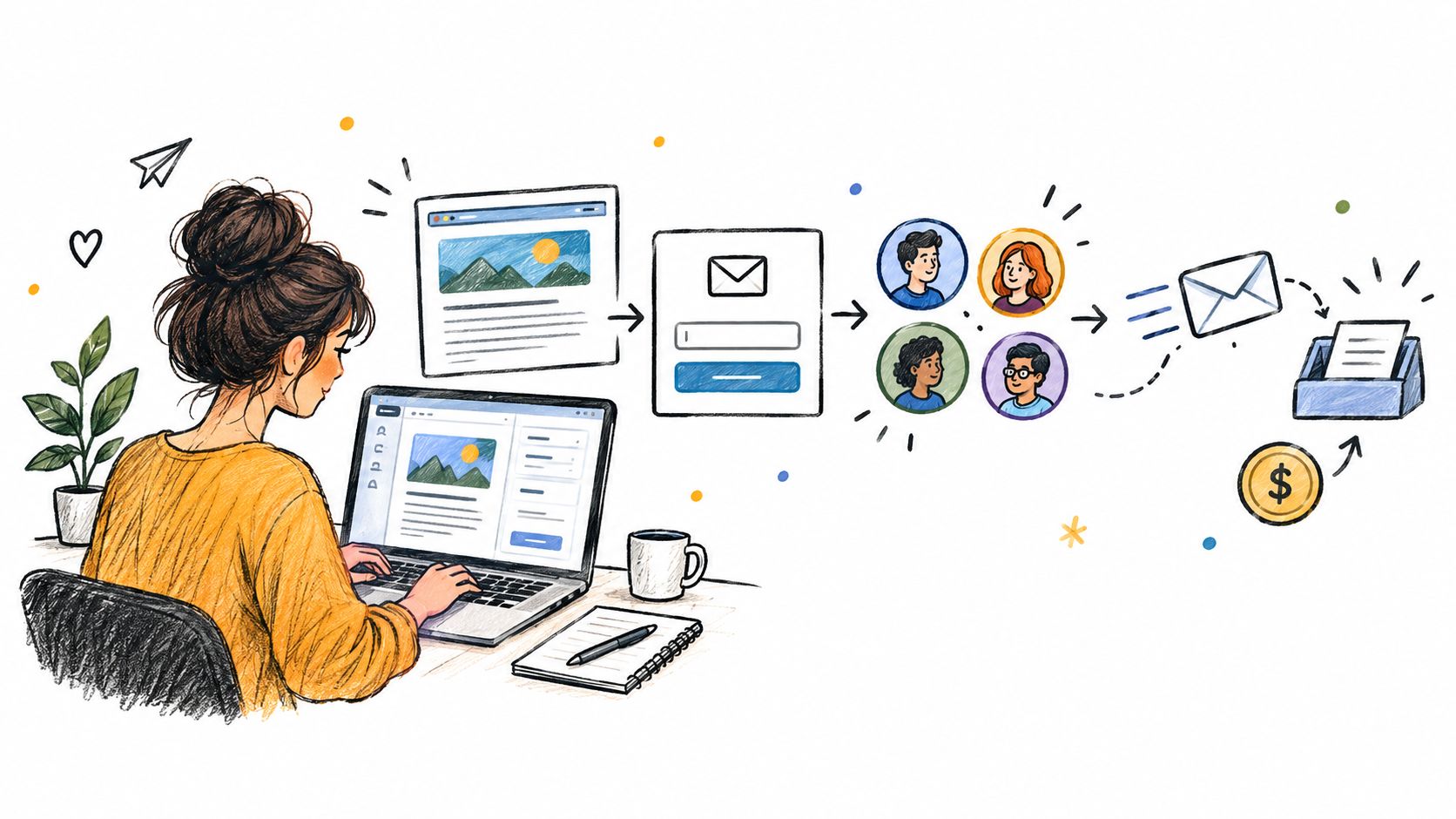
A blogger publishes a strong post, shares it once on social media, watches traffic spike for a day, then sees it fall quiet. The readers were interested, but there's no reliable way to reach them again. A newsletter for blogger readers solves that gap. It's a recurring email sent from a list the blogger owns to people who asked to receive it, built in stages from choosing where the list lives to testing a first offer.
Table of Contents
Six Stages From Signup to First Revenue
A newsletter setup works like a chain: each stage gives the next one something reliable to build on. Keep consent records from the start, and treat inbox placement and accessible reading as editorial decisions, not cleanup work after the list grows.
Stage | Goal | Done when | Common risk |
|---|---|---|---|
1. Choose where the list lives | One platform for sending, signup and archive | A test email reaches your own inbox | Paying for two tools to run one list |
2. Build the signup path | Forms on posts, one reason to subscribe, double opt-in | A test subscriber gets a confirmation email | Forms that ask for too much |
3. Authenticate the sending domain | SPF, DKIM and DMARC in place | A test message shows passing authentication | Sending from a generic address |
4. Publish the first issue | One topic and one main link goal | Issue delivered and results visible | A link dump with no clear focus |
5. Measure and segment | Source and topic tags, one conversion goal per issue | Clicks by segment show a first pattern | Judging issues on opens alone |
6. Test monetization | One offer matched to what readers already click | First sponsor or product test is labeled and tracked | Selling before readers trust the list |
Email can reach readers well beyond a blog's website. DataReportal's 2025 global overview on monthly email use reported that 75% of online adults worldwide used email at least once per month. A newsletter still has to earn its place in a reader's inbox, so make each issue useful, readable on different devices, and easy to leave.
Choosing a platform fairly
Run the same checks on every platform before deciding. First, confirm it supports double opt-in, so subscribers can confirm their request. Then check whether you can tag readers by signup source or topic, and send to those groups separately. Ask how to authenticate your sending domain, and whether the platform guides you through the required setup.
Test the exits, too. Can you export your subscriber list and posts in a usable format? Is there an issue archive readers can browse? These checks matter if you later change tools. VeloCMS includes a native newsletter with tag segmentation, and lets you export posts and subscribers.
Accessibility belongs in this comparison. Preview the signup form and a sample email on a phone, check that links have descriptive text, and make sure the content is understandable without relying on color or images. Keep a record of the consent process and how subscribers can unsubscribe.
Finish this stage with three decisions: your platform decision, a test subscriber, and a date for a test send. A test subscriber lets you check the full path before asking real readers to join.
How to Build Your List From Your Blog
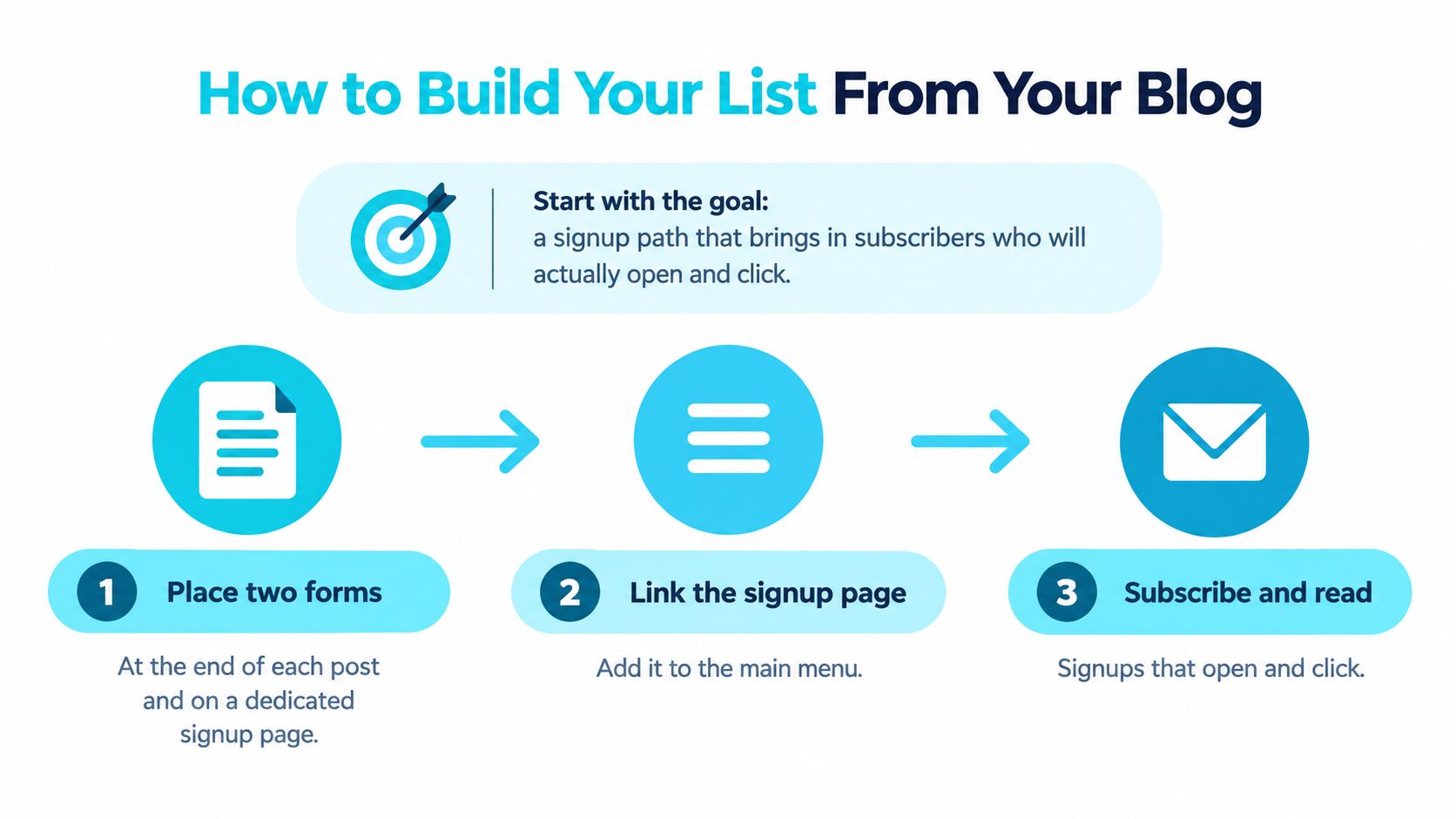
The goal isn't the biggest list. It's a signup path that brings in subscribers who will open and click.
Six steps in order
Place two forms. Put one at the end of each post and one on a dedicated signup page linked from the main menu. Sidebar forms tend to be missed on phones, where much reading happens.
Give one clear reason to subscribe. Offer a weekly digest of the best posts, or a checklist tied to the blog's main topic. A vague promise to keep readers updated pulls weak signups who never click.
Turn on double opt-in. The reader confirms by clicking a link in a confirmation email. Store the time, page and form used as consent evidence, meaning a record that this person asked for mail.
Tag the source page. Each subscriber gets a tag naming the post or page that brought them in. Tags added at signup are what make segmentation possible later.
Set expectations twice. A thank-you page and a welcome email should both state how often issues arrive and what they contain. Surprises about frequency drive unsubscribes.
Import only people who opted in. Leave out scraped, purchased or old contacts who never asked for this newsletter. They bounce, complain and hurt delivery for everyone else.
Practical rule: Double opt-in produces fewer signups, but the people who confirm are the ones who stay.
Platform choice affects how much of this is built in. VeloCMS offers a native newsletter with segments, WordPress requires a plugin, Ghost and Substack offer native newsletters, and Squarespace offers newsletters through its Email Campaigns add-on. Whatever the tool, the steps above stay the same.
The quick test
Subscribe from a new email address, confirm the opt-in, then open the subscriber record. If the source tag appears and the welcome email arrived, the path works. If either is missing, fix it before promoting the form anywhere else.
Deliverability and Compliance Before Your First Send
Before the first send, set up authentication and opt-out handling. Mailbox providers check both before they look at the content.
Requirement | What it does | How to check it |
|---|---|---|
SPF record | Lists the servers allowed to send for your domain | Look for the TXT record on your domain and a pass result in the headers |
DKIM signature | Signs each message with a key tied to your domain | Confirm the DKIM result reads pass in a received message |
DMARC policy | Tells receivers how to handle failed SPF or DKIM checks | Look for a DMARC TXT record on your domain |
Visible unsubscribe | Lets readers stop mail in one click or one web page | Click it yourself on a test send and confirm it works without login |
Postal address | Identifies the sender in commercial email to U.S. recipients | Check that the footer shows a valid mailing address |
Opt-out window | Keeps the opt-out available for at least 30 days after sending | Confirm the unsubscribe link still works weeks after an issue |
Opt-out processing | Honors requests within 10 business days | Check that unsubscribes sync to your list the same day |
In plain terms, SPF lists allowed sending servers, DKIM signs each message, and DMARC tells receivers what to do when checks fail. Send from a domain matching the publication brand, and verify each record rather than assuming a host set it up. Mailgun's deliverability research on authentication adoption reported that 66.2% of senders used both SPF and DKIM, while DMARC adoption reached 53.8% in 2024, up from 42.6% in 2023. Authentication is standard now, so missing it creates avoidable risk. Setup steps are covered in the guide to configuring a custom sender domain for newsletters.
The U.S. rules in brief
For commercial email to U.S. recipients, the FTC's CAN-SPAM compliance guide for businesses requires accurate sender information, a clear opt-out explanation and a valid postal address, with the opt-out available for at least 30 days and honored within 10 business days. A sender can't charge a fee or ask for more than an email address, and replying or visiting one web page is the most a reader should need to do.
Then warm up gradually. Send first to the most engaged subscribers, increase volume step by step, and keep transactional mail, such as receipts, separate from newsletter traffic.
The closing test is simple. Send to one Gmail and one Outlook address, open the message headers, and confirm SPF, DKIM and DMARC all show pass.
Run a Pre-Send Check and Send Issue One
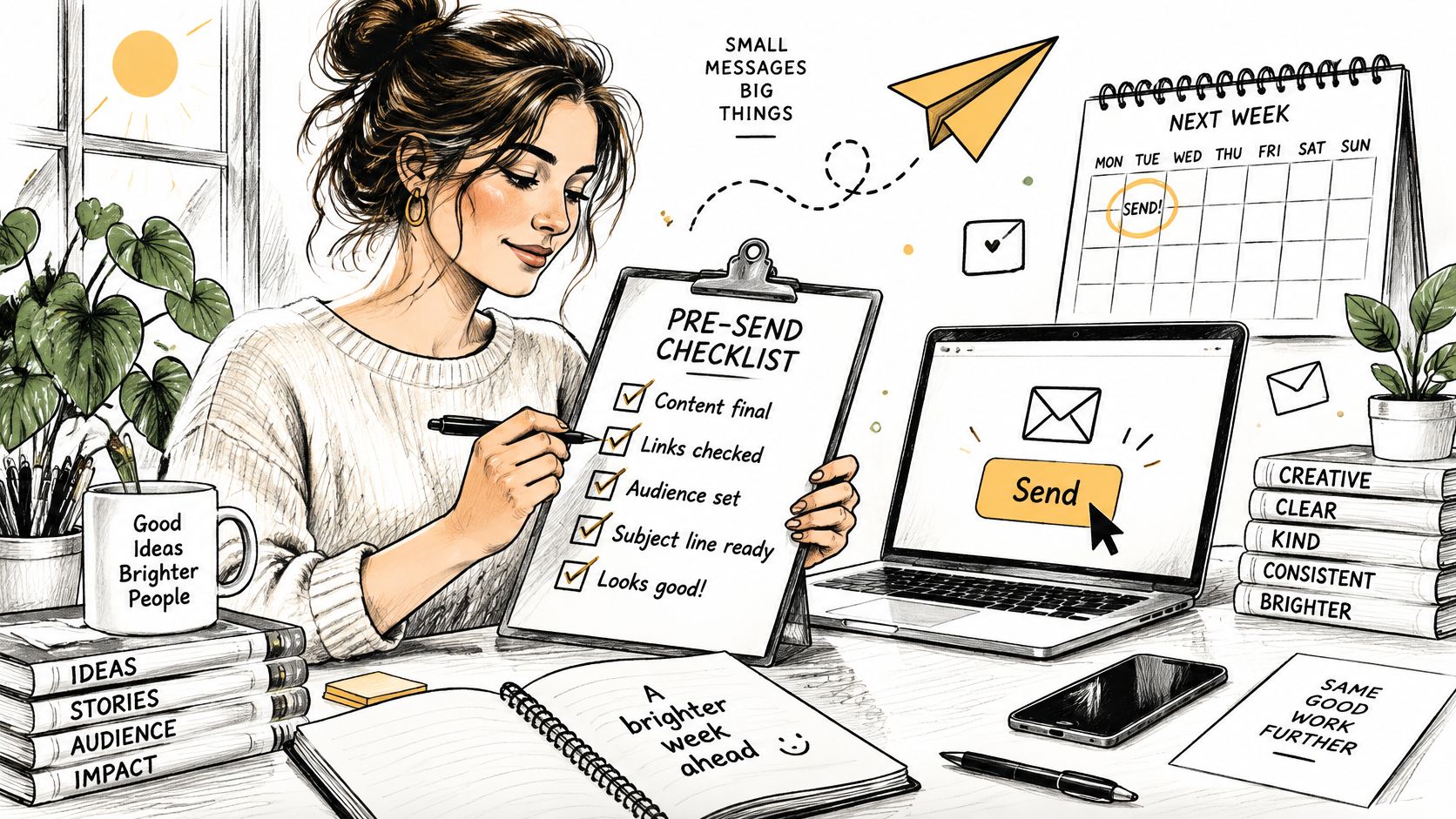
Choose a date for issue one before polishing the template. A fixed send date turns preparation into a short checklist instead of an open-ended project. Then review the issue as a reader would, from the subject line to the final link.
The design and access check
Recheck your sender authentication and opt-out setup, then click the unsubscribe link in a test email. Check the issue itself in this order:
Heading structure: Use clear headings in a logical order, so screen readers can move through the content.
Link text: Describe the destination instead of writing “click here.”
Alt text: Add a brief description to each meaningful image.
Contrast and type: Make text easy to read on a phone, with clear contrast.
Fallbacks: Check the plain-text version and preview dark mode in at least two email apps.
These are editorial checks, not last-minute technical chores. Validity's 2025 benchmark on inbox placement and accessibility found that one in six legitimate marketing emails failed to reach the inbox, and the report cites Email Markup Consortium research finding that more than 90% of marketing emails contain critical or serious accessibility problems. The European Accessibility Act took effect on June 28, 2025, raising accessibility expectations for many consumer-facing products and services in the EU. Build readable layouts and reliable inbox practices into your publishing routine from the start.
Send-day sequence
Send a test message to three inboxes. Check how the subject line and preview text appear, and open the message on both a phone and a computer. Send first to your most engaged subscribers. Review bounces and complaints before sending to the rest of the list.
If you're choosing a platform at this stage, VeloCMS Pro costs a flat $9/mo and includes a blog, newsletter, AI editor, 40 themes, and BYOK commerce. You can export your posts, media, and subscriber list whenever you want, so your content and readers can go with you if you leave. Check the VeloCMS pricing page for current plan details.
Write down the issue-one date and a one-line topic promise that names the specific answer readers will get. Then send.
Segmenting Readers and Linking Issues to Posts
Segment by what readers did, not by guesses about who they are. Behavior is observable. Guesses aren't.
Segment | How to tag it | What to send |
|---|---|---|
Topic readers | Category of posts the reader clicked | A digest of that topic only |
Source readers | The post or page that brought them in | A welcome note that references that post |
Recent clickers | Clicked any issue in your recent sends | Full issues and new posts as they publish |
Quiet subscribers | No clicks across several issues | A short re-engagement issue, then removal if they stay silent |
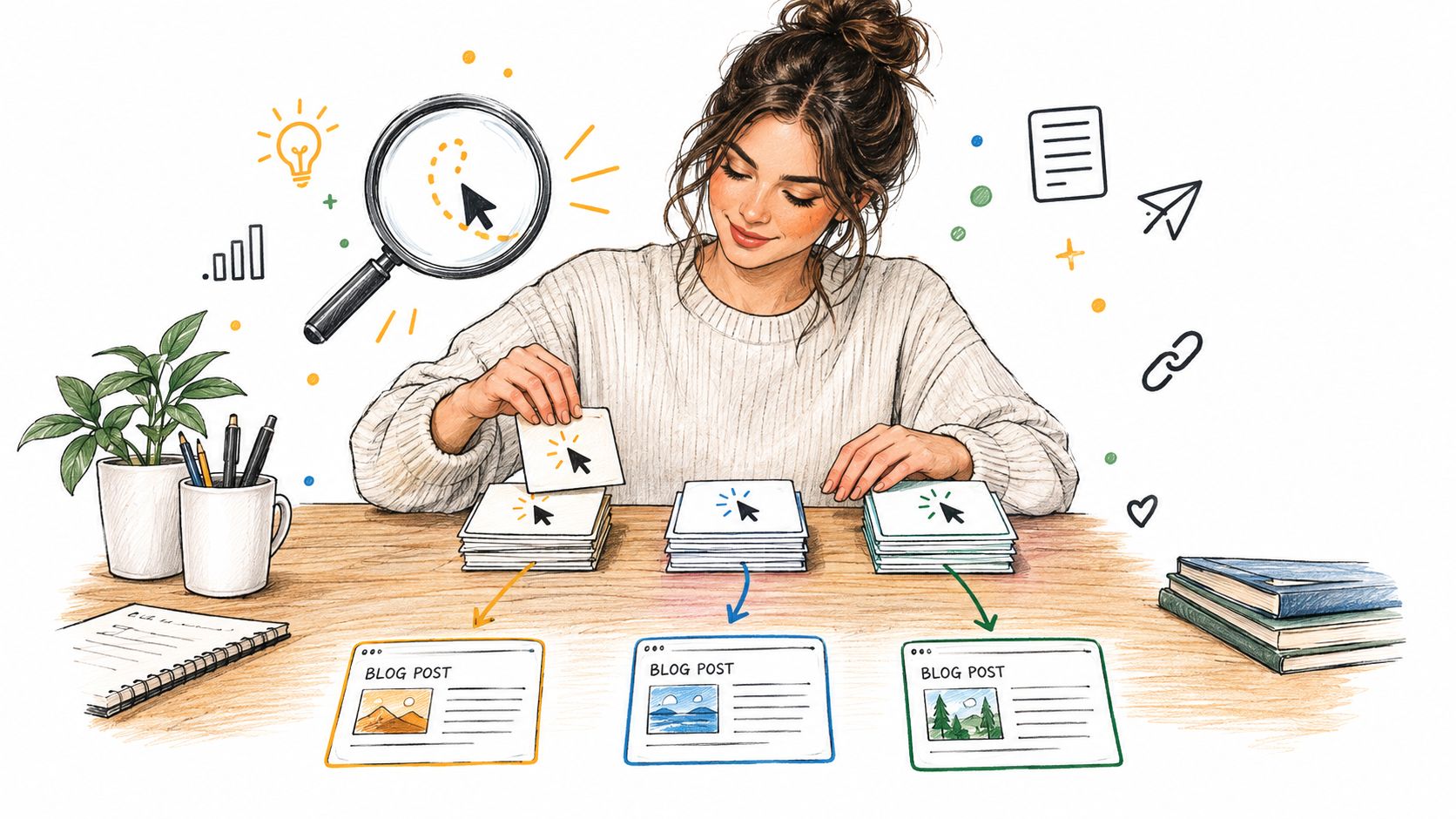
Three signals matter most: the source page that brought the reader in, the topic category of posts they click, and the date of their last click. Tag at signup or first click, so the tags exist before they're needed. The mechanics are explained in the newsletter tag segmentation guide.
One blogger, three topics
Consider a blogger writing about gardening, preserving and small-space growing. Instead of one mixed issue to everyone, readers get tagged by the category they click. A new preserving post goes as a short digest to preserving readers only, while gardening readers hear nothing that week. Fewer emails, more relevant ones.
The post-to-issue pattern stays consistent. A short opening paragraph answers the reader's question, one main link carries the goal, and the subject line promises the specific answer in the post. On VeloCMS, published posts can be sent to newsletter subscribers as campaigns from the same admin used to write the posts, which keeps that pattern in one place.
If a segment hasn't clicked in several issues, send it less, not more.
Production help has limits worth knowing. HubSpot's 2025 survey of newsletter creators on AI use found 28% used AI for brainstorming and 25% for content creation. AI can speed up drafting topic digests, but the blogger's own picks and voice are what readers subscribed for.
Close with the quiet-reader rule. Send inactive segments a short re-engagement issue rather than everything, and remove addresses that stay silent after that.
Metrics That Show an Issue Worked
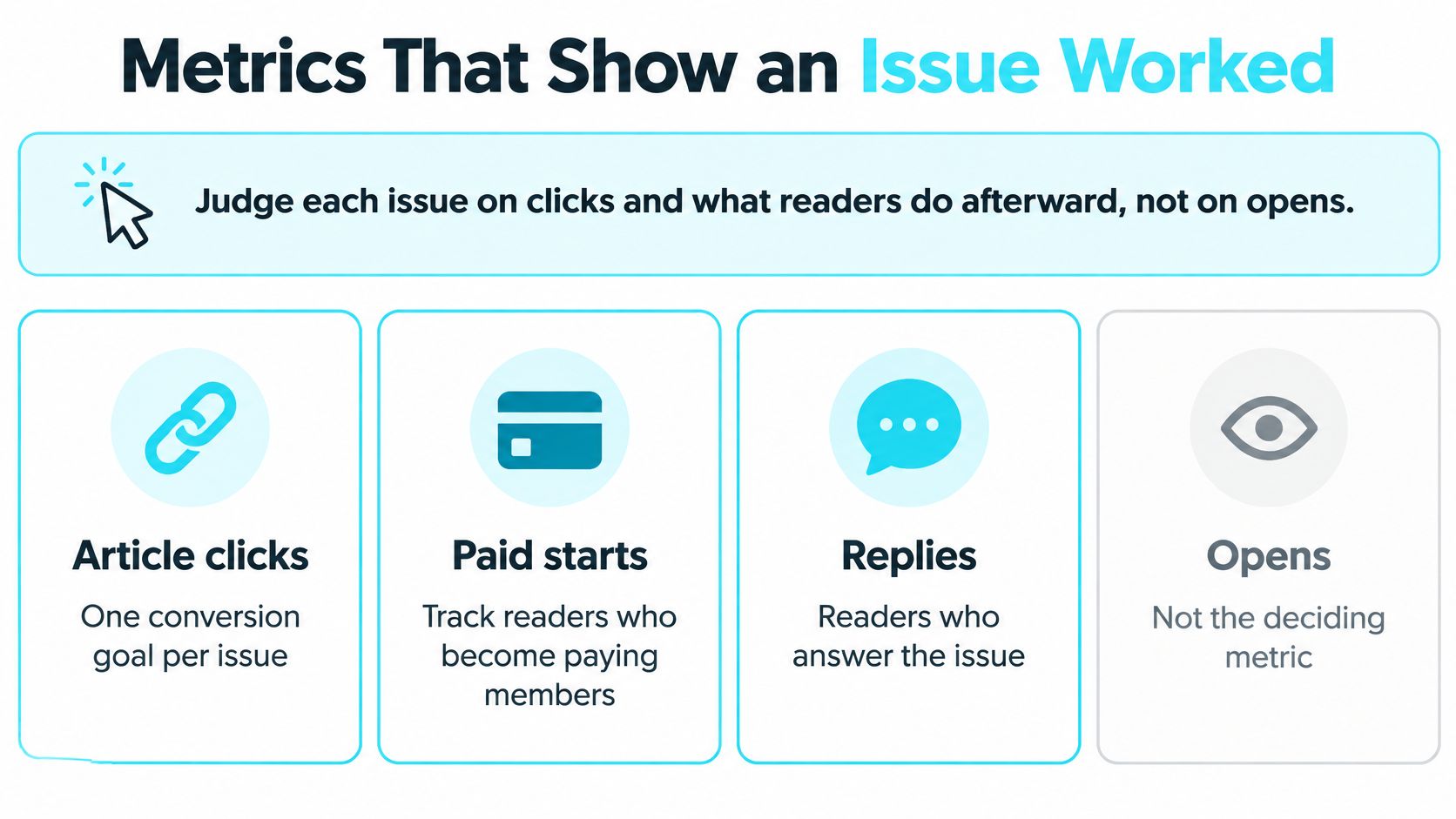
Judge each issue on clicks and what readers do afterward, not on opens. That single shift changes most decisions for the better.
Start with one goal and a baseline
Give each issue one conversion goal, such as article clicks, paid starts or replies. Tag subscribers by source so segments can be compared against each other. Then build a baseline from the last few comparable issues. Your own recent sends are the fairest yardstick available.
For outside context, Mailchimp's campaign benchmarking system compares open, click and unsubscribe performance against peers with similar industry and audience characteristics. That's closer to a blogger's reality than one average across all newsletters, and it supports a measurement-first workflow rather than treating open rate as the headline number.
Test one thing, then wait
Change one variable at a time: subject line, send time, article format or call-to-action placement. Keep a change only when the result holds over the next two or three sends. One good issue can be luck, a holiday or a slow news day.
Opens mislead because privacy features in mail apps register opens that never happened. Use them only to watch trends. Two diagnostic rules cover most problems:
Clicks falling against your own baseline suggest weak fit between content and audience
Unsubscribes jumping after a topic or frequency change suggest readers expected something else
Numbers alone won't explain why readers acted. Pair them with short reader surveys to collect feedback on newsletter content, so a dip in clicks comes with reasons attached.
Common pitfalls repeat across small lists: comparing a personal list with mass-marketing averages, writing subject lines that win curiosity opens but no clicks, and mixing unique clicks with total clicks in the same report.
A workable routine looks like this. A blogger tests two subject lines, keeps the winner only if clicks hold on the next two issues, and records each result in a simple monthly sheet.
Monetizing Without Losing Your Readers
A blogger with a small, engaged list can test revenue without making every issue a sales pitch. Start with a sponsor or an offer of your own on the free list. Save a paywall for later, when readers regularly click and have a clear reason to pay.
Path | Fits when | First test | Main risk |
|---|---|---|---|
Sponsorship | Readers share an interest a sponsor wants to reach | One clearly labeled sponsored issue | A poor-fit sponsor weakens trust |
Affiliate links | Readers ask about products or tools you review | Two tracked links in one post | Undisclosed links damage trust |
Your own product | You have a product suited to the topic | Offer it to an engaged segment | Selling to readers who rarely click |
Paid edition | Readers value reporting or guides enough to pay | Share a free sample, then offer a paid tier | Putting core work behind a paywall too soon |
Membership | Repeat readers want early access or community | Offer early access to one segment | Adding too many tiers too soon |
The market figures support testing sponsorships before assuming readers will pay. InboxReads data on newsletter monetization models reported in late 2025 that 77% of newsletters submitted to its directory were seeking sponsorship or advertising partnerships, while only 2% were paid newsletters and entirely free newsletters rose to 91% of submissions.
Why the hybrid model fits bloggers
Use broadly useful posts to attract readers, then group them by topic or behavior and test a sponsor or product with the readers it suits. A small free audience often cannot support meaningful paid conversions. People who subscribe expect paid work to offer something they cannot get from the free edition. Before committing, bloggers can learn how to start a paid newsletter without Substack.
Keep commercial messages clear. Label sponsored issues, separate sponsor copy from editorial, and disclose affiliate links. That clarity is part of the reader experience, just like a useful subject line or accessible layout.
Consider a travel blogger whose readers focus on one destination. They test a gear affiliate link in an issue sent to that destination's segment. Readers tagged for that place click, while others do not. The result helps the blogger decide which readers may welcome a related offer, rather than sending it to everyone.
Choose one path, define one test, and review the result two issues later. That gives readers room to respond before you expand the offer.
If you want your blog and list in one place, VeloCMS combines publishing, a native newsletter with tag segmentation, and memberships. You can export your posts and subscriber list whenever you want. Start the Pro plan at $9/month, send a test issue to your own inbox, and check that the message is clear and easy to read before offering anything to subscribers.