membership website templates · Nov 02, 2026
Membership Website Templates: 10 Options Compared
How does a publisher pick a membership website template that gates content? The template matters only as much as the membership machinery behind it. A polished layout can't authenticate subscribers, collect recurring payments, or protect premium articles unless the underlying platform or connected s

How does a publisher pick a membership website template that gates content? The template matters only as much as the membership machinery behind it. A polished layout can't authenticate subscribers, collect recurring payments, or protect premium articles unless the underlying platform or connected software handles those jobs.
Membership website templates generally belong to different kinds of setups:
Native memberships: The website platform manages accounts, payments, and restricted content alongside the design.
Builders with add-ons: The template supplies the layout, while a plugin or separate service manages membership access.
Publishing and product platforms: The theme is part of a larger system for newsletters, courses, communities, or video subscriptions.
The options below identify that setup first, then explain the design choices and compromises. VeloCMS and Ghost suit publishing-led memberships; Squarespace, Wix, and Duda combine visual builders with member features; Webflow and MemberPress require more assembly. Kajabi, Podia, and Uscreen put the product experience ahead of a standalone template marketplace.
A subscription storefront also isn't necessarily a gated-content site. Businesses selling recurring physical products should choose a Shopify subscription theme around purchasing and subscription management, rather than assume a member login protects an editorial archive.
The useful comparison isn't which screenshot looks best. It's which setup lets a subscriber join, find the promised material, and manage access without needing help.
Table of Contents
1. VeloCMS Themes
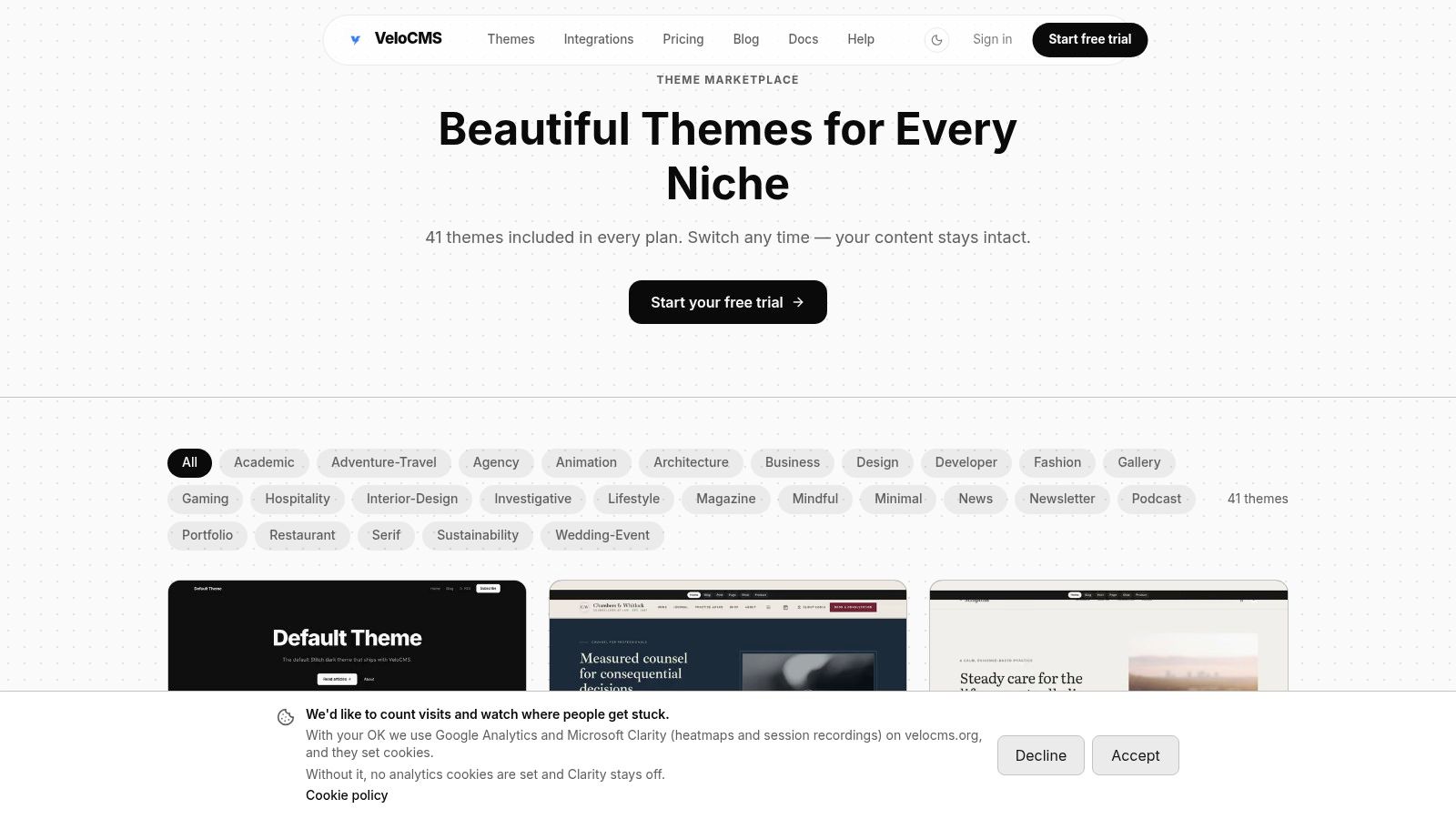
Best fit: writers and small publishing teams that want memberships built into their publishing platform. VeloCMS includes native paid memberships, so a publisher can manage paid content alongside posts and newsletters instead of connecting a separate paywall service.
The theme collection includes editorial, dark, and newsletter-hub styles. Each offers a different starting point for the publication's presentation, while membership access needs its own clear design decisions. A newsletter-led publication may benefit from an archive-focused layout; a specialist blog may need clear category navigation and readable article pages.
Where the template decision matters
Test a theme with representative content rather than placeholder copy. A long essay, an image-heavy post, and a subscriber-only resource can show whether its layout suits the publication and makes paid material easy to find.
Strength: Publishing-focused designs suit blogs, newsletters, and paid editorial archives.
Customization: Adapt the starting design with brand typography, considered navigation, and clear access messages.
Practical rule: A locked article should explain what membership includes before asking readers to pay.
VeloCMS combines themes with publishing, newsletters, memberships, and other site features in one platform. That makes it worth considering when paid access is closely tied to a regular publishing schedule. Its themes are a starting point, not a substitute for checking how readers will move from public posts to member content.
For an existing publication, map public articles, premium articles, and newsletter archives before settling on navigation. The theme should make those content types easy to distinguish. A training business or video-first subscription may need a different kind of design and platform setup than a publication centered on articles and newsletters.
The VeloCMS Themes marketplace is one part of that decision. Choose a layout based on how members will use the site, not just how its preview looks.
2. Squarespace
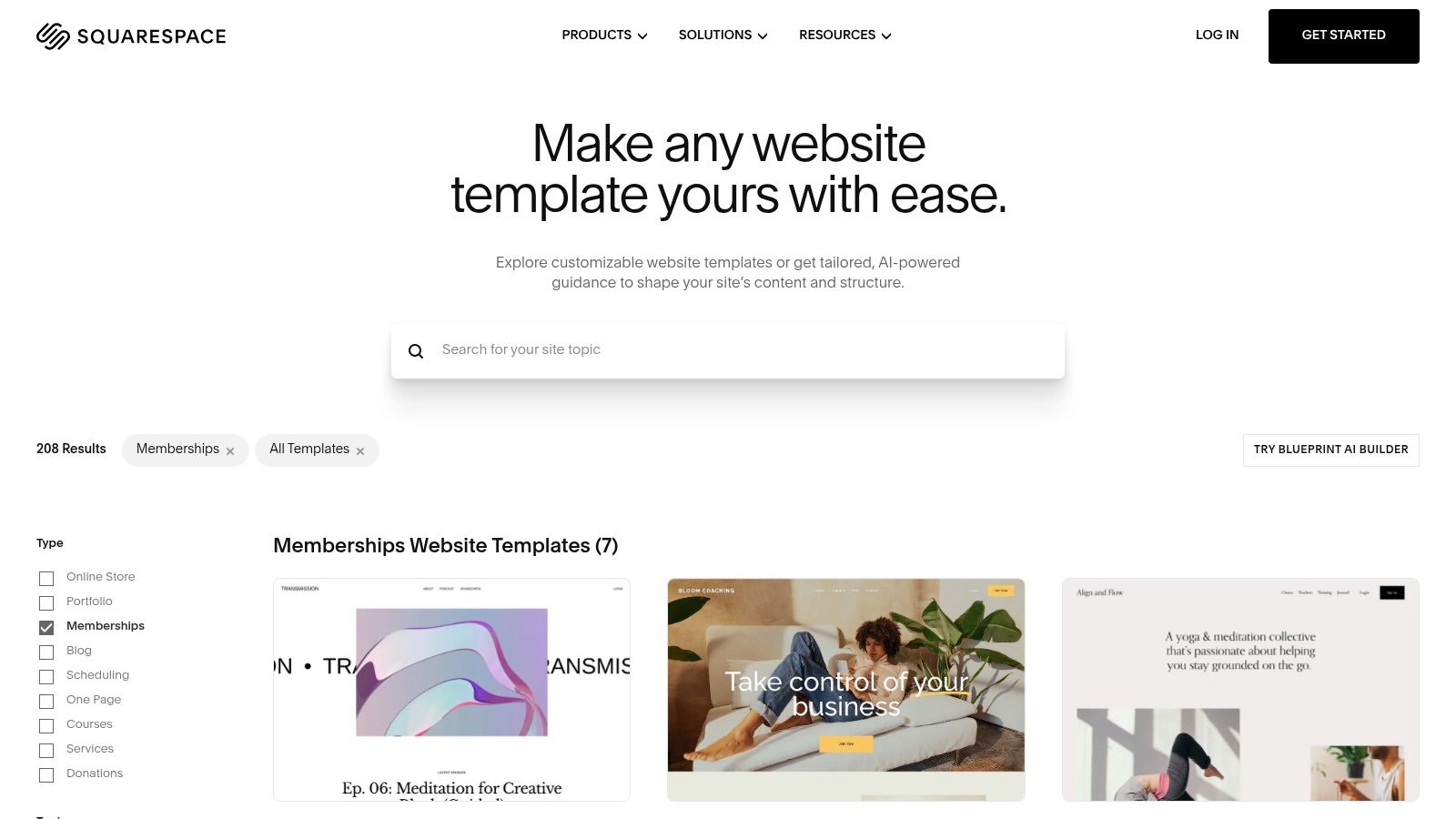
A yoga instructor selling a resource library needs a different homepage from a professional association. Squarespace's membership templates provide starting designs such as Transmission, Bloom, Alignflow, and Comet, with layouts suited to different businesses.
The membership model is platform-managed. Member Sites handles gated areas and access plans, while the site editor handles fonts, colors, imagery, and page composition. Access can be free, subscription-based, or fixed-price.
That makes Squarespace a reasonable choice for a small business that wants its public website and paid resources in the same ecosystem. It's less convincing when the main requirement is a complex member community or highly specific access rules.
What deserves testing
The public sales page is only part of the experience. Publishers should test the transition from a benefits page to registration, payment, and the actual member library.
Works well for: A polished business website with a clearly defined paid area.
Falls short when: Members need elaborate profiles, community functions, or unusual entitlement rules.
Cost consideration: Selling memberships requires a paid website plan, and payment terms need to match the intended billing model.
Template styling won't resolve confusing membership packaging. A concise benefits page and obvious member navigation usually matter more than another homepage section.
3. Wix
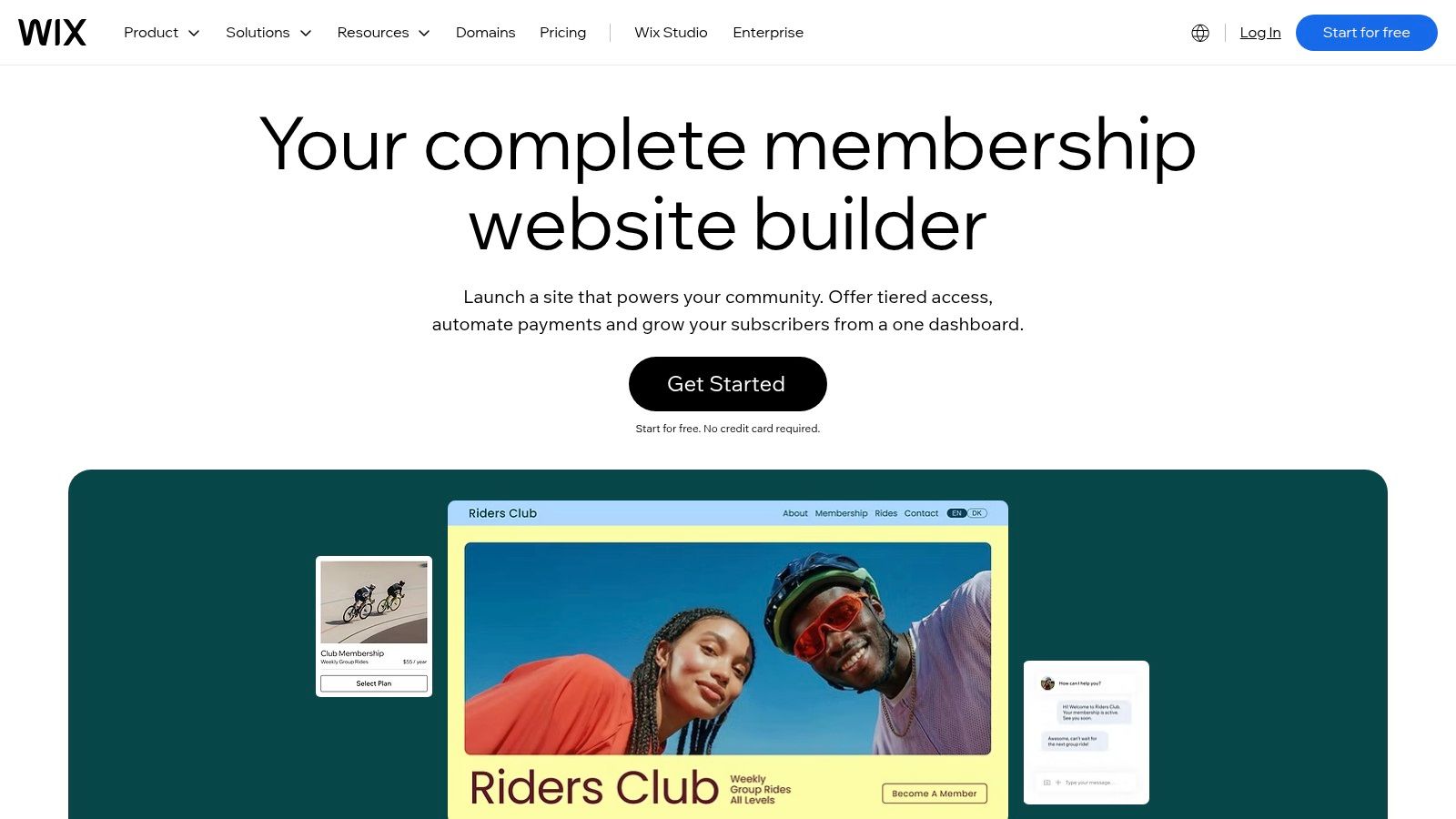
Wix suits a business website that happens to include memberships, rather than a publication built entirely around a paid archive. Its visual editor combines flexible page design with member areas, payment options, and other business tools.
The Wix membership builder supports member login areas and content access, with recurring monthly or yearly billing. Payment-provider and customer-management integrations sit alongside those features.
The flexibility is useful for businesses combining services, events, and resources. The trade-off is setup complexity: a publisher must decide which tools are necessary instead of enabling every available feature.
Design advantage: Drag-and-drop editing gives nontechnical owners control over page composition.
Trial advantage: The free builder option allows exploration before a payment-capable plan is selected.
Commercial limitation: Paid membership access and payment collection require an appropriate paid plan.
A practical test is to create a public article, a restricted resource, and a member account, then follow the path between them on a phone. Navigation that looks obvious inside the editor may be less clear after login.
Existing Wix publishers should assess migration separately from redesign. This guide to moving a Wix blog without downloading a backup addresses that planning step before a platform change becomes a template-shopping exercise.
4. Webflow
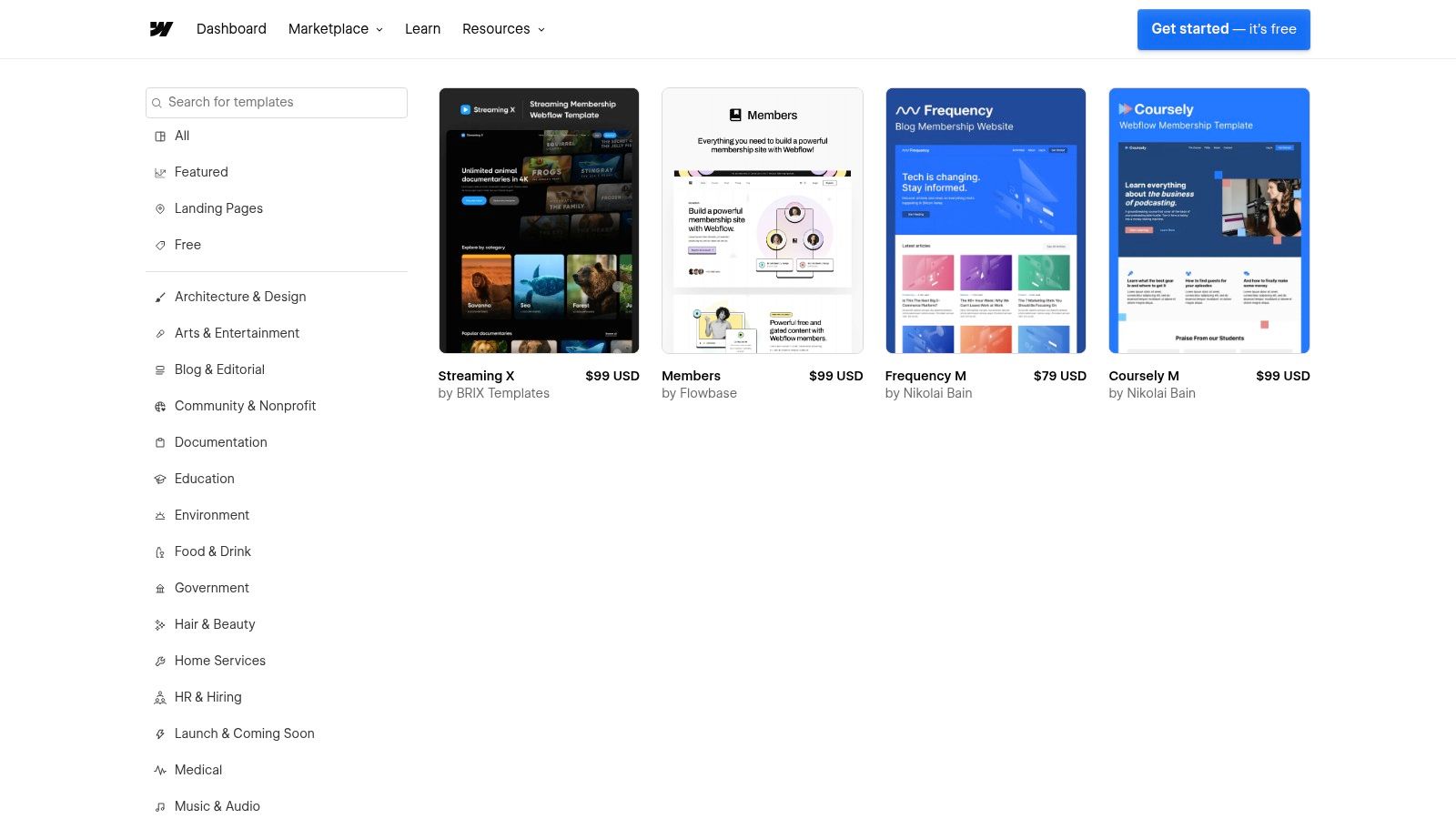
A membership label in a template marketplace doesn't guarantee a working membership system. That distinction is especially important with Webflow's membership-tagged templates.
Webflow offers detailed visual control, CMS collections, responsive layout tools, and community-made cloneable projects. However, its native User Accounts functionality has been sunset, so current membership projects commonly need an external service for authentication and access management.
This is the separate-service model. The designer controls presentation in Webflow while another provider handles member identity, billing, or entitlements.
A membership-shaped layout is a design asset, not proof that premium content is protected.
What the extra control costs
Webflow fits a designer or small agency that needs a distinctive content structure and accepts integration work. It's less suitable for a writer who mainly needs to publish, send newsletters, and collect subscriptions.
Budgeting should include the template, hosting, and membership service rather than treating the template purchase as the complete setup. Someone must also own testing whenever the design or integration changes.
Performance needs measurement too: Google's Core Web Vitals guidance defines good Largest Contentful Paint as within 2.5 seconds of loading.
That isn't a promise any template can make independently. Heavy imagery, animation, scripts, and authenticated-page behavior all deserve testing on the finished site.
5. Kajabi
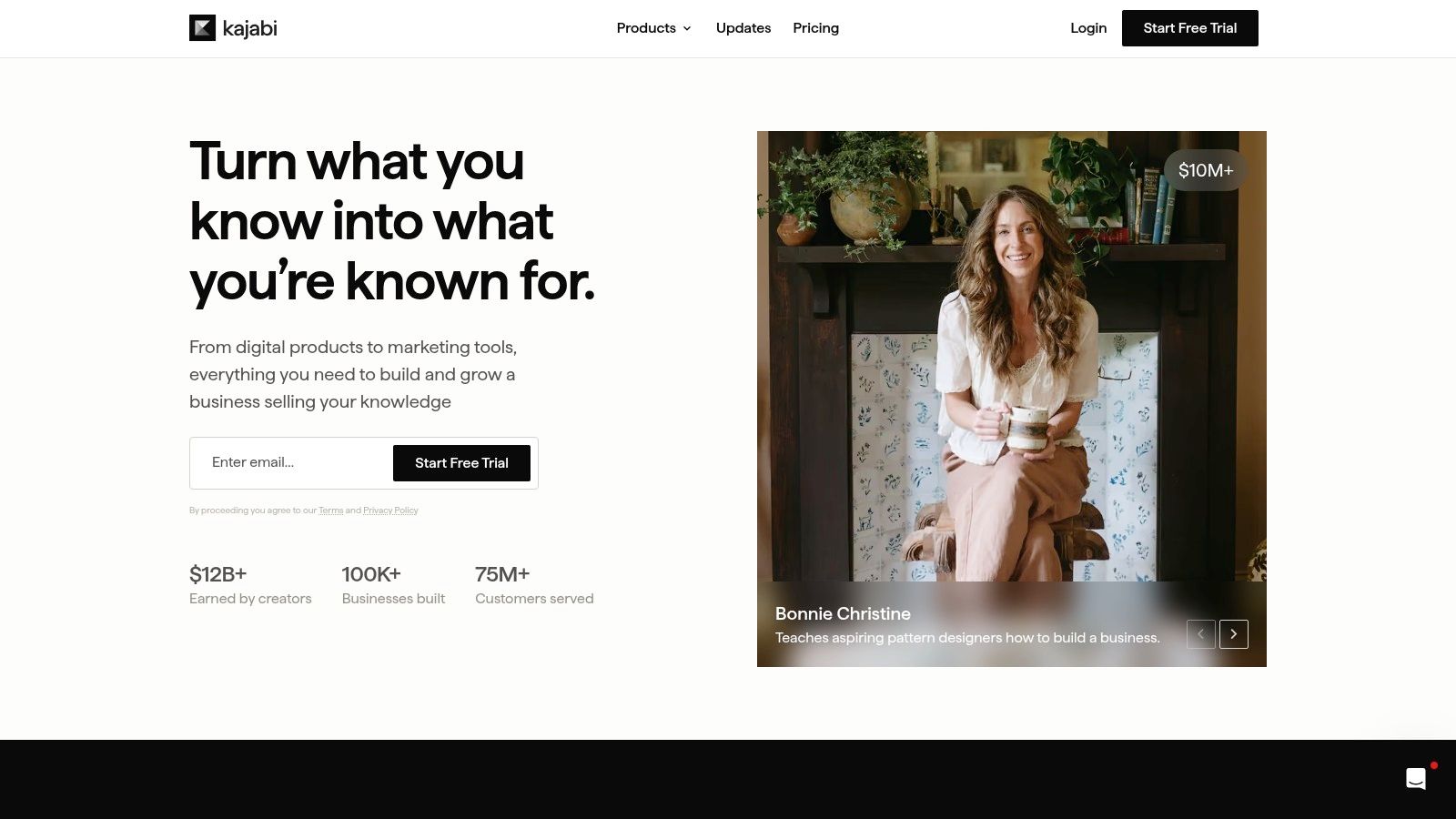
Kajabi makes more sense when the membership sells structured learning than when it merely offers blog posts. Its templates sit inside a platform built around courses, digital products, and creator monetization.
Kajabi provides website and landing-page templates. Membership and course tools belong to the broader platform, rather than arriving through a separate website plugin.
The practical benefit is consistency. A course business can keep its marketing pages and member-facing entry points within the same system instead of coordinating unrelated tools.
Included design versus purchased design
Kajabi supplies its own templates with the platform, while outside designers sell additional options. A third-party template may improve presentation, but it doesn't replace the platform subscription or the work of organizing the learning experience.
Strong fit: A creator selling courses alongside an ongoing paid program.
Main trade-off: The platform commitment is larger than a standalone theme purchase.
Redesign caution: Changing the live website template doesn't automatically transfer every custom page.
Before buying an external design, the business should identify which pages it needs. A persuasive sales page won't compensate for a confusing course library, and an elaborate homepage isn't necessary for every paid learning program.
6. Podia
Podia approaches membership design as part of an integrated creator website. It combines website, blog, and landing-page tools with products such as courses, downloads, coaching, events, and community offerings.
There isn't the same independent template-shopping experience found in a large theme marketplace. The decision is whether Podia's builder suits the business, not whether a particular theme can be attached to an unrelated membership engine.
For an independent creator selling a resource library alongside coaching, that consolidation can be practical. Product pages, checkout, and membership access can stay within the same service.
Useful consolidation: A website and common creator products share a platform.
Design compromise: Detailed control is narrower than in a custom Webflow or WordPress build.
Budget check: Subscription and transaction-fee terms should be evaluated against the actual product mix.
Test the product journey
A meaningful trial should include a sample download or course, not just a homepage. The creator should check how customers discover it, purchase access, and return later.
Podia supports several currencies, although each account sells in one selected currency at a time, and the service also lists migration help and customer support. Those operational details deserve attention alongside appearance.
Podia is a sensible shortlist candidate when simpler operation matters more than a distinctive page structure. It's less appealing when a business already has detailed design specifications that the builder would need to reproduce exactly.
7. MemberPress
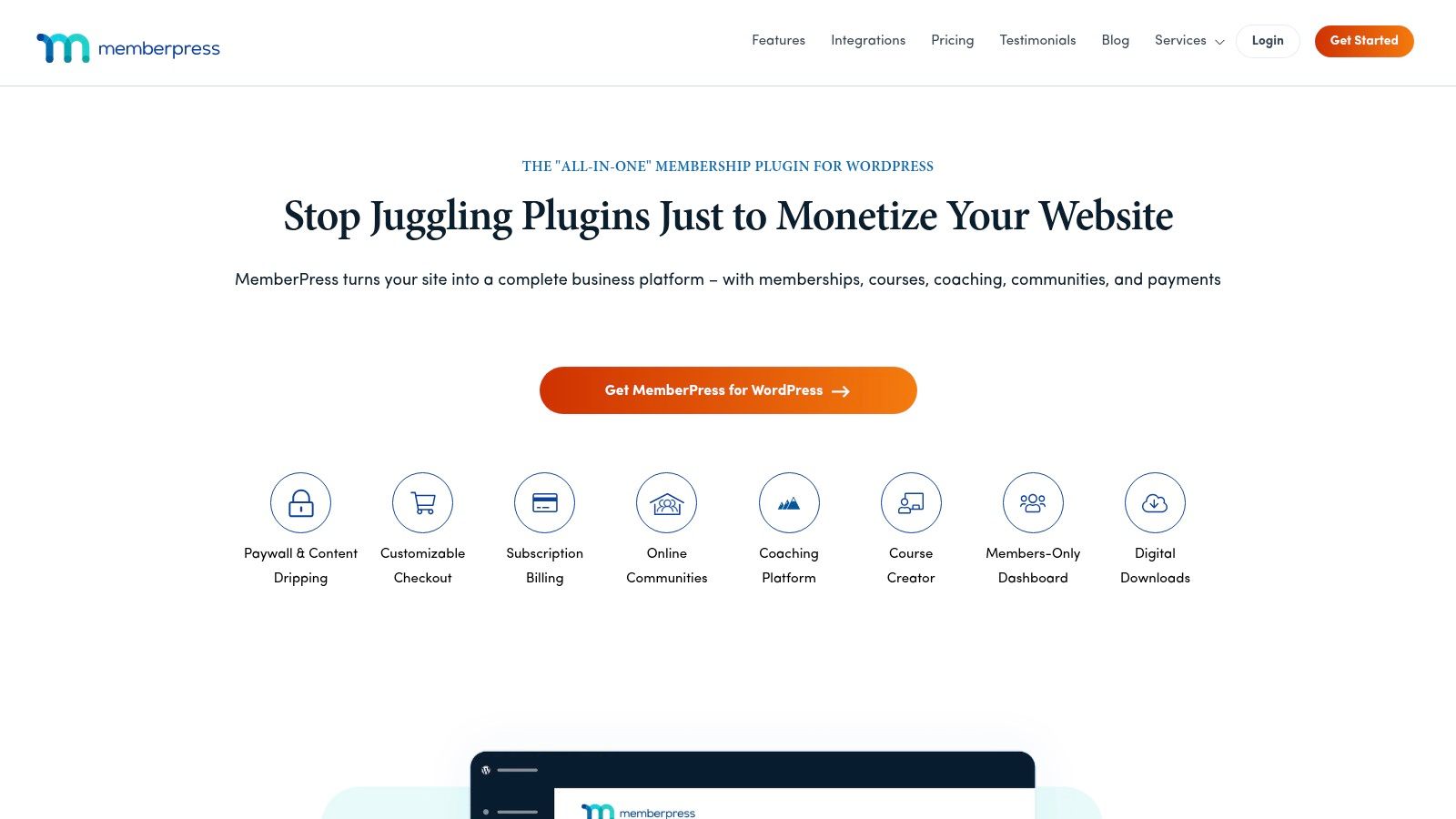
MemberPress isn't a website-template provider. It's a WordPress membership plugin that adds registration, subscriptions, and restricted content to a site using a compatible theme.
That makes MemberPress relevant when the existing WordPress design should stay, or when a publisher needs the wider WordPress theme ecosystem. Its predesigned ReadyLaunch pages for pricing, registration, and account screens help connect the design to account functions.
The important advantage is separation: the publisher can choose the theme and membership software independently. The corresponding responsibility is maintaining hosting, plugin updates, theme compatibility, and payment integrations.
Where the flexibility earns its keep
A specialist publication with different access groups may justify this approach. A straightforward paid newsletter may not need the extra administration.
Design freedom: The site owner can choose a suitable WordPress theme.
Maintenance burden: Hosting, theme, and plugin problems remain the owner's responsibility.
Fee distinction: MemberPress advertises 0% transaction fees on its Growth and Scale plans, which still leaves licensing, hosting, and payment-processing costs.
BuiltWith's membership-management census treats detectable plugin installations as adoption signals, not a complete market count. Compatibility still needs testing on the actual site.
A useful planning exercise is to map how a blog becomes a membership site, including registration, protected archives, and expired-member access, before selecting the theme.
8. Ghost
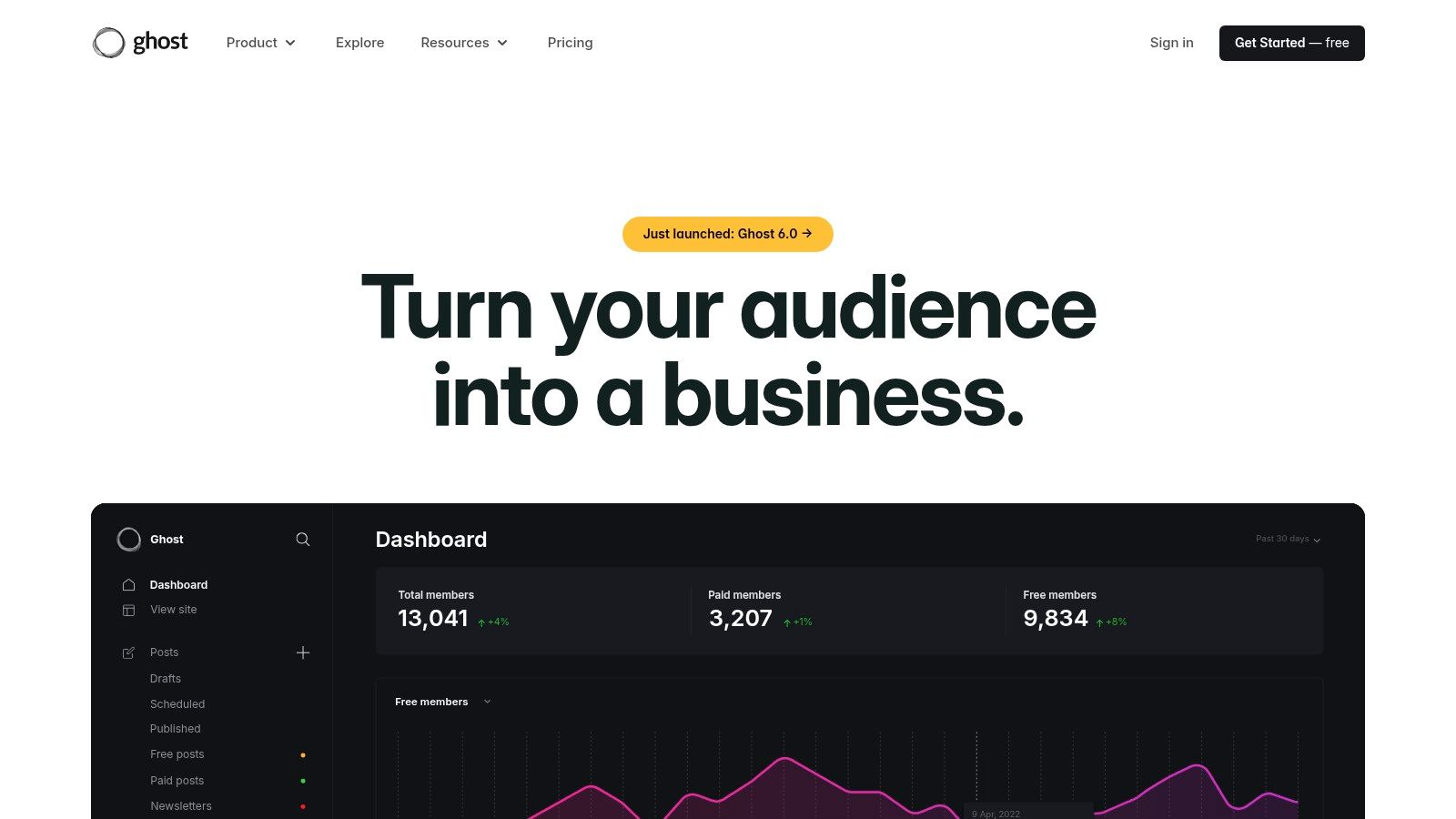
For a writer selling access to articles and newsletters, Ghost keeps membership close to publishing. Its themes present the publication, while native member functionality handles signup and paid subscriptions.
Ghost supports monthly and yearly membership tiers. Its Portal supplies member signup and account flows across themes, so a publisher doesn't necessarily need to edit theme files to add those entry points.
This is a different proposition from buying a course template or assembling a WordPress plugin stack. The publication remains the main product.
Design check: A strong publication theme makes the archive useful after signup, not merely attractive before it.
Choose for reading, not only subscribing
Theme evaluation should focus on article typography, category navigation, newsletter archives, and the distinction between public and premium content. A large promotional homepage may be less useful than clear routes into the latest work.
Ghost isn't a broad visual builder with unlimited layout freedom. Customization depends on the selected theme and the publisher's technical skills, while hosting responsibilities differ between self-hosted and managed setups.
Writers comparing publication businesses can also review Substack, Ghost, and beehiiv revenue considerations. The practical question is whether the chosen setup supports the publication's paid offer without unnecessary design or administrative work.
9. Duda
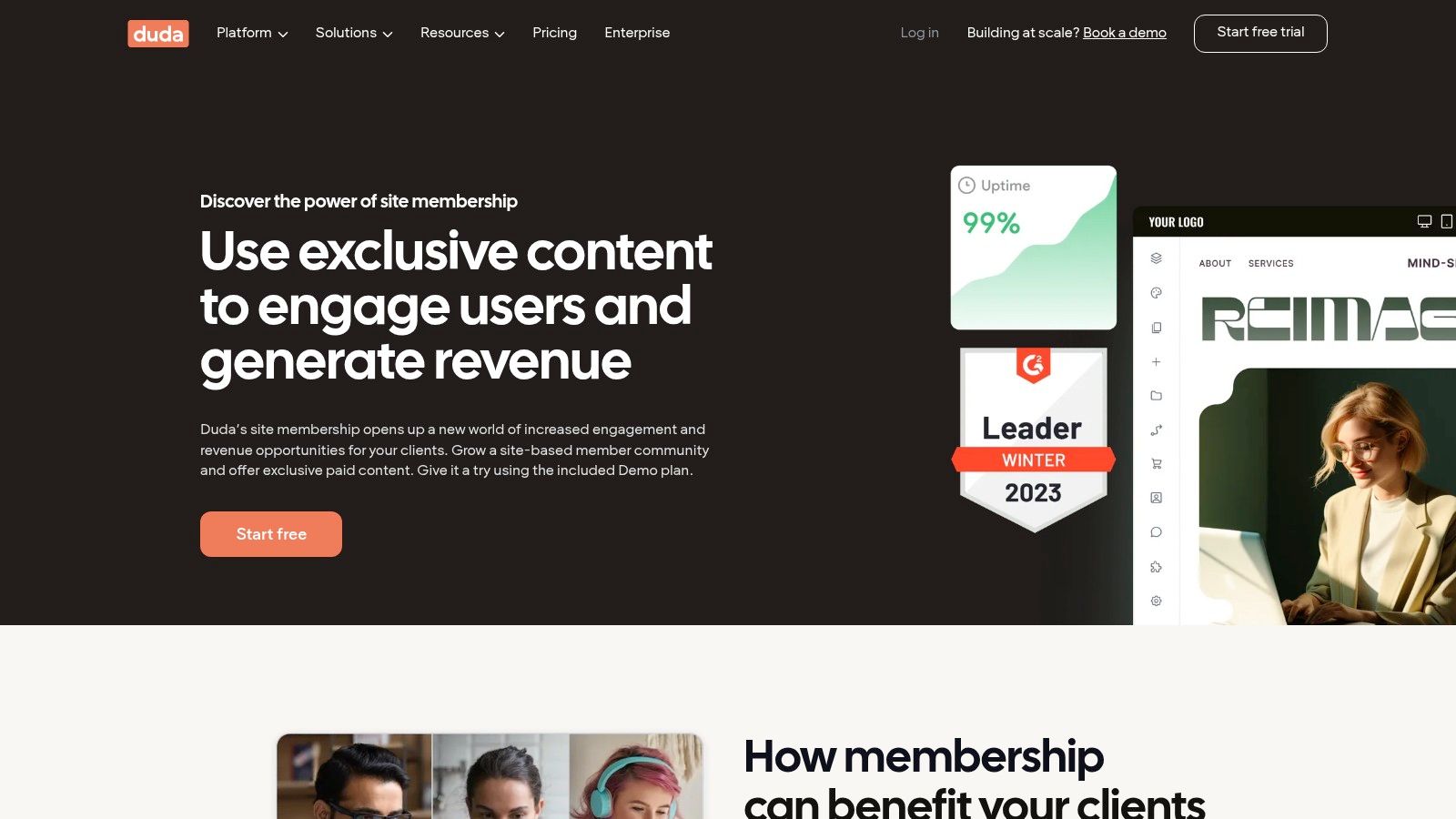
An agency building membership areas for several client businesses has different needs from an independent newsletter writer. Duda combines a visual builder with membership capabilities and agency-oriented site management.
Its membership features work with Duda templates, including members-only pages and branded signup and login flows. Paid access uses the relevant membership offering and a connected payment gateway, with recurring billing through Stripe.
The appeal is continuity: an agency can add membership functionality without introducing a different theme system. Client-management tools and higher-plan white-label options also matter when someone else will eventually maintain the site.
Agency advantage: Design and client-site management belong to the same working environment.
Access option: A free membership option supports testing or simple access control.
Paid-access requirement: Recurring paid memberships need the appropriate plan and payment connection.
Check the protected material
A builder should check Duda's support documentation for the exact page and media types that membership protection covers before promising a client a private document or video library.
A hidden navigation item isn't the same as protected content. Testing should include direct page visits and direct media URLs while logged out.
Duda is a practical agency shortlist option. Its agency emphasis may be less valuable to a solo publisher whose main concerns are writing, newsletters, and a simple paid archive.
10. Uscreen
Uscreen is for memberships whose main product is video. Fitness instructors, video educators, and media businesses should assess it as a managed video-subscription platform, not a general blog template library.
Uscreen provides a branded video catalog and membership storefront.
The broader platform includes subscriptions, analytics, and marketing automations. Listed plans also offer native livestreaming and gated Zoom links, while higher-tier offerings include mobile apps.
The catalog matters more than the homepage
A video membership needs useful categories, clear thumbnails, and an obvious route back to unfinished or relevant material. A visually impressive landing page can't compensate for a difficult content library.
Strong fit: A paid video catalog with ongoing releases or live sessions.
Poor fit: A text-first publication that only occasionally embeds a video.
Cost caution: Platform charges, subscriber fees, and transaction terms need assessment together.
Before committing, check how a design change on Uscreen affects existing content and subscriber accounts. That separation matters for an established catalog.
Its pricing sits above entry-level website builders, so a small publisher should establish why it needs a dedicated video platform. Buying a full video stack for an ordinary paid blog creates unnecessary expense and administration.
Membership Website Templates Compared
Template appearance is only one part of choosing a membership site. The setup behind it matters: memberships may be built into the platform, added through a plugin, or handled by a separate service. That choice affects how many tools you need to manage alongside the design.
Platform | Membership Approach | Template Options | Best For |
|---|---|---|---|
VeloCMS Themes | Native paid memberships | 41 customizable reader themes | Creators combining publishing, newsletters, and memberships |
Squarespace | Member Sites with free, recurring, or fixed-price access | Membership-focused templates | Creators and small businesses prioritizing ease of use and visual design |
Wix | Member areas with recurring monthly or yearly billing | Large template library with drag-and-drop editing | Users seeking a flexible, all-purpose visual site builder |
Webflow | Often requires a third-party membership service | Paid and free marketplace templates | Users wanting detailed design and site-structure control |
Kajabi | Built-in membership and course tools | Website and landing-page templates, plus third-party options | Course creators and digital-product businesses |
Podia | Memberships integrated with creator products and community | Built-in site builder; limited independent template options | Independent creators seeking an all-in-one platform |
MemberPress | WordPress plugin for subscriptions and restricted content | Use a WordPress theme; some membership-page templates | WordPress site owners needing dedicated membership tools |
Ghost | Native member sign-up and paid subscriptions | Choose or customize a Ghost theme | Writers, publications, and newsletter publishers |
Duda | Members-only pages with optional paid access | Templates work with Duda membership features | Agencies and web professionals managing client sites |
Uscreen | Paid video subscriptions and membership community | Branded video storefront | Video creators, fitness instructors, and media businesses |
For a publishing-led membership, VeloCMS and Ghost include native memberships. Squarespace offers more limited membership features; Wix, Kajabi, Podia, and Uscreen combine memberships with broader site or creator tools. Webflow commonly relies on a separate membership service, while MemberPress adds subscription and access controls to a WordPress site.
Use the table to compare the operating setup as well as the template. A polished design may still require separate services or plugins to manage paid access. Those extra tools can add setup and ongoing administration, while an integrated membership approach keeps more of the site's work in one platform.
Matching the Template to Your Membership Model
What happens after a reader clicks “join” matters more than how a template looks. For a content-first membership, native tools in VeloCMS or Ghost keep publishing and access management together. Webflow paired with a separate membership service offers more design control, while WordPress with MemberPress adds a plugin and its ongoing maintenance. The right fit depends on whether you prioritize a simple publishing workflow or detailed control over the site.
Kajabi suits structured courses and creator programs. Uscreen focuses on video libraries and subscription broadcasting. Squarespace, Wix, Podia, and Duda serve different combinations of business websites, creator products, and client work. Grouping options by how they handle membership makes the trade-offs clearer than comparing screenshots alone.
Compare the complete operating setup
VeloCMS includes all 41 built-in themes on every plan, along with native paid memberships, newsletters, and publishing tools. The theme library shows available design starting points. Paid plans begin with a 14-day free trial; there is no free plan, and membership revenue has a 0% platform fee, though Stripe processing fees still apply.
Compare the whole operating setup, not just platform fees. Hosting, external membership services, purchased templates, email tools, and maintenance all affect cost and workload. A separate membership service may add flexibility, but it also means another service to configure and manage.
Accessibility should be part of the comparison. W3C's accessibility guidance announcement emphasizes access for people with a broad range of disabilities. Test the practical steps members rely on: logging in, paying, and managing an account.
Trial a real membership journey
Use representative content and account states in a trial. A blank demo may not show what happens when someone pays and tries to access a resource.
Publish representative content: Add a public article, a premium article, and a protected resource.
Test account states: Check access for logged-out, active, and expired members, including through direct URLs.
Complete the payment journey: Review pricing explanations, renewal wording, confirmation messages, and account controls.
Use a phone and keyboard: Check labels, visible focus, error recovery, readable layouts, and post-login navigation.
Test the exit: Export content and audience records, then open the files to confirm they are usable.
Test exports before committing, including content, media, authors, categories, and redirects. For a membership business, check that member and subscriber records are included too.
Choose the setup a small team can operate confidently after launch, not the one with the most persuasive demo. VeloCMS combines blogging, newsletters, paid memberships, and themes in one publishing platform. Visit VeloCMS to explore its designs and try a gated-content journey during a paid-plan trial.