membership site platform · Oct 28, 2026
10 Membership Site Platform Options Compared for 2026
Compare 10 membership site platform options on access control, payment fees, content gating, community features, and pricing. Honest limits included.

Which membership site platform fits a paywall when the main challenge isn't collecting payment, but delivering the right access without making the member experience harder than it needs to be? Most small membership sites need one hosted tool that takes payments, restricts content, and sends email. Whether the right fit is a site builder, newsletter platform, or community space depends on what members pay for: articles, newsletters, downloads, courses, or conversation. This roundup compares ten options by access controls, payment handling, content gating, community tools, and fees, with the trade-offs that matter when choosing a platform. For coaches, the right setup also depends on how the membership offer supports their services and client journey, as these coaching membership site strategies illustrate.
A simple paywall can be enough for a paid blog or newsletter. A course library may need structured lessons and product bundles, while a member-led group needs discussion spaces and events. The best choice is the platform that supports the paid promise without requiring members to juggle tools or the publisher to maintain a fragile stack.
Table of Contents
- 1. VeloCMS
- 2. Ghost
- 3. Podia
- 4. beehiiv
- 5. Substack
- 6. Memberful
- 7. MemberPress
- 8. Patreon
- 9. Circle
- 10. Mighty Networks
- Platform fees, published starting prices, and best-fit use cases
- Match the Platform to How Your Members Pay and Engage
1. VeloCMS
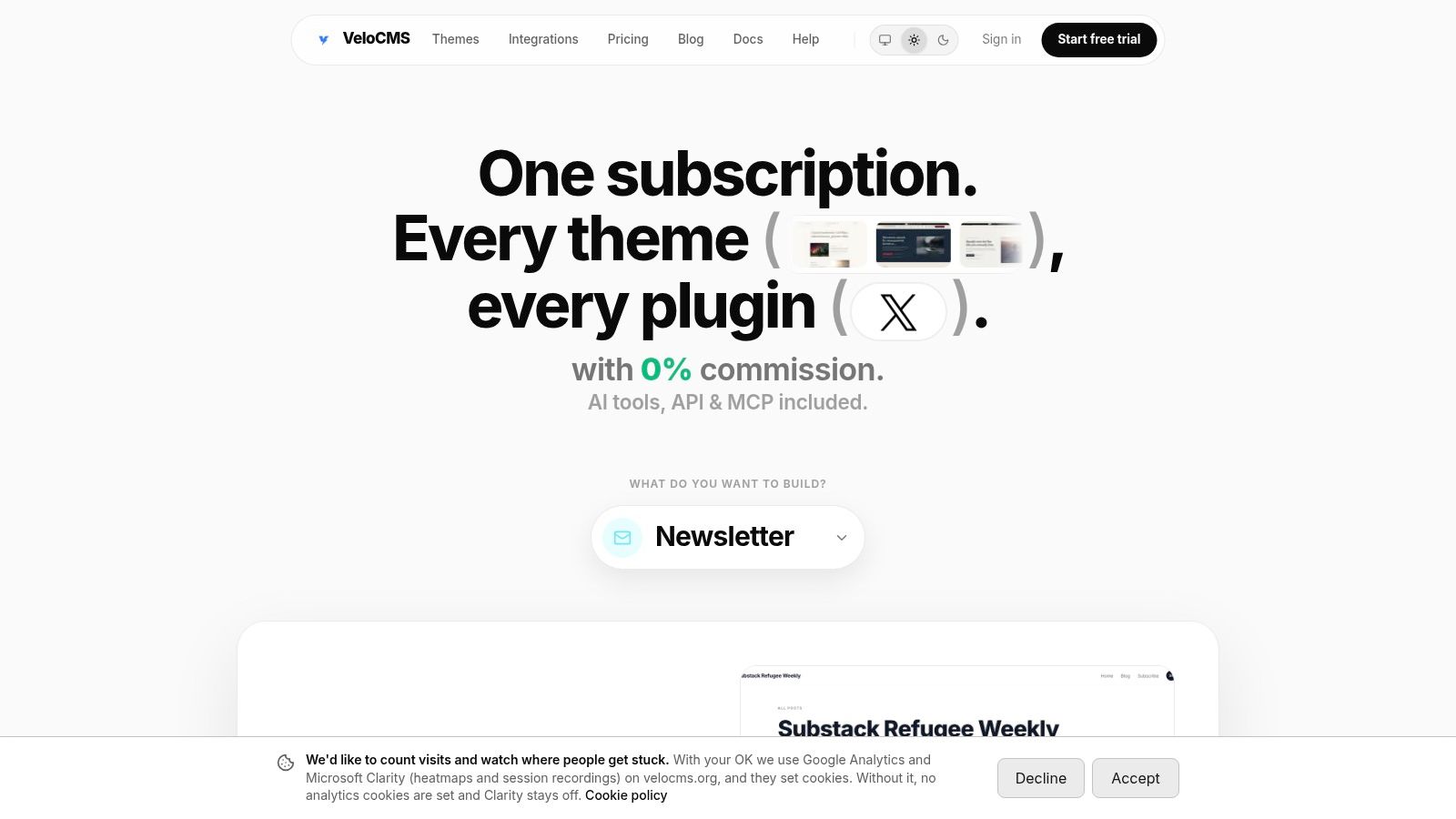
VeloCMS is the strongest fit for a publisher who wants a branded site, newsletter, and paywall in one system rather than a collection of plugins. It offers native paid memberships and restricts posts to free or paid members. A creator can also sell paywalled posts, paid newsletter tiers, and digital products through a connected Stripe account, with 0% VeloCMS platform commission. Stripe processing fees still apply.
Access controls can match a straightforward publication model: members pay for gated posts, newsletters can be segmented by tag, and private PDF, audio, or video files can be published for members. Plans also include API access, so a developer can build custom delivery on top of the site. That gives it more flexibility than a creator page, though custom work requires technical setup.
Practical rule: Keep public previews public. A useful teaser can explain what a paid article covers without giving away the full member-only content.
The platform combines a block editor, AI-assisted SEO tools, native email delivery, commerce, themes, integrations, and data export. This reduces the need to coordinate separate CMS, newsletter, and paywall subscriptions, but it also means the publisher is choosing an all-in-one system instead of a specialized community product. Its included themes and integrations support brand customization, while portable Markdown and JSON exports help reduce migration risk.
VeloCMS has no free plan. The Pro plan costs $9 per month and includes one site, memberships, newsletter features, and other publishing tools. Every plan starts with a 14-day free trial. That makes it worth evaluating for blogs and small business sites that want native access controls, but less suitable if the core product is member-to-member discussion.
2. Ghost
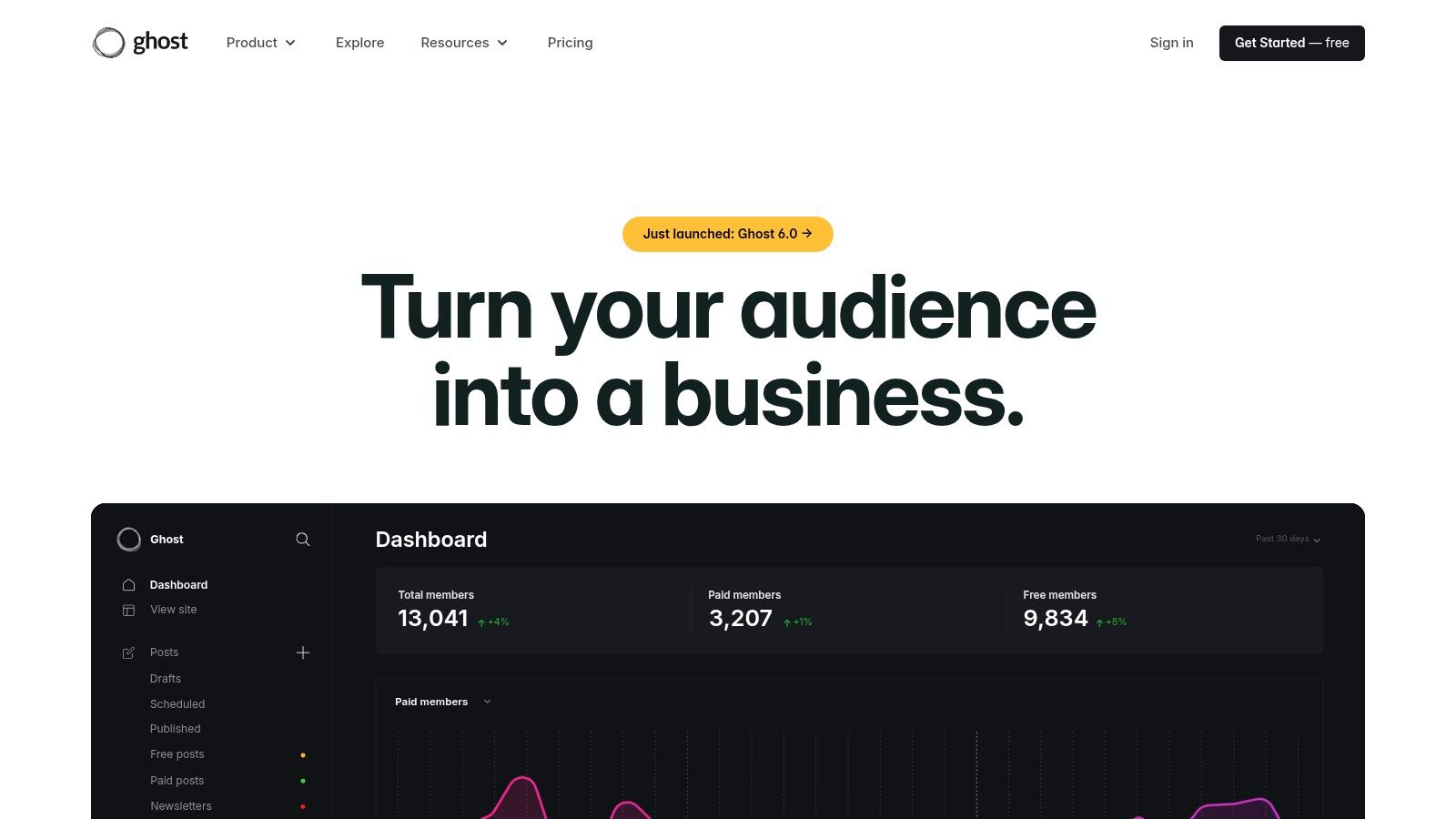
Ghost works well when the membership is a publication: articles and newsletters are the product, and community features are secondary. The open-source publishing platform combines a branded website, email newsletters, and free or paid memberships. Publishers can set different access levels for content, so the paywall can sit directly in the publication rather than in a separate fan-support page.
Ghost charges 0% platform transaction fees on subscription revenue, although payment processing fees still apply. The trade-off is hosting and maintenance. Ghost can be self-hosted, which gives technically capable publishers more control, but they must manage the server and updates. Ghost(Pro) handles hosting, though its plans have member limits. Current terms should be compared with the publication's expected audience size.
A publication-first platform is a better fit when readers arrive for the archive and email. A community-first platform is better when members pay to participate.
Ghost is less suited to businesses whose main offer is a structured course or highly interactive member group. Additional integrations or development may be needed for workflows beyond publishing and subscriptions. For a closer look at the trade-offs between newsletter-led publishing tools, see this comparison of Substack, Ghost, and beehiiv revenue models.
Choose Ghost when a publisher wants a publication on its own site, with native memberships and a route to self-hosting. It is not the lightest option for someone who wants no technical responsibility at all.
3. Podia
Podia suits a creator who sells more than a subscription. Its website, email marketing, courses, digital products, and community features can support a business that bundles a paid membership with a course or download. A creator can charge for community access and sell products alongside it, keeping related offers in one storefront.
The main trade-off is that Podia's membership controls sit inside a broader creator-commerce platform. That breadth is useful if members expect lessons, downloads, or product bundles. It can be unnecessary for a writer whose only paid offer is a gated archive, and it may not provide the detailed permissions or site behavior a complex membership requires.
- Bundled offers: Courses, digital products, and memberships can be sold together.
- Email and website: Common creator-business tools are available in the same platform.
- Plan terms: Product limits, email subscriber allowances, and transaction fees vary by paid plan.
Migration assistance is available on eligible paid plans, which may help a creator move an existing product catalog. The platform is less publication-centric than Ghost, so a blog-led business should test whether the editing and archive experience suits its publishing cadence. Compare how a member discovers an article, buys access, and returns to a course before committing.
Podia is a practical choice when the membership is one part of a digital-product business. If the membership depends on a customized site or complex access rules, a dedicated CMS or membership tool may be a better fit.
4. beehiiv
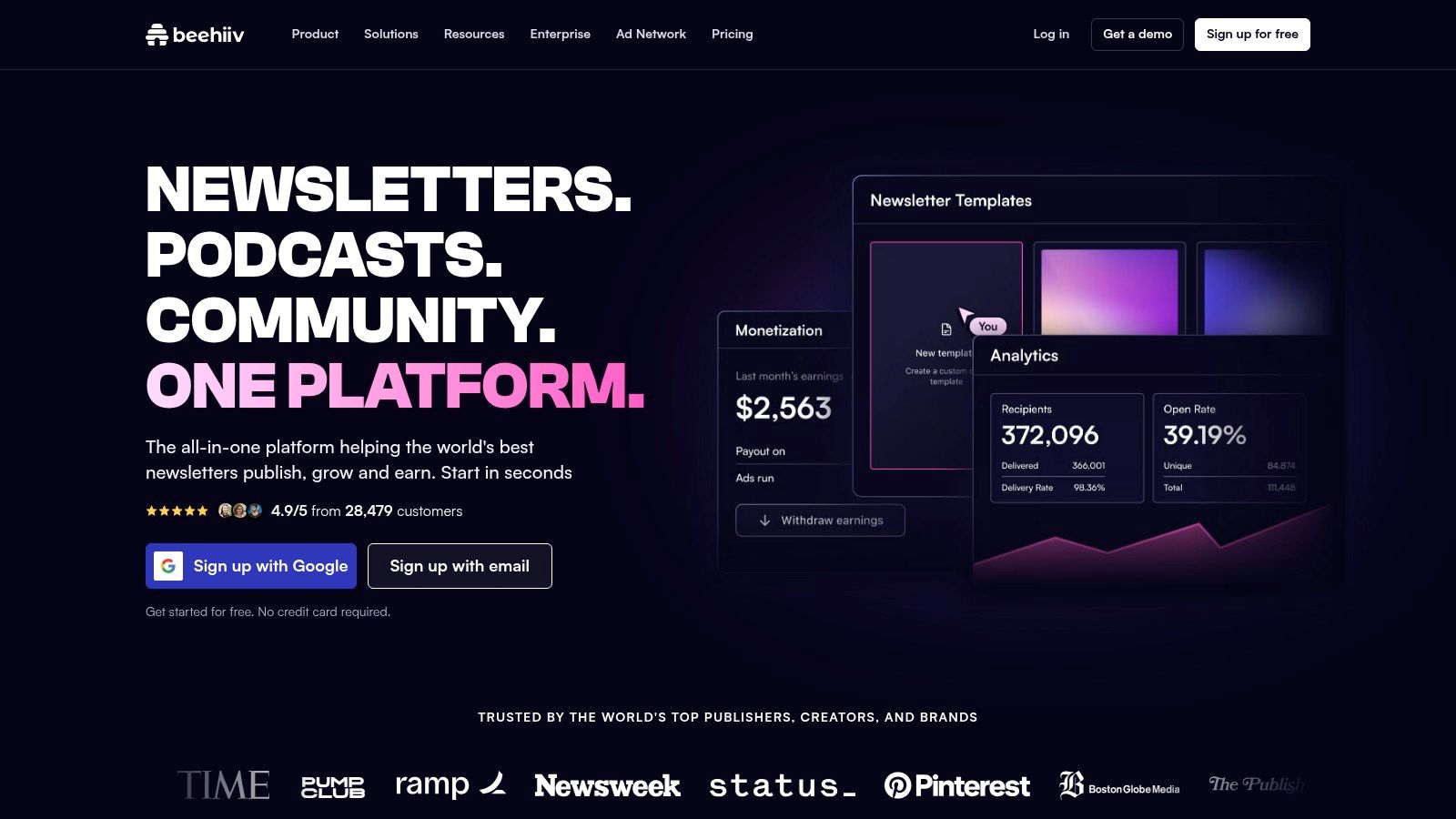
beehiiv is built for publishers whose paid product is primarily a newsletter. It combines newsletter publishing with a hosted website, landing pages, audience analytics, and paid subscriptions on eligible plans. That makes it easier to deliver paid email editions without stitching together separate newsletter and membership tools.
Its access model is strongest around email subscriptions and newsletter content. It is less suitable for a business that needs a large, browsable library of gated web pages or several distinct types of member-only content. Advertising and recommendation-based growth tools give publishers other ways to monetize and grow, but those features don't replace a full membership CMS.
A useful test is to follow a subscriber's path from signup to renewal. Check whether paid and free readers receive the right editions, whether the web archive reflects their access, and whether the analytics answer the questions the publisher uses to make decisions. Paid subscriptions aren't available on every plan, and features and costs can vary by plan and subscriber count.
beehiiv is a good match when email is the main product and the website supports newsletter discovery. It is a weaker choice when the membership promise centers on a structured content library, downloadable resources, or a customized business website.
5. Substack
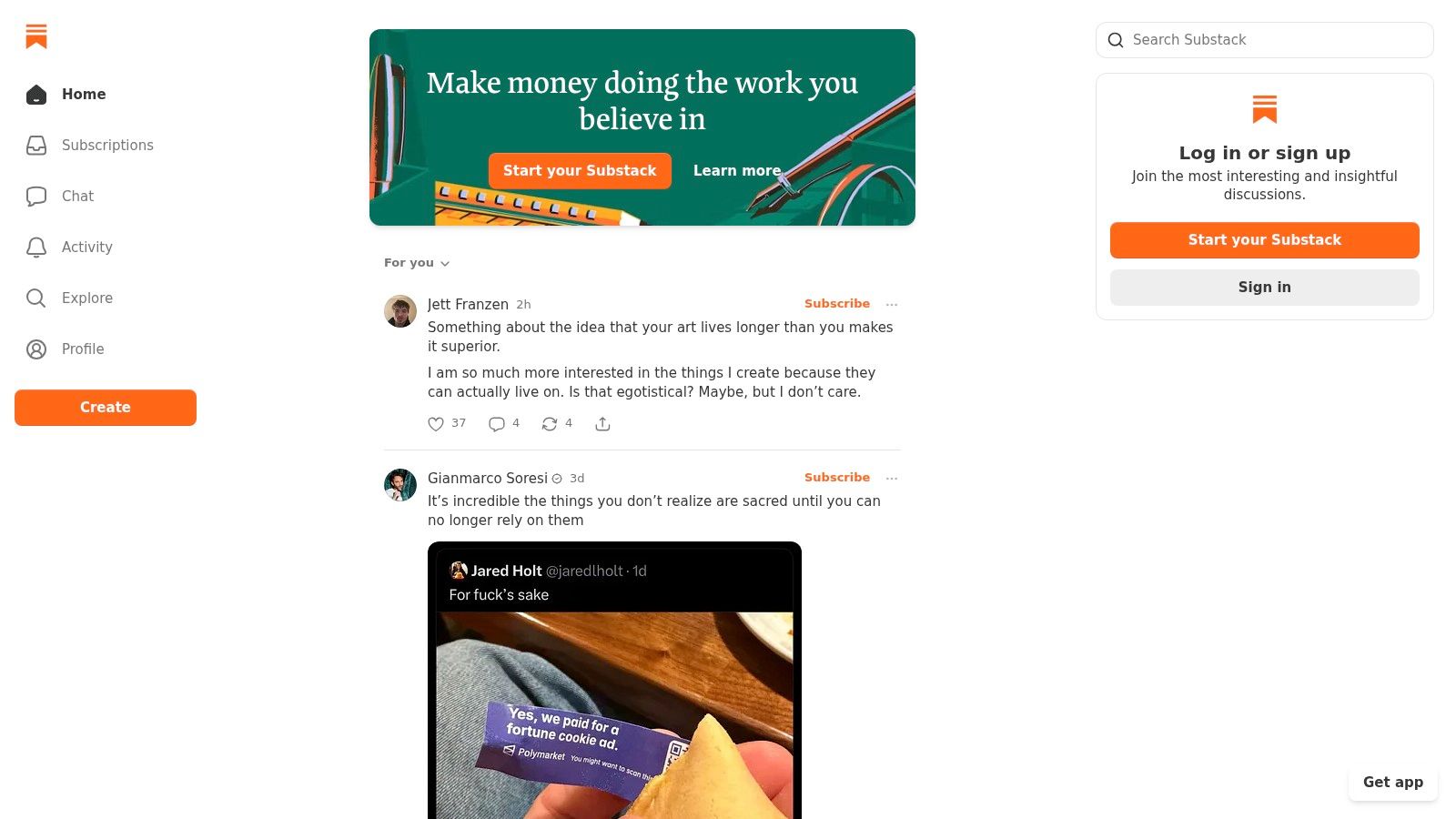
Substack makes it simple for an individual writer to publish free or paid posts, deliver them by email, and keep a public web archive. Readers can subscribe through the platform, while built-in discovery features can help them find publications. The setup is deliberately light: writers can start charging without building a custom site first.
That convenience has a clear cost. Free publications don't have a platform fee, but paid subscriptions incur a 10% platform fee, plus payment-processing fees. As revenue grows, that percentage can take a significant share compared with a platform that charges a fixed subscription or no platform commission.
Substack's content access controls work well for free and paid posts, but the publication has less design, site-structure, and integration flexibility than a CMS. The business is also more centered on the platform than on an independent site. That can be a sensible exchange for a writer prioritizing ease of publishing and reader discovery over deep customization.
Substack is best for an individual writer testing a paid newsletter with minimal setup. It is less compelling for a small media business that needs custom navigation, a broader product catalog, or detailed control over the whole site experience.
6. Memberful
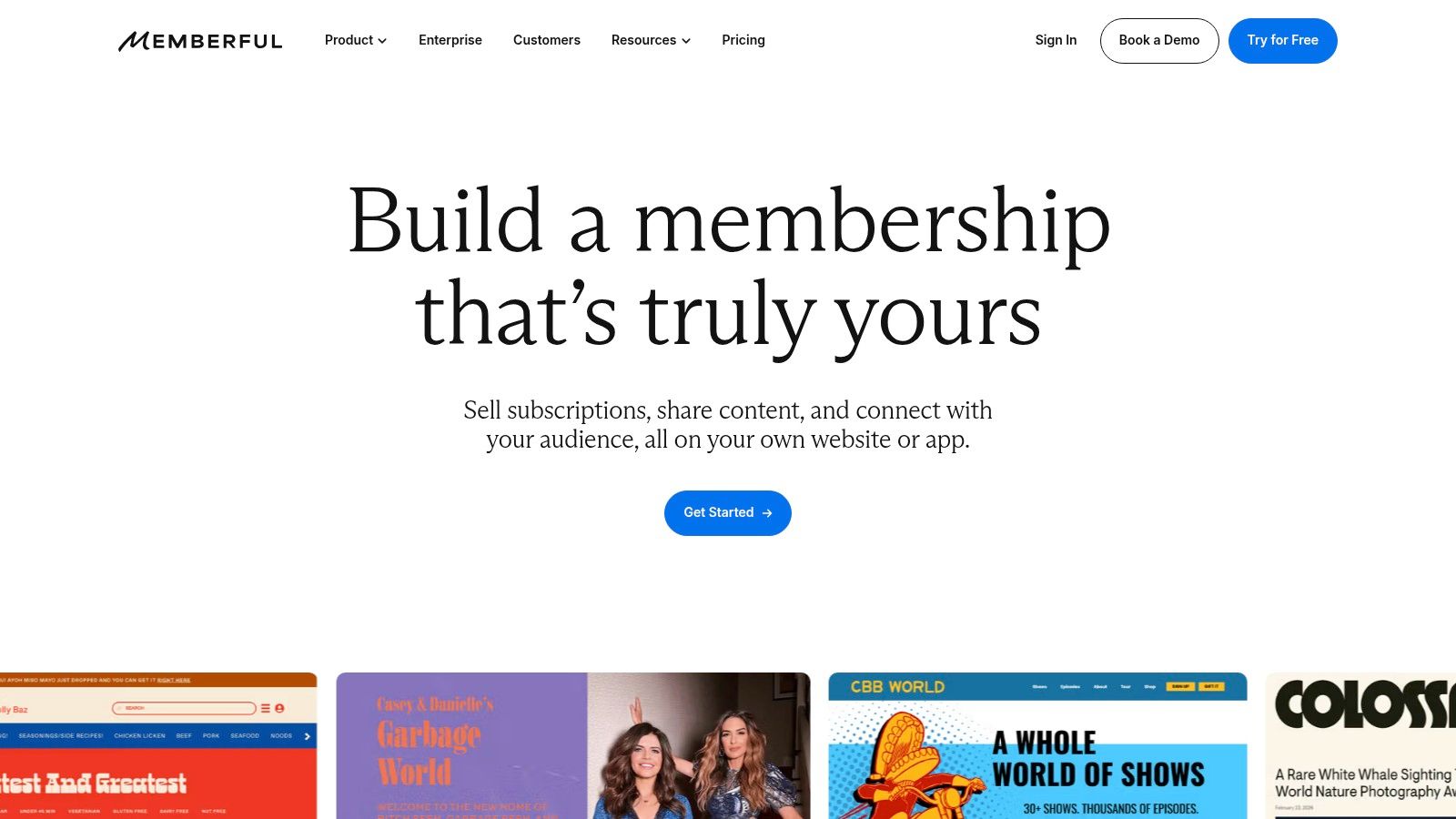
Memberful adds billing and access controls to an existing site or publication. It supports recurring and one-time payments, membership tiers, member management, paywalls, and checkout tools. That suits publishers who want to keep their current website and publishing workflow.
Memberful charges a recurring plan fee plus a transaction fee on payments; enterprise pricing is custom. Confirm current rates on Memberful's pricing page before budgeting. The service provides a membership layer, so publishers should also account for their existing CMS and any email or integration tools needed to deliver member benefits.
Memberful supports podcasts, newsletters, communities, courses, and downloads, and integrates with WordPress, Mailchimp, Kit, and other services. These options can connect memberships to an established publishing setup, though each integration adds configuration and maintenance.
If the site already works, add a membership layer only if it preserves the publishing workflow and subscriber journey.
Memberful fits creators who want to monetize an established site. It is less suited to publishers seeking one platform for publishing, email, and commerce.
7. MemberPress
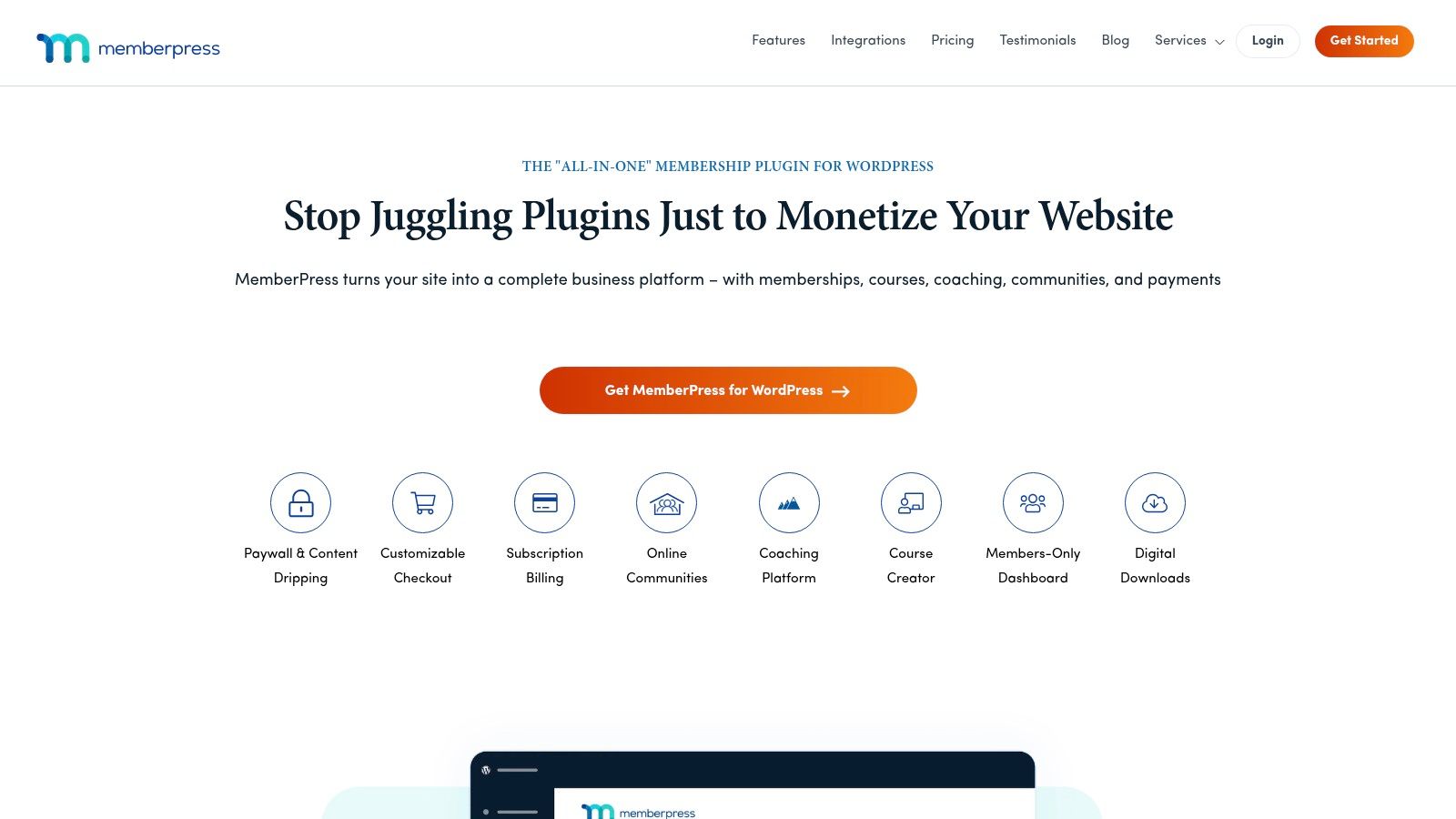
MemberPress is a WordPress plugin for businesses that want to keep WordPress as the foundation of their membership site. It restricts pages, posts, and other content by membership, and supports recurring subscriptions and one-time access. Course features can also support a paid learning library.
The advantage is control inside a familiar WordPress setup. Publishers can combine membership rules with their site and choose from WordPress integrations and extensions. The cost is ongoing maintenance: the business still needs WordPress hosting, updates, backups, and a working plugin configuration. Email and other workflows may require additional products or setup.
Plan terms differ. The Launch plan has a transaction fee, while higher plans have no transaction fee. Annual plans are available, so compare the current plan details against the expected payment volume and the features the site needs. A lower initial price may not be the lowest total cost if the site also needs several plugins.
MemberPress is a strong fit for a WordPress site that already has a reason to stay on WordPress and needs detailed access rules. It is less turnkey than hosted platforms and less attractive to owners trying to reduce plugin and hosting responsibilities.
8. Patreon
Patreon lets creators sell tiered access to member-only posts, video, livestreams, newsletters, and community content without building a separate membership site. It also supports one-time purchases and podcast distribution. For creators whose audience already follows them, the lower setup burden may matter more than a custom publication site.
Patreon takes 10% of the income a creator earns on the platform, plus payment processing, currency conversion and payout fees, so confirm Patreon's current fee terms before choosing it. Patreon handles much of the membership setup, but offers less control over branding and site structure than a full CMS.
Tiered benefits let creators set different access levels, while the member experience stays centered on Patreon. That suits fan-supported work where the audience wants a direct way to support a creator. It is a less natural fit for an SEO-focused publication that depends on a custom website, navigation, and a searchable content archive.
Patreon suits creators who prioritize audience support and community features; a CMS-based platform gives the publication more control over its site and archive.
9. Circle
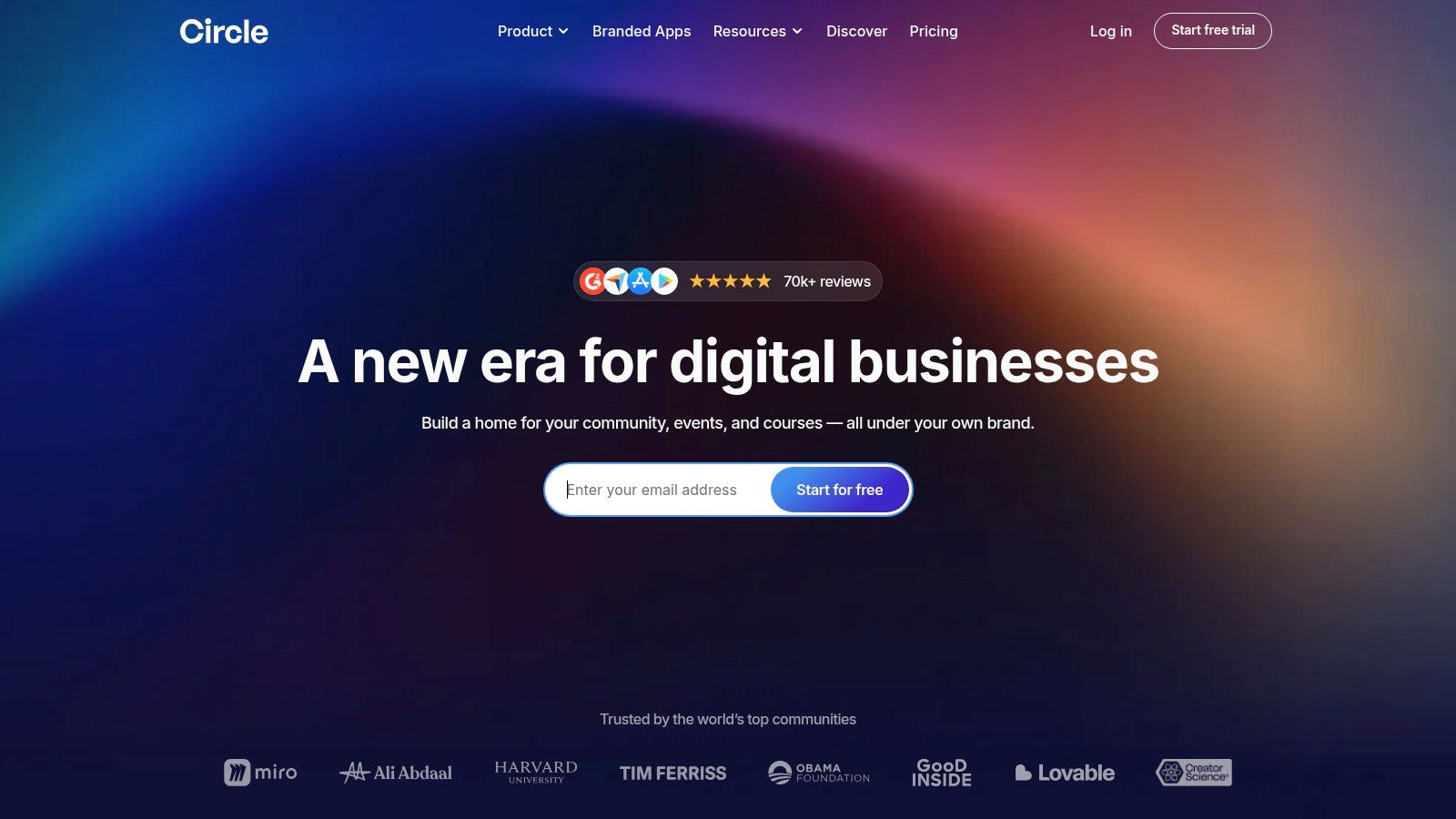
Could members get enough value from talking with one another to justify a community platform? Circle is built around that model, with paid access to a whole community or selected spaces, plus discussions, events, courses, livestreams, member profiles, and a website builder.
The trade-off is cost and focus. Circle's paid tiers cost more than lightweight newsletter tools or a simple membership add-on. Confirm current tier prices and transaction fees on Circle's pricing page before committing. The expense makes sense when members pay for participation, not just access to a library of posts.
Circle brings courses, events, and discussions together in one member environment, but it is less focused on blogging and publication-style SEO. Email marketing may require an additional product or plan, so check whether announcements, newsletters, and search traffic fit your publishing workflow.
Circle fits when conversation and organized spaces are part of the paid offer. For a quiet paid archive, its community features may be more than the business needs.
10. Mighty Networks
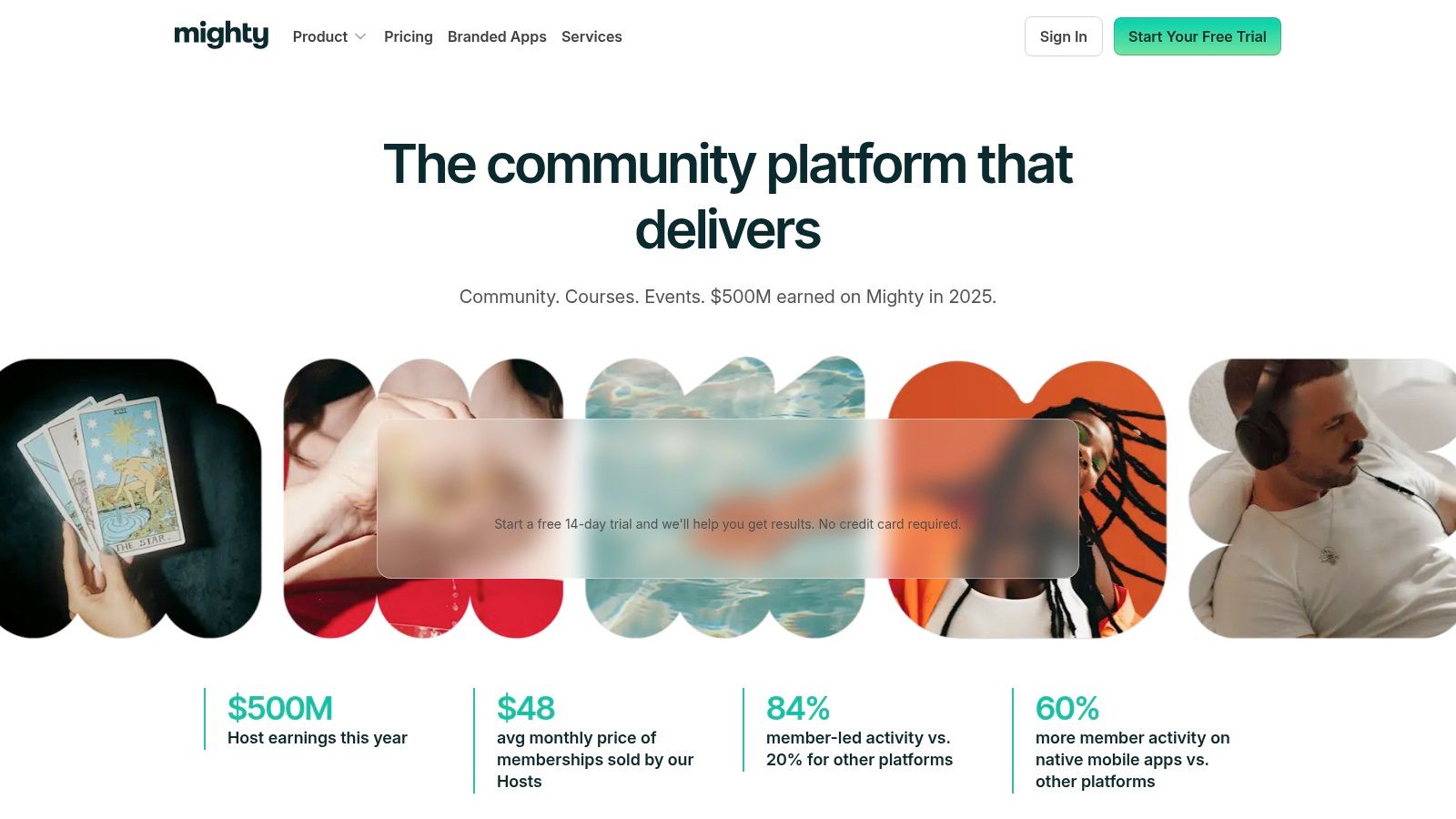
Mighty Networks suits memberships where participation is part of the offer. It combines community spaces, paid memberships, courses, events, and member profiles, making it a stronger fit for an active group or organized program than a publication focused on reading.
Mighty Networks prices its plans by tier. Confirm current pricing and transaction fees on the vendor's website before choosing a plan. Higher tiers add automations and integrations, while branded apps and Mighty Pro involve higher-tier or custom options. Weigh those upgrades against what members will use.
The platform's community tools can support ongoing engagement, but they add overhead for a newsletter-led business with little need for discussion. Mighty Networks makes sense when members benefit from talking with one another, attending events, or taking courses together. For customer education tied to continued participation, strategies that improve customer retention can help shape the member experience.
Platform fees, published starting prices, and best-fit use cases
Published prices show the trade-off between a fixed subscription and a platform's cut of paid revenue. A 0% platform fee still leaves payment-processing fees; percentage-based platform fees grow with sales.
| Platform | Platform fee on paid revenue | Published starting price | Best for |
|---|---|---|---|
| VeloCMS (recommended) | 0% platform commission | $9/month (Pro plan) | Creators combining publishing, newsletters, memberships, and commerce |
| Ghost | 0% platform transaction fee on subscription revenue | $29/month billed yearly (Publisher, the first plan that lists paid subscriptions) | Independent publications and newsletter creators |
| Podia | 5% on the Mover plan; 0% on Shaker | $42/month billed yearly (Mover) | Creators selling courses, digital products, and memberships |
| beehiiv | 0% take rate on paid subscriptions, which start on the Lite plan | Free plan available | Email-first publishers growing and monetizing a newsletter |
| Substack | 0% on free publications; 10% on paid subscriptions | Free to start | Writers seeking a simple newsletter and paid-subscription setup |
| Memberful | 4.9% transaction fee | $49/month | Creators adding memberships to an existing website |
| MemberPress | 4.9% on the Launch plan; 0% on Growth and higher; payment processor fees apply | $199.50/year (Launch, introductory price) | WordPress businesses needing membership controls or courses |
| Patreon | 10% of income earned, plus payment-processing, currency conversion and payout fees | Free to start | Creators monetizing an existing fan base |
| Circle | 2% on Professional, 1% on Business and Scale, 0.5% on Circle Plus; payment-processing fees apply | $89/month (Professional) | Memberships centered on community, discussions, and events |
| Mighty Networks | 2% to 0.5% depending on plan; payment-processing fees apply | $79/month (Launch) | Businesses combining paid memberships, courses, and community |
The best fit depends on what members pay for and how they use the product. VeloCMS and Ghost suit publication-led memberships; beehiiv and Substack center on newsletters. Podia and MemberPress add course and product sales, while Circle, Mighty Networks, and Patreon put more weight on community or creator-fan engagement. Memberful adds membership billing to an existing site, with a 4.9% transaction fee alongside its subscription price.
Match the Platform to How Your Members Pay and Engage
Start with three questions: what members pay for, how much revenue the platform keeps at the site's current size, and whether members need to talk to each other. A paid article library, a newsletter, a course bundle, and a discussion group are different products. Publication-first, newsletter-first, and community-first tools solve different problems, so compare like with like before comparing prices.
Then trace the whole payment path, not the headline fee. Some platforms take a percentage of creator revenue, some charge a flat monthly plan, and some combine both with payment-processing fees on top. A percentage fee feels painless while revenue is small and grows with every sale. A flat plan is easier to forecast, but it costs more than a simple newsletter setup if the business never uses the extra features.
Access controls deserve a hands-on test. Create a free account and a paid account, then check what each one sees on the site, in email, and in downloads. Test what happens after a failed payment and after a cancellation. Clear cancellation and payment recovery belong in the evaluation, so treat a weak retry flow as a deal-breaker rather than a cosmetic flaw.
Portability matters just as much. European data-protection guidance names XML, JSON, and CSV as examples of structured, commonly used, machine-readable formats, and says a PDF alone is not sufficient for data portability. Review the European Data Protection Board guidance on individual rights and check what the platform exports. For a publication, an account screenshot is not a migration plan.
Two operational checks finish the review. Confirm how the platform authenticates sending domains, since SPF, DKIM, and DMARC support decides whether member emails reach the inbox. The email authentication guidance from Mailgun explains SPF's role in identifying authorized senders. Then test the public pages, checkout, and logged-in member area on a phone. Google's Core Web Vitals documentation focuses on loading, interactivity, and visual stability, and all three matter when a paying member is trying to read on mobile.
Shortlist two or three tools and run the full checkout and gating test before moving a subscriber list. Confirm current plan terms directly, because published prices and limits change. The right membership site platform delivers the paid promise, keeps access dependable, and never forces the business to maintain complexity its members did not ask for.
VeloCMS combines publishing, newsletters, paid memberships, commerce, themes, and SEO tools in one subscription, with native paywalls and 0% platform commission on sales through your own connected Stripe account. For a blog or small business site that needs gated content without assembling separate CMS and email tools, visit VeloCMS to explore the platform.