mailing list programs · Oct 25, 2026
Mailing List Programs: 10 Picks Compared for 2026
Compare 10 mailing list programs on deliverability, segmentation, automation, pricing and integrations for blogs and small businesses.

What if the best mailing list program isn't the one with the most features, but the one that matches how a site publishes? For most blogs, newsletters, and small business sites, the answer splits in two. An all-in-one publishing platform makes sense when posts, email, and paid memberships need to live together, while a dedicated email tool makes sense when a website already works and only campaigns, forms, and automations are missing.
That distinction matters more than template galleries. These 10 mailing list programs are compared here on deliverability, segmentation, automation, pricing, and integrations, because those five factors decide cost and workload after signup. Deliverability isn't a background detail, since Validity's 2025 benchmark on inbox placement found one in six legitimate marketing emails failed to reach the inbox globally. A cheap plan that lands in spam isn't cheap.
Pricing limits also differ in ways that aren't obvious at first glance. Some tools charge by active subscribers, others by stored contacts, daily sends, or paid add-ons, and free plans often cap the feature that matters most. Readers who also sell products can compare digital product platforms for 2026 alongside this list, but the email decision should come first. The quick test is simple: pick the tool that fits the current list size, sending rhythm, and publishing setup, not an imagined future marketing department.
Table of Contents
- 1. Category - Newsletter
- 2. MailerLite
- 3. Kit
- 4. Brevo
- 5. Mailchimp
- 6. beehiiv
- 7. Ghost
- 8. EmailOctopus
- 9. Buttondown
- 10. AWeber
- Top 10 Newsletter Programs Compared
- How to Pick and Launch Your List
1. Category - Newsletter
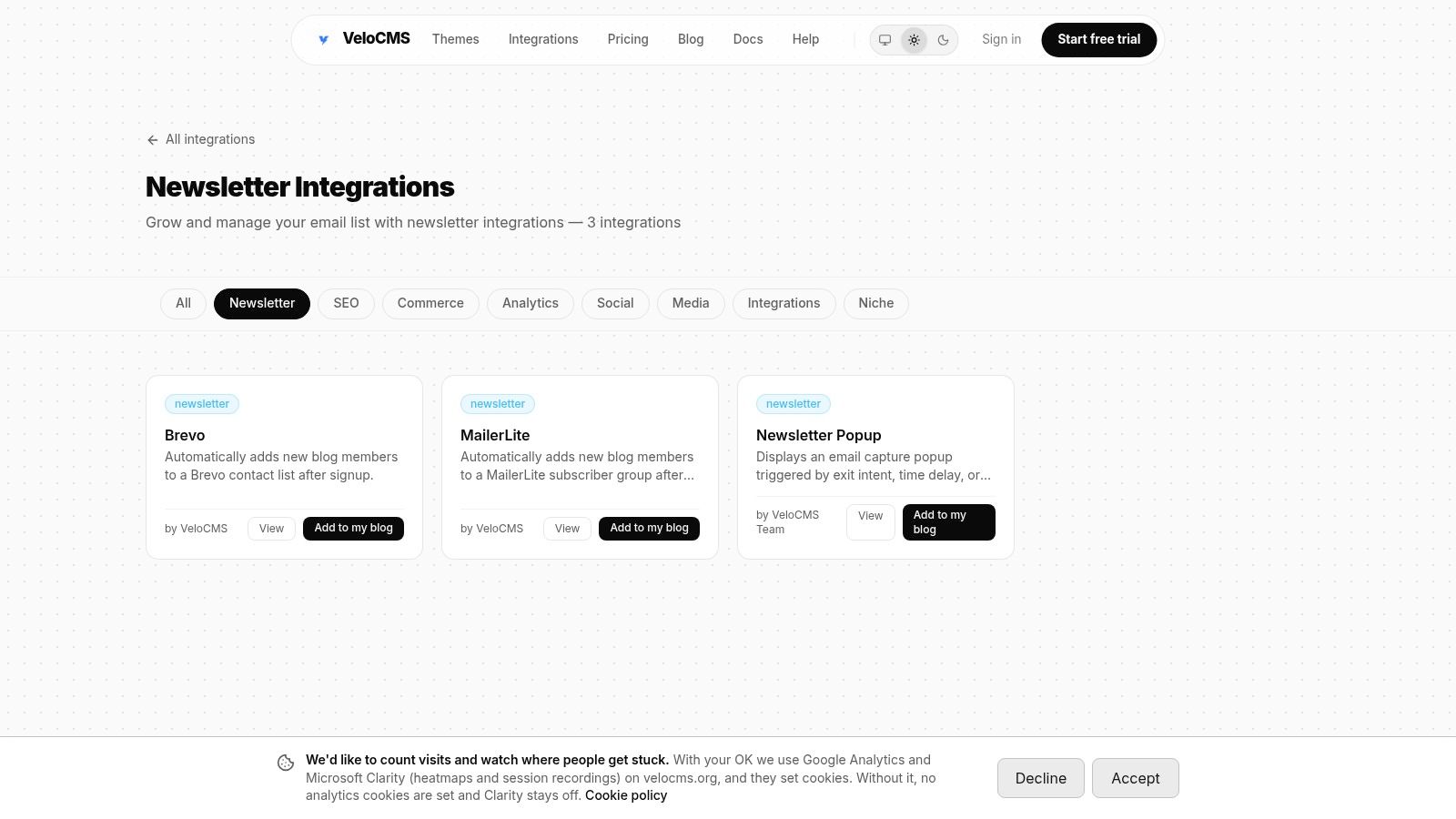
The Newsletter category on VeloCMS sits inside a platform that combines blogging, email, memberships, and site theming, so it belongs in the all-in-one camp rather than with standalone senders. The appeal is practical. Published posts can go to subscribers from the same admin used to write them, and audience segments, tags, and automations sit next to the content instead of in a separate login. For a small publisher tired of syncing a CMS with an email service, that single workflow is the main reason to look here.
Where It Fits and Where It Does Not
Native email delivery means there's no extra monthly subscription for the built-in newsletter beyond the VeloCMS plan. Subscriber caps apply instead of send metering, with 5,000 subscribers on Pro and 50,000 on Business, with no per-send charges listed on the pricing page. The platform also states 0% platform fee on Stripe sales (Stripe processing fees still apply) and offers full subscriber-data exports, which matters when a list needs to move later.
Integrations cover the escape routes and the existing stack. Kit and Mailchimp sync plugins, webhooks for Zapier or Make, plus API access let a publisher keep an outside workflow or sync audiences during a move, and the setup path is covered in the VeloCMS guide to setting up a newsletter and emailing subscribers.
An export isn't a bonus feature. It's the test of whether a publisher actually owns the audience or only rents access to it.
The trade-offs need stating plainly. The Newsletter category itself lists three integrations (Brevo, MailerLite and a newsletter popup), so it is a starting point rather than a complete email stack. There's also no free plan, only a 14-day free trial on every plan, and the full platform may be more than someone needs for a newsletter alone. Standalone tools below are cheaper starting points for email-only use.
Verdict: Best for a blog or newsletter that wants publishing, memberships, and mailing list programs under one subscription, with exports kept as insurance.
2. MailerLite
MailerLite is the steady all-rounder for independent writers and small businesses that want campaigns without a heavy marketing stack. It pairs email with signup forms, pop-ups, landing pages, and basic website tools, so list building and sending happen in one place. That combination suits a new site that doesn't have strong form tooling yet.
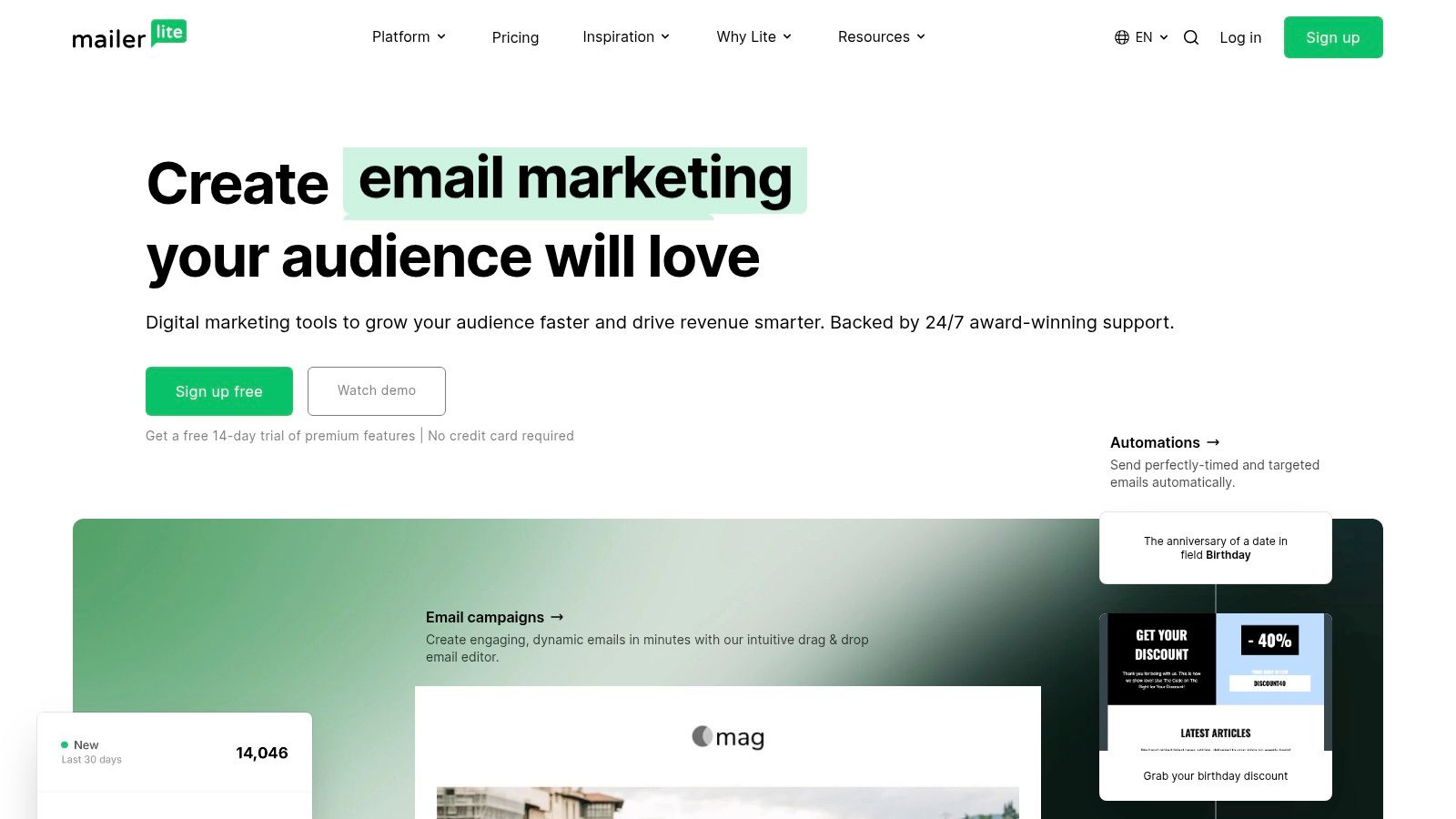
Editing is flexible without being fussy. There are drag-and-drop, simple, and HTML editors, plus campaign reporting that includes the basics most small lists check.
- Segmentation: Subscriber groups, tags, and dynamic segments handle most small-list targeting.
- Automation: Email automations cover welcome series and simple follow-ups.
- Growth tools: Forms and landing pages remove the need for a separate page builder early on.
- Reporting: Campaign results support decisions based on clicks rather than opens alone.
Pricing starts gently. A free plan covers up to 250 subscribers and 2,500 emails per month, and paid pricing varies by list size, so costs climb as the list grows. Some advanced features sit behind paid plans, which is normal at this tier but worth checking before building workflows around them.
The limit is scope. MailerLite isn't a complete publishing and membership CMS, so a paid newsletter with gated posts still needs another system for the site itself.
Verdict: A sensible first paid step for creators who want forms, pages, and email together, without committing to a full publishing platform.
3. Kit
Creators who sell courses, downloads, or paid subscriptions tend to land on Kit because it's built around launches rather than generic campaigns. The visual automation builder connects subscriber actions to follow-up sequences, so a download, purchase, or tag can trigger the next email without manual work. That matters when one person runs the whole list.
Subscriber organization leans on tagging and segmentation instead of separate lists, which keeps one audience from fragmenting into duplicates. Landing pages and signup forms are included, and migration support covers forms, subscribers, and automations for anyone moving from another sender.
Pricing and Practical Limits
A free Newsletter plan provides a starting point. Listed paid plans include Creator at $33 per month ($390 billed yearly) and Pro at $66 per month before a first-year discount, at the 1,000-subscriber tier, with pricing subject to list size, so a growing audience pushes the bill up predictably but noticeably. Some capabilities stay limited to paid plans, which should be checked against planned automations before switching.
Kit also doesn't replace a website. Broader publishing still needs a separate CMS, and publishers weighing that split can read guidance on moving a newsletter from Mailchimp, Kit, or beehiiv before committing to either direction.
Paid newsletters and creator commerce features round out the offer for sellers. For a pure blogger with no products, though, part of the subscription pays for commerce tooling that may sit unused.
Verdict: Strongest for creators running launches and sequences, provided the rising per-subscriber cost is acceptable as the list grows.
4. Brevo
Brevo takes a different angle from creator-first tools. It combines marketing email with SMS, transactional messaging, and contact management, which fits a small business sending order updates and newsletters from one account. A shop, clinic, or local service often needs both, and keeping them together simplifies contact records.
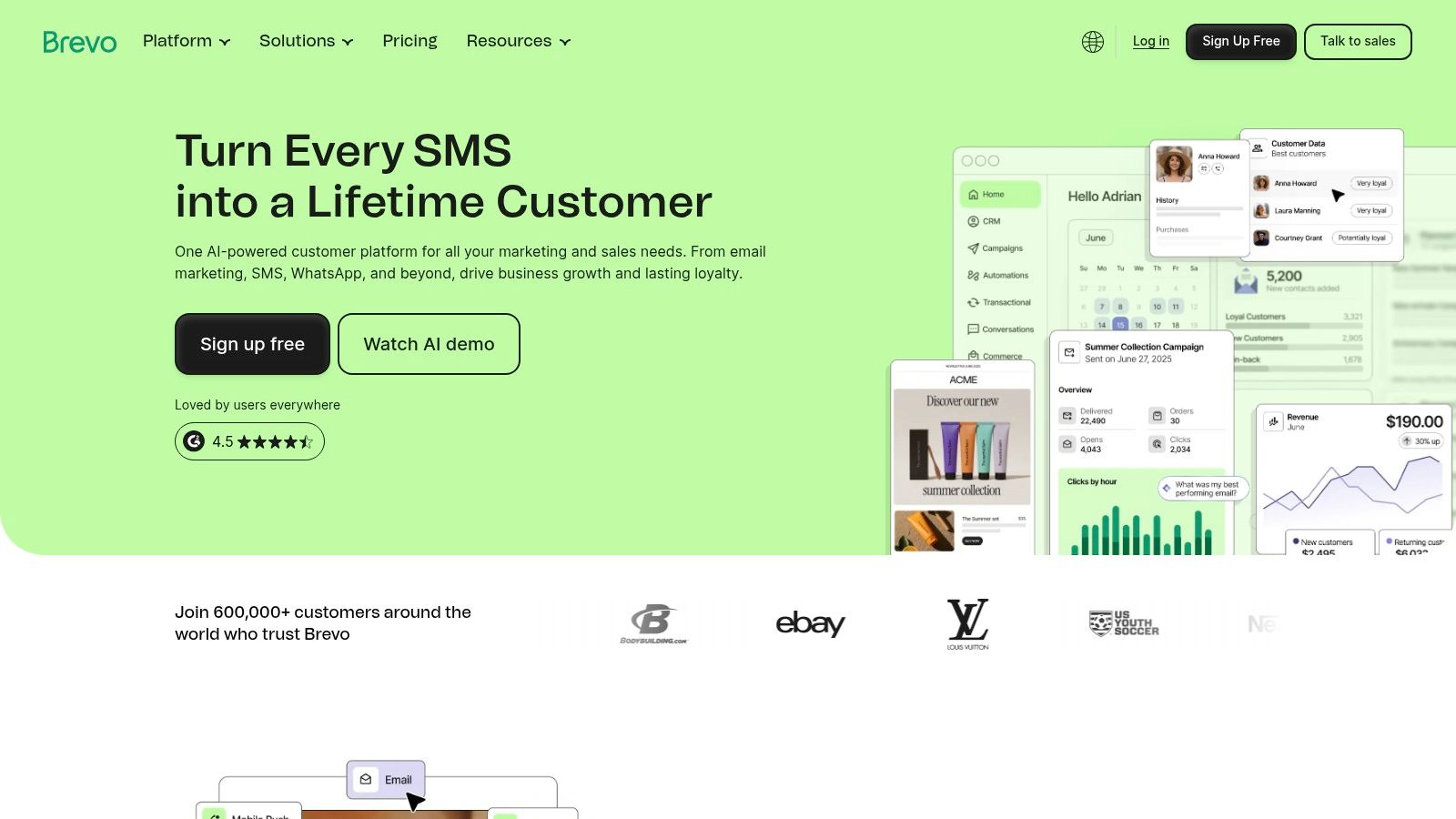
The campaign side covers the expected ground. There's a drag-and-drop editor with templates, contact segmentation, marketing automation, and reporting, with landing pages and integrations on applicable plans. Nothing here requires technical help to get a first campaign out.
Pricing is where Brevo differs from subscriber-based tools. The free plan limits sending to 300 emails per day, and Brevo's paid plans starting at $9 per month lift volume from there. That daily cap makes the free tier fine for testing or tiny sends, but not for a weekly newsletter to a few thousand readers.
Segmentation discipline matters more than storage, though. Keeping inactive contacts on a list can hurt engagement signals, and engagement is part of what mailbox providers judge. Sending to fewer, demonstrably interested subscribers often protects inbox placement better than mailing everyone ever collected.
The breadth cuts both ways. Multichannel tools are wasted on a newsletter-only publisher, and advanced capabilities require paid plans.
Verdict: Best for small businesses mixing newsletters with customer notifications, less compelling for a writer who only sends a weekly post.
5. Mailchimp
Mailchimp remains the familiar default, and familiarity is a real benefit when a team needs templates, scheduling, and reporting without training. Its integration ecosystem is the deepest reason to choose it, since most ecommerce, CRM, and form tools connect to Mailchimp first. For a business already using several services, that support reduces glue work.
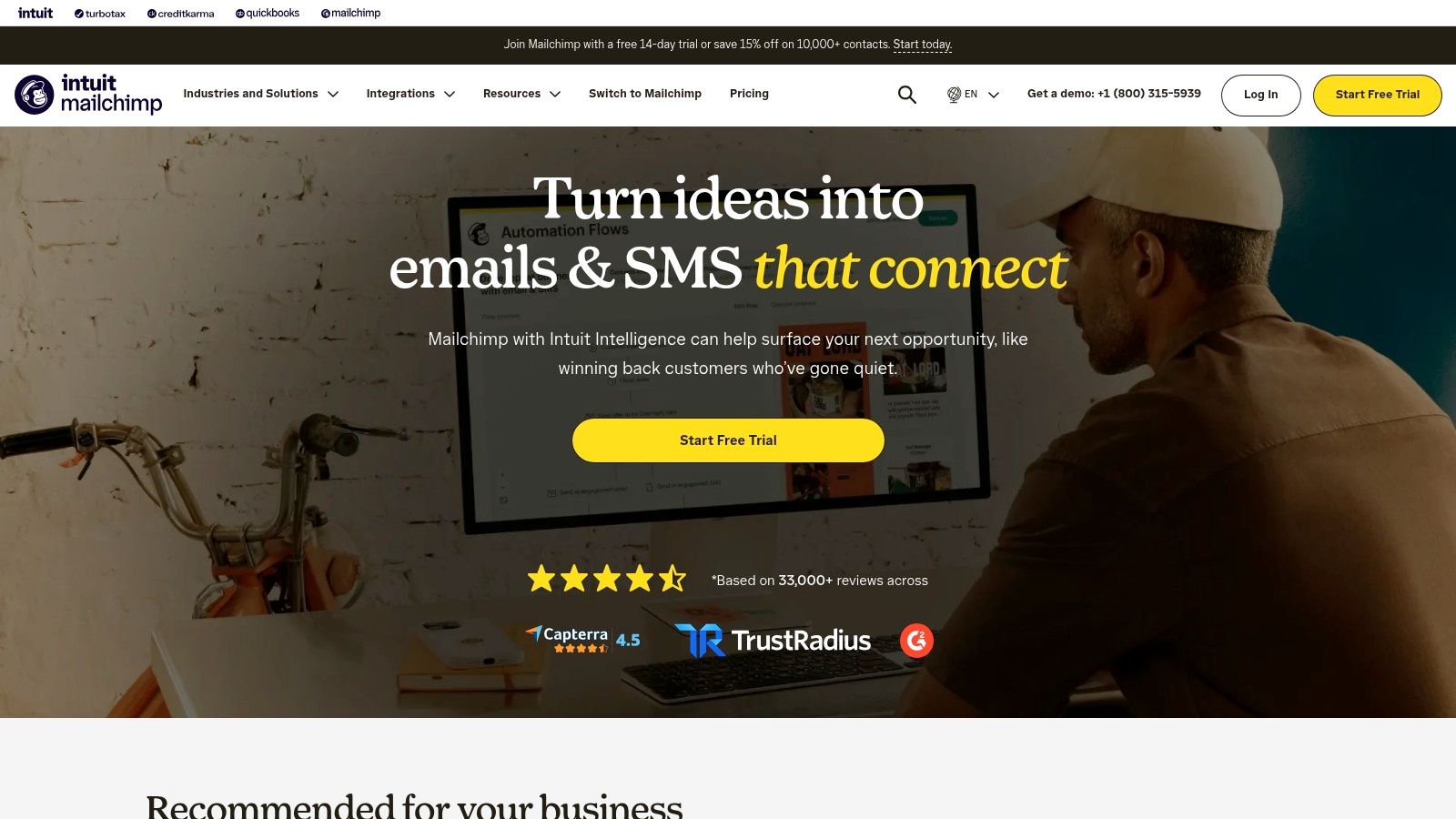
Audience management and marketing automation cover standard journeys, and guided campaign tools help non-specialists design acceptable emails quickly. Reporting is broad enough for most small programs.
Practical rule: Judge campaigns by unique clicks and unsubscribes, not opens alone, because Apple Mail Privacy Protection distorts open data.
That measurement point has numbers behind it. The 2025 GDMA international email benchmark from Spotler reported a 32.40% confirmed open rate, 2.91% click-through rate, and 7.62% click-to-open rate across its dataset. Clicks are the sturdier signal for judging whether a segment or subject line worked.
Costs are the recurring complaint. Pricing varies by contact tier and plan, and the bill rises as the database grows. Regular list cleaning isn't optional housekeeping here, it's cost control. The free plan is limited to 250 contacts and 500 sends a month, so most growing lists will move to a paid tier quickly.
Verdict: A safe, well-connected choice for varied marketing workflows, provided contact counts are managed tightly to keep pricing under control.
6. beehiiv
Newsletters that aim to grow fast and monetize early are beehiiv's home ground. It pairs email with a public-facing newsletter website, so each issue works as both a send and a searchable page. Subscriber forms, segments, and custom fields support targeting, while campaign analytics focus on publication growth rather than general marketing.
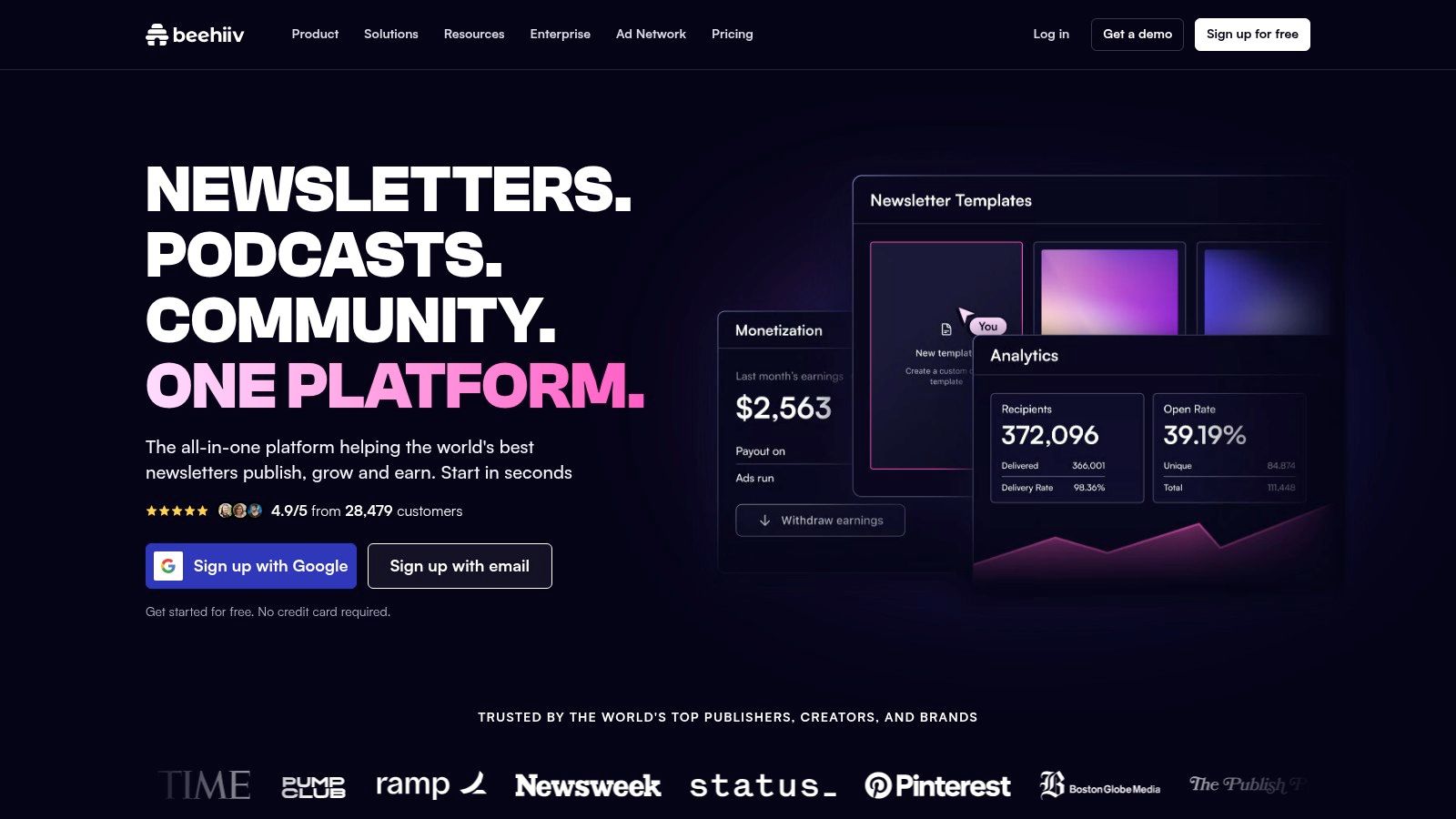
Monetization is built in on eligible plans through paid subscriptions and digital products. Paid recommendations, automations, and webhooks appear on paid plans, which means the growth features many publishers sign up for aren't all in the entry tier.
- Free Launch plan: Supports up to 2,500 subscribers with unlimited email sends within that limit.
- Paid plans: Pricing and features vary by subscriber limit and can become substantial for larger lists.
- Automation: Journeys and webhooks require paid tiers, so workflow needs should be checked first.
The trade-off is focus. A team wanting a conventional email marketing or CRM system for client campaigns, transactional messages, or multibrand work will find beehiiv narrow. It's a publication platform first and a general sender second.
Deliverability habits still apply regardless of platform polish. Authentication with SPF, DKIM, and DMARC, prompt unsubscribe handling, and suppressing repeated bounces remain the publisher's job to configure and monitor.
Verdict: Purpose-built for growing and monetizing a newsletter publication, with pricing that needs watching once subscriber counts climb.
7. Ghost
Ghost is the open-source option for publishers who want a website, newsletters, and memberships in one system without handing everything to a closed platform. Posts publish to the web and send to subscribers from the same editor, and member tags plus import and export tools keep the audience portable. Publishers comparing models can weigh revenue differences between Substack, Ghost, and beehiiv before choosing a membership route.
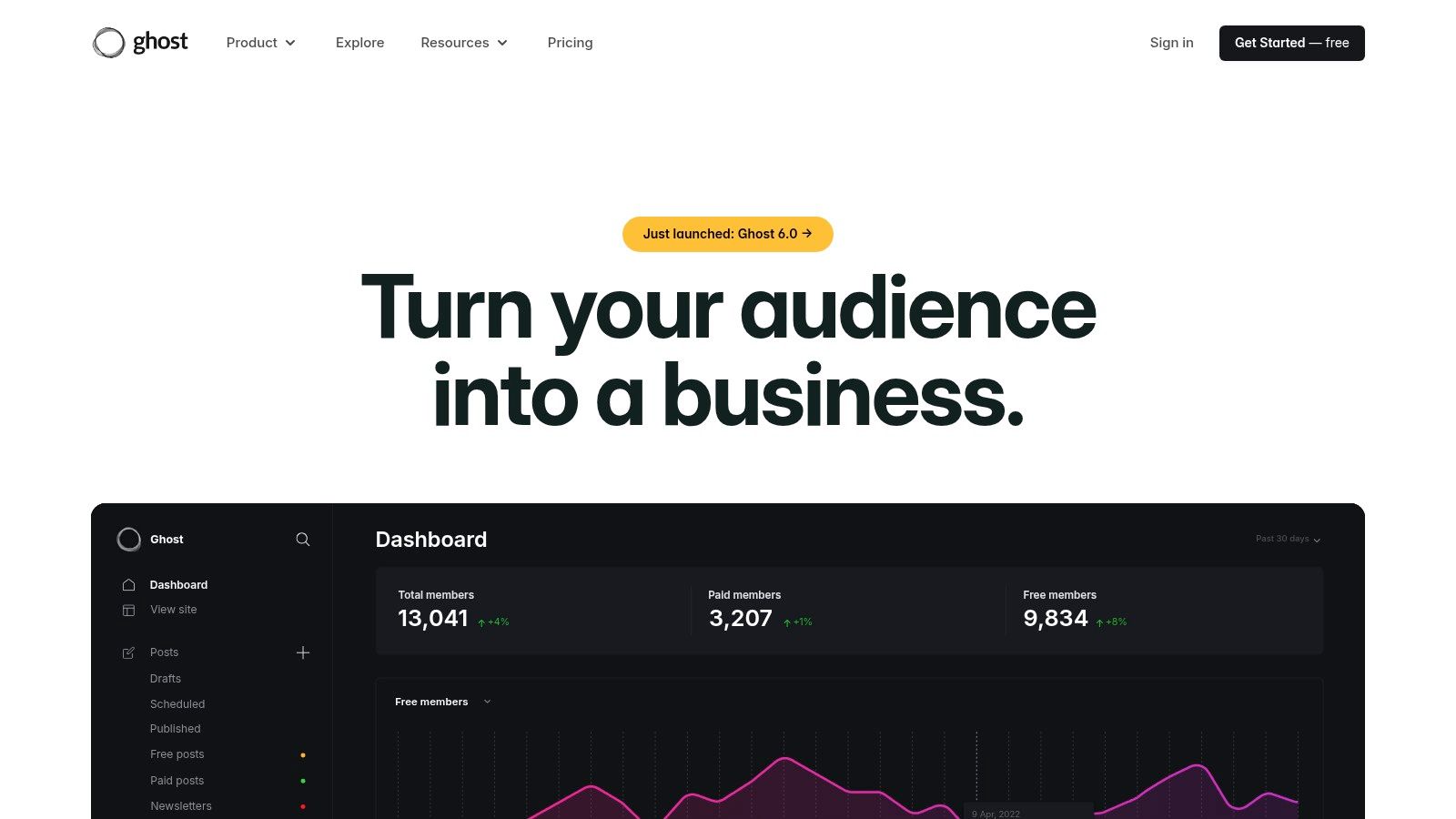
Paid subscriptions run through Stripe on eligible plans, and Ghost states it charges no additional platform transaction fee on those subscriptions. That fee position is a genuine differentiator for paid publications watching margins.
Pricing depends on the route taken. Hosted Ghost(Pro) lists Starter at $18 per month and Publisher at $29 per month when billed yearly, with unlimited email sends on Ghost(Pro) plans and member limits varying by tier. Starter has fewer customization and paid subscription options than higher plans, so theme and membership needs should drive the choice.
Self-hosting removes the hosted bill but adds server setup, updates, backups, and email configuration. That maintenance is manageable for a technical publisher and a burden for everyone else.
Verdict: Best for writers who want publishing and paid memberships together, with the hosted plan worth its cost unless self-hosting skills are already in-house.
8. EmailOctopus
Straightforward sending at low cost is the whole pitch at EmailOctopus, and for many small lists that's enough. There's a drag-and-drop editor with templates, subscriber forms, landing pages, basic automation, and campaign reporting. Nothing tries to become a CRM, store, or publishing suite.
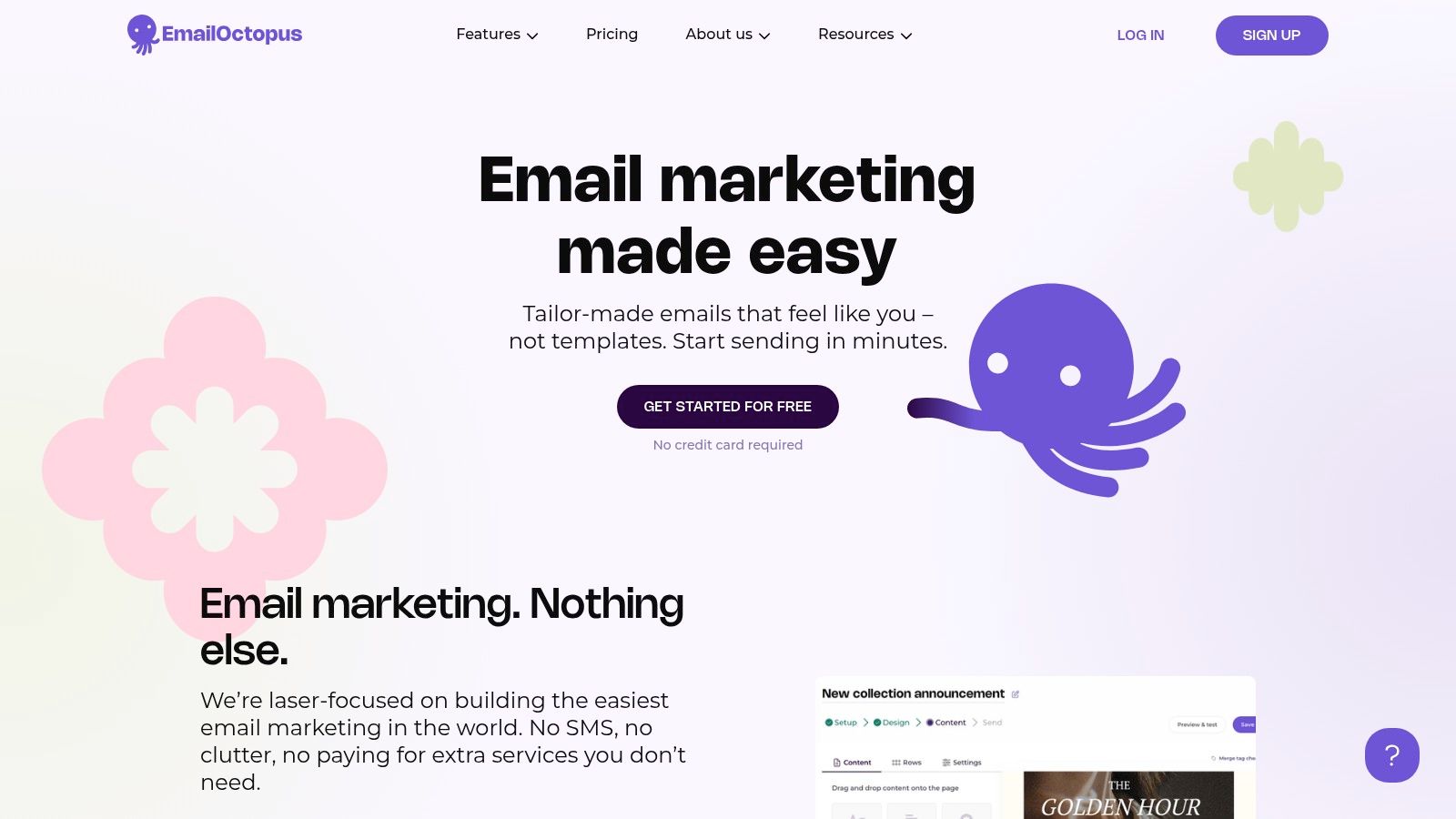
The free tier is unusually workable. It supports up to 2,500 subscribers and 10,000 emails per month, which covers a weekly newsletter to a modest list without payment. The Pro plan starts at $9 per month when billed yearly and scales by subscriber count, keeping entry costs low compared with larger suites.
Small details help growing lists. Plans upgrade automatically as lists grow, so a sudden influx from a shared post doesn't block sending, and a nonprofit discount is available. Free emails carry EmailOctopus branding, which some publishers will accept and others won't.
One distinction needs care. EmailOctopus Connect, the Amazon SES-connected alternative, is a separate product with its own pricing model. It can suit technical senders chasing lower volume costs, but it shifts more deliverability responsibility onto the sender's own sending setup.
Compliance basics still sit with the list owner on any budget tier. Consent records, a working unsubscribe path, and suppression of unsubscribed addresses aren't features to upgrade for later.
Verdict: The low-cost pick for simple campaigns and list management, as long as advanced commerce or publishing features aren't required.
9. Buttondown
Writers who'd rather write than configure marketing software are the audience for Buttondown. It offers Markdown and rich-text editing, a hosted archive, custom sending domains, and even the option to send a newsletter from an email client. The interface stays close to a document, not a campaign dashboard.
Pricing follows an add-on model that's transparent but easy to underestimate. It's free for the first 100 subscribers, then charges for active subscribers, while add-ons such as tagging and segmentation, paid subscriptions, and analytics are listed at $9 per month each. Automations are also add-ons. A publisher needing segmentation plus analytics plus paid subscriptions should total the stack before assuming it's the cheap option.
There's also a usage assumption baked in. Pricing assumes no more than one email per day to the whole list, which suits most independent newsletters but not high-frequency senders using multiple daily segments.
Accessibility deserves a mention in a writer-focused tool. Plain, readable emails with descriptive links and a clean archive serve subscribers using screen readers, high zoom, or low bandwidth better than image-heavy templates, and simple layouts make that easier to maintain.
Verdict: Ideal for a small, text-first newsletter, with add-on costs watched closely as segmentation and monetization needs appear.
10. AWeber
AWeber is one of the long-running names in email marketing, built for small businesses and creators who want campaigns, forms, and autoresponders without much ceremony. Email creation supports drag-and-drop, plain-text, and HTML options, which still matters for senders who prefer simple, personal-looking messages over designed templates.
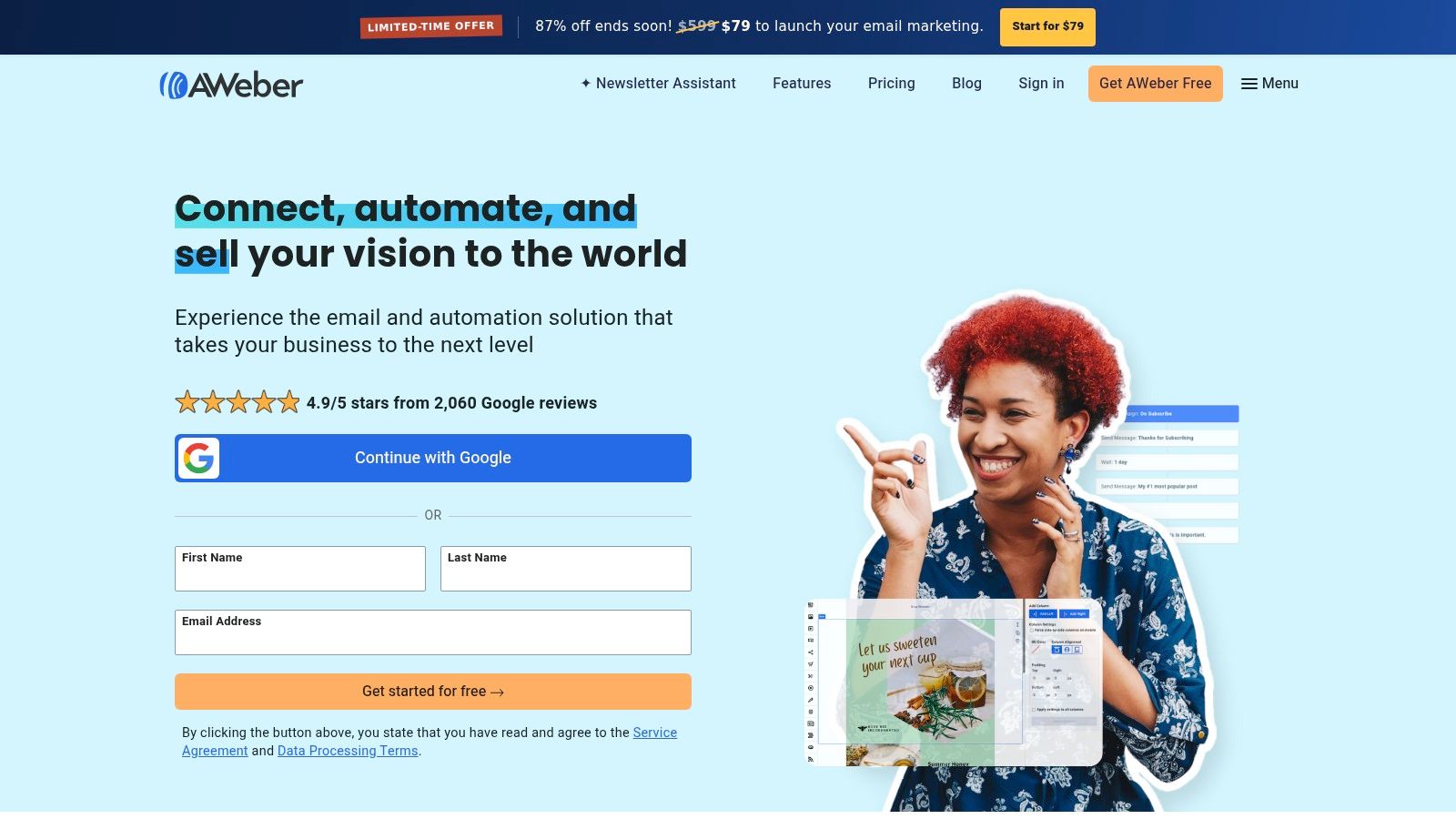
Subscriber handling covers forms, tagging, and segmentation, with broader segmentation and analytics on paid plans. Ecommerce tools for selling products and services are included, which helps a solo seller who doesn't run a separate store platform yet.
A 14-day free trial allows a low-risk start; no permanent free plan is listed. Listed Plus pricing starts at $30 per month, or $20 per month billed annually, for the 500-subscriber tier, rising as lists grow. Monthly sending limits apply on some plans, so high-frequency senders should map expected volume against the tier before importing a list.
Longevity cuts both ways. The feature set is proven and broad, but a basic newsletter may not need sales tools, multiple editors, and layered automation. Paying for unused breadth is the quiet cost of established suites.
Unsubscribe handling is a legal duty on every plan here. Under the FTC CAN-SPAM compliance guidance, opt-out requests must be honored within 10 business days and can't require a fee or any personal information beyond an email address.
Verdict: A dependable, full-featured sender for small businesses, best when autoresponders and light selling tools will be used.
Top 10 Newsletter Programs Compared
| Platform | Core Newsletter Capabilities | Best For | Standout Value | Pricing Notes |
|---|---|---|---|---|
| VeloCMS Newsletter category | VeloCMS offers native email delivery, segments, tags, and automations; the category lists Brevo, MailerLite and newsletter popup integrations | Creators who want newsletters alongside a full CMS | Combines publishing, memberships, and email; 0% platform fee on Stripe sales and full data exports | 14-day trial; no free plan; plan prices not provided |
| MailerLite | Campaigns, segments, automations, forms, landing pages, and basic websites | Creators and small businesses growing an email list | Free entry plan and useful list-building tools | Free for up to 250 subscribers and 2,500 emails per month; paid pricing varies |
| Kit | Visual automations, sequences, segments, forms, paid newsletters, and creator commerce | Creators nurturing an audience or selling products | Creator-focused workflows and a free Newsletter plan | Listed paid plans start at $33/month; pricing varies by list size |
| Brevo | Email, SMS, transactional messaging, segmentation, and automation | Small businesses needing newsletters and customer notifications | Combines multiple communication channels; free plan with a daily send cap | Free plan has a 300-email daily limit; paid plans start at $9/month |
| Mailchimp | Campaigns, audience management, automation, reporting, and integrations | Businesses needing a broad marketing toolkit | Large integration ecosystem and familiar campaign tools | Pricing varies by contacts and plan |
| beehiiv | Newsletter publishing, website, analytics, paid subscriptions, and digital products | Publishers focused on growing and monetizing a newsletter | Combines email with a public newsletter site | Free Launch plan supports up to 2,500 subscribers; paid pricing varies |
| Ghost | Website publishing, newsletters, member management, and paid subscriptions | Writers and publishers combining a site with memberships | Open-source or hosted; no additional platform transaction fee on paid subscriptions | Ghost(Pro) listed from $18/month, billed yearly |
| EmailOctopus | Campaigns, forms, landing pages, automation, and reporting | Users seeking affordable, straightforward email sending | Free plan supports up to 2,500 subscribers and 10,000 emails monthly | Pro starts at $9/month billed yearly; scales with list size |
| Buttondown | Markdown or rich-text newsletters, hosted archives, and optional add-ons | Writers and independent publishers seeking simplicity | Lightweight workflow with email-client sending option | Free for first 100 subscribers; selected add-ons are $9/month each |
| AWeber | Campaigns, forms, segmentation, autoresponders, and ecommerce tools | Small businesses, creators, and organizations | Established email service with a 14-day trial | Plus listed from $30/month, or $20/month billed annually, at 500 subscribers |
How to Pick and Launch Your List
Start with three numbers: current list size, realistic size in twelve months, and sends per month. Those figures expose pricing traps quickly, because mailing list programs meter different things. Brevo's free tier caps daily sends, Mailchimp prices by contact tier, and Buttondown stacks add-ons. A tool that's cheapest at 200 subscribers may be mid-priced at 5,000, so pricing should be checked at the next tier up, not only at today's size.
Next, decide whether a website and store need to live with the list. Ghost and beehiiv bundle publishing with email, EmailOctopus and Brevo stay closer to sending, and Kit sits between with creator commerce. Readers who specifically want a blog and newsletter in one plan can check details at VeloCMS pricing and 14-day trial information, keeping in mind that every plan starts with a trial and there's no free plan. Dedicated senders remain the better fit when an existing site already handles publishing well.
Before the First Send
Deliverability setup comes before design. Configure SPF, DKIM, and DMARC alignment, use a recognizable sender name and domain, and send a test to major mailbox providers. Gmail and Yahoo bulk sender rules have made authentication and one-click unsubscribe operational requirements, not optional polish. Suppress hard bounces, remove repeated soft bounces, and consider confirmed opt-in for risky signup sources such as imported or incentivized lists.
Consent records need the same care as the welcome email. For UK individuals, ICO guidance on PECR consent for email marketing states consent must be freely given, specific to email marketing, and unambiguous, so pre-ticked boxes and vague wording are risky. Keep a suppression list rather than deleting unsubscribed addresses, because an old imported segment can otherwise reintroduce someone who already opted out.
A smaller list of people who chose the emails and still click is worth more than a larger list that quietly damages sender reputation.
Measurement should follow that logic. Track delivery rate, unique clicks, unsubscribes, and conversions by segment, and treat opens as directional because of privacy protections. Published benchmarks, such as the inbox placement and click figures cited earlier, are a starting reference, not a guarantee, and each list should build its own baseline by message type. Review inactive subscribers on a schedule, try a re-engagement send, then suppress non-responders instead of mailing them forever.
Finally, test the exit before it's needed. Export subscribers, tags, and consent history during the trial or first month and confirm the file opens cleanly. The right choice, in the end, is the tool whose limits a publisher understands, whose deliverability controls are switched on, and whose export works on an ordinary Tuesday, not just in the sales copy.
If publishing a blog, running paid memberships, and sending a segmented newsletter from one subscription sounds simpler than maintaining separate tools, VeloCMS brings those pieces together with native email delivery, theme options, and full data exports. Every plan starts with a 14-day free trial, so the practical next step is to import a small segment, test deliverability, and confirm the workflow fits before moving the whole list.