email delivery best practices · Nov 03, 2026
Email Delivery Best Practices: An 8-Point Checklist for 2026
Why does a newsletter show a high delivery rate and still get almost no readers? The usual answer, a bad subject line, misses the larger problem. Mail lands in spam mainly because authentication is missing, list quality is poor, and complaint rates are too high, and delivery only confirms that a ser
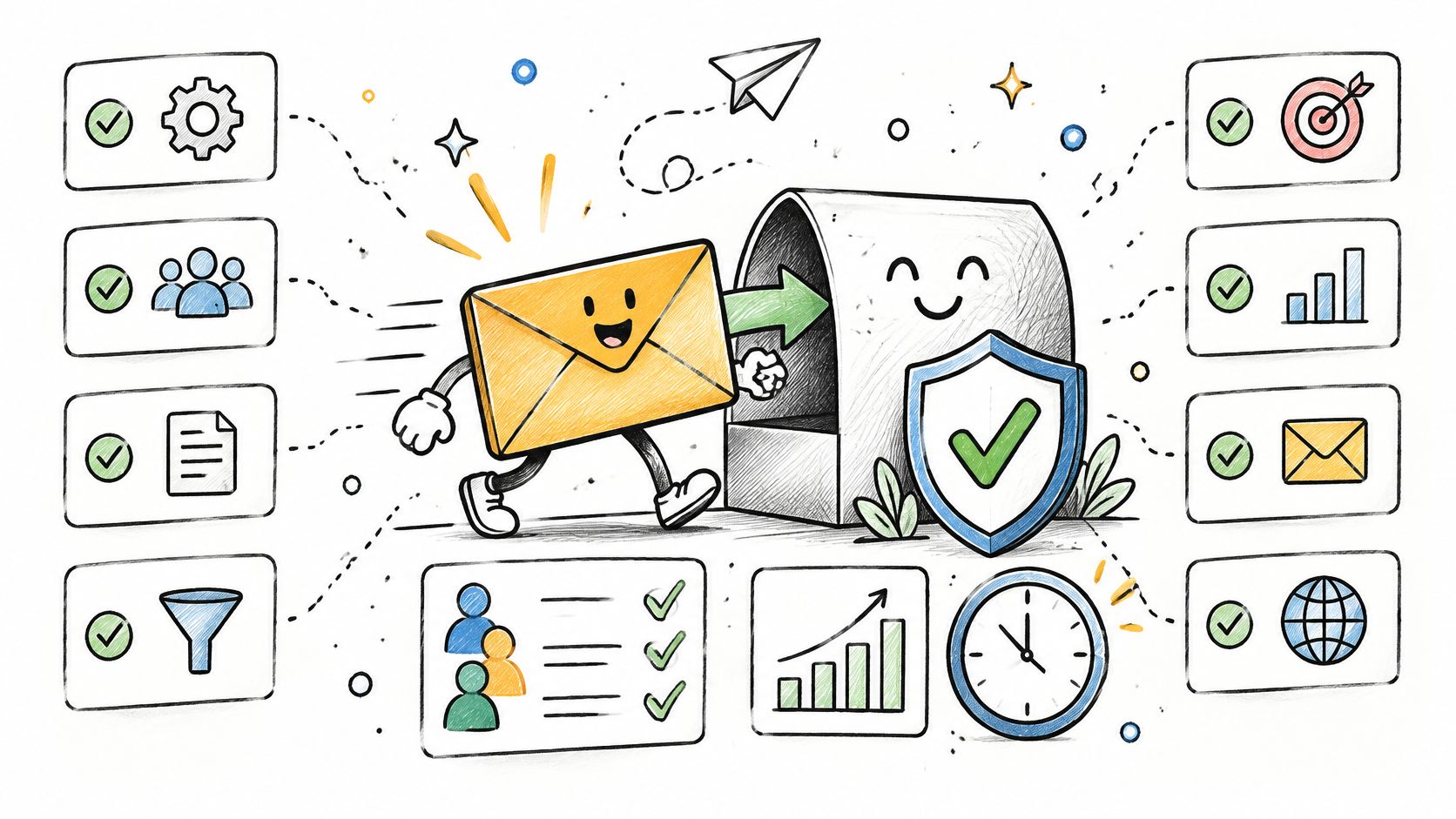
Why does a newsletter show a high delivery rate and still get almost no readers? The usual answer, a bad subject line, misses the larger problem. Mail lands in spam mainly because authentication is missing, list quality is poor, and complaint rates are too high, and delivery only confirms that a server accepted the message, not that it reached the inbox.
That gap is widely misunderstood. In a 2025 survey of more than 1,100 senders across the United States, France, Germany, Spain, and the United Kingdom, the Mailjet deliverability report found 88% didn't know what their email delivery rate measured. For a blog, newsletter, or small business site, the fix is sequential. First prove the mail is really from the stated domain, then prove readers asked for it, then measure placement and complaints. The February 2024 Gmail and Yahoo bulk sender rules made that order harder to ignore, and practical guides on how to keep marketing emails out of spam now start with identity rather than copy tweaks. These email delivery best practices follow the same logic, from the fault that blocks everything else to the monitoring that catches new problems early.
Table of Contents
1. Authenticate Your Sending Domain With SPF, DKIM, and DMARC
4. Keep Your List Clean by Removing Bounces and Inactive Addresses
5. Keep Spam Complaint Rates Well Below the Bulk Sender Threshold
8. Monitor Deliverability With Postmaster Tools and Test Sends
1. Authenticate Your Sending Domain With SPF, DKIM, and DMARC
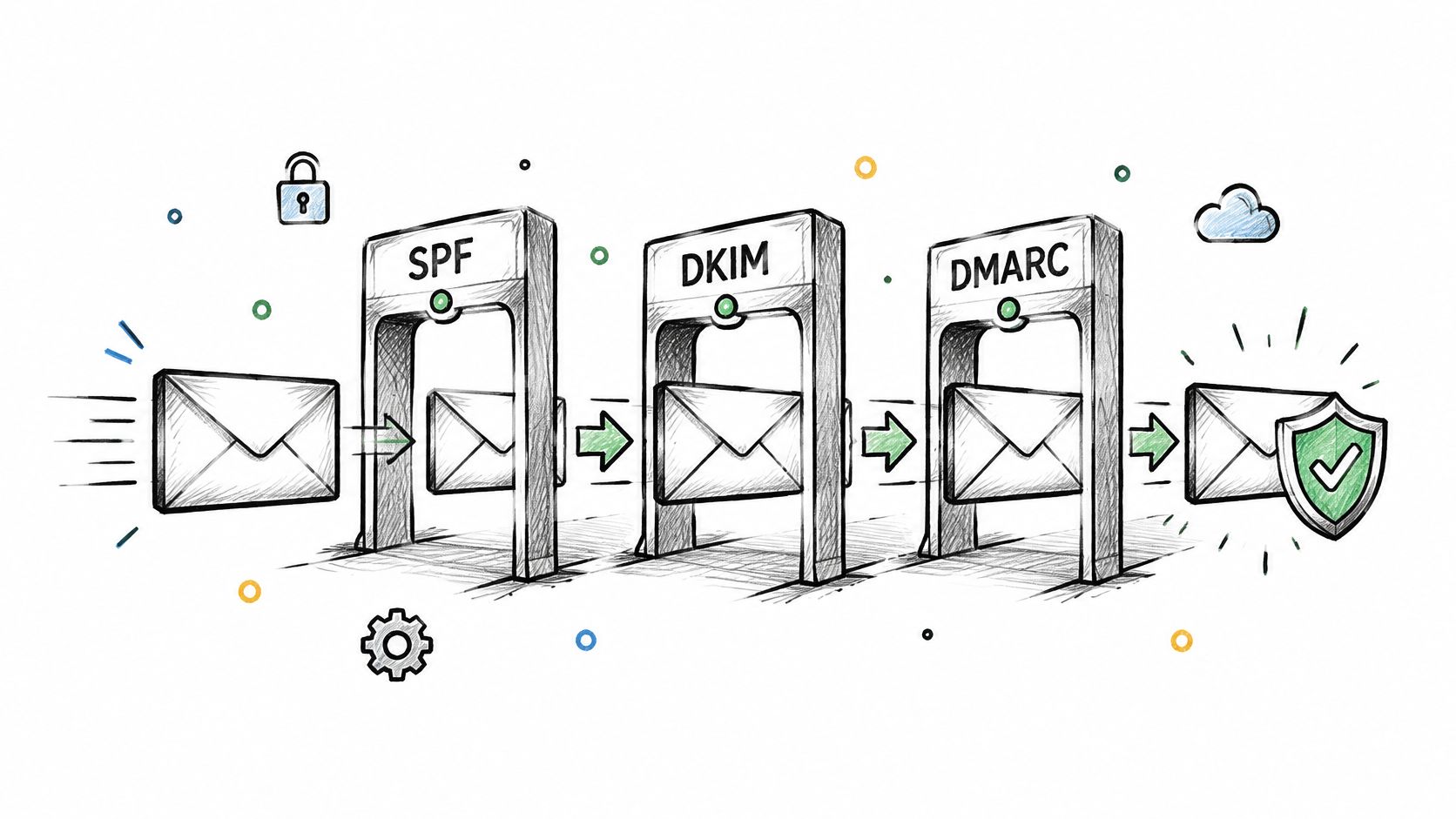
Authentication proves that mail claiming to come from a domain was authorized by that domain. SPF lists which servers may send for the domain, DKIM adds a cryptographic signature, and DMARC checks alignment with the visible From domain and tells receivers how to handle failures. Without those records, filters have to guess, and they rarely guess in a small sender's favor.
The baseline is now explicit. For messages to personal Gmail accounts, Google's sender guidance states that senders of close to 5,000 messages or more to Gmail accounts in a 24 hour period are bulk senders and must configure SPF, DKIM, and DMARC. Alignment matters as much as presence. The From domain must align with the SPF authenticated domain or the DKIM authenticated domain, which is why a signed message from unrelated infrastructure can still fail.
Adoption shows how normal this setup has become. A 2025 deliverability benchmark covered by the Unspam 2025 Email Deliverability Benchmark Report reported adoption of SPF at 92%, DKIM at 88%, and DMARC at 69%.
A Safe Rollout Order
Publish records for every sending domain: Cover the main domain and any subdomain used for newsletters, receipts, or support mail.
Start DMARC at p=none: Review aggregate reports for two to four weeks, fix legitimate sources that fail, then move to quarantine and later reject.
Copy records exactly: Follow each sending tool's DKIM instructions, and use a practical walkthrough to configure SPF, DKIM, and DMARC with SendX as a formatting reference.
Say a bakery sends offers from a newsletter subdomain and receipts from the main domain. Both need records, and both streams should appear clean in DMARC reports before enforcement tightens. Senders using a native newsletter tool should complete the custom sender domain setup for newsletters before the first real campaign, not after filters react.
2. Use Double Opt-In to Confirm Every Subscriber
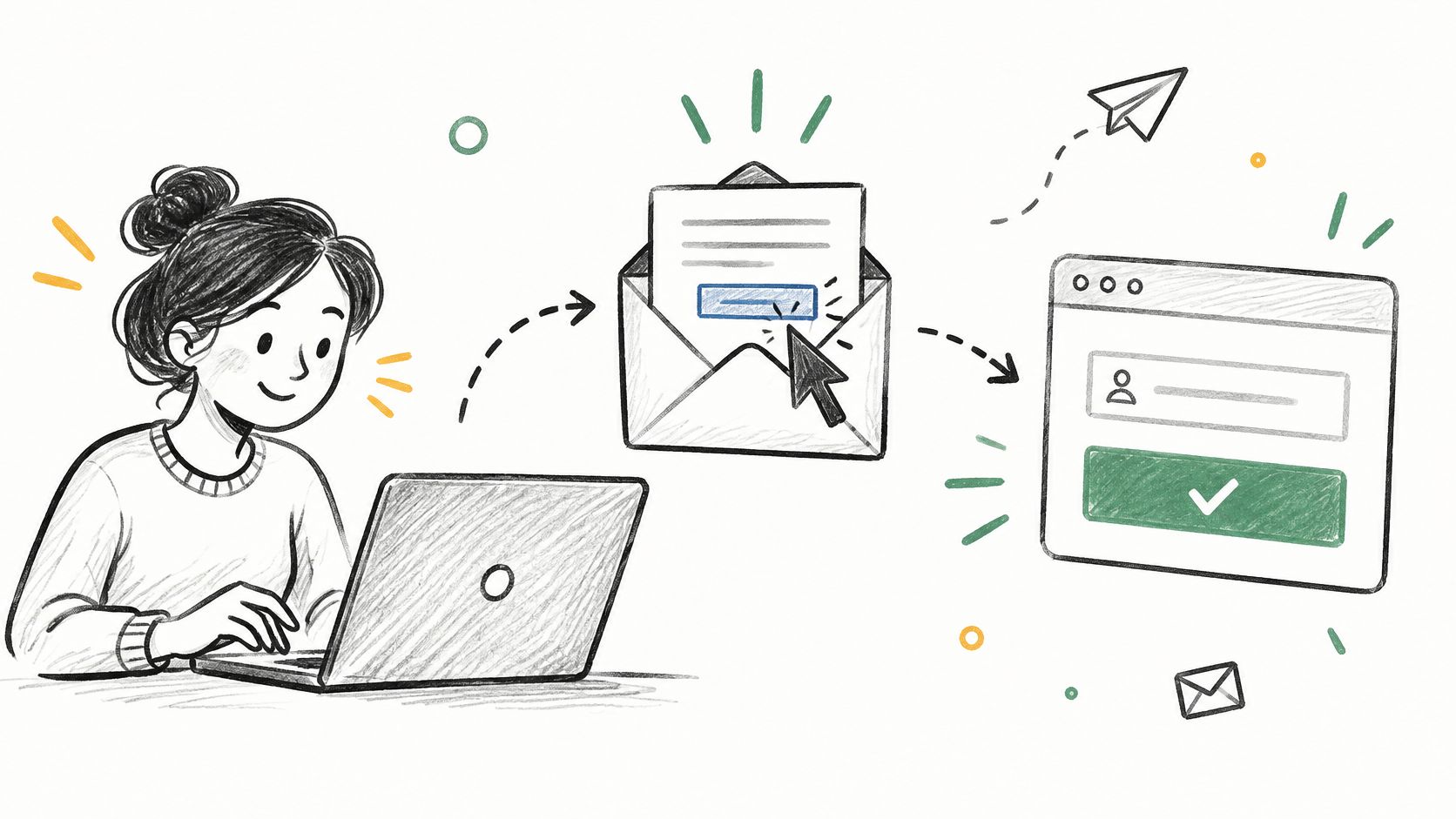
A smaller confirmed list usually beats a larger guessed list. Double opt-in means a new subscriber clicks a confirmation link before joining the active audience. Mistyped addresses, fake signups, and bots mostly die at that step, before they can bounce or complain.
The cost is real. Some genuine readers never find the confirmation email, forget to click, or lose interest in the delay. Growth looks slower in the first week. That trade-off is still favorable for most blogs and newsletters because inbox placement depends on wanted mail, and unconfirmed addresses provide weak evidence that anyone wants it.
Many senders haven't made that choice. The Mailgun State of Email Deliverability found nearly 40% of surveyed senders used double opt-in, which means most did not.
Where Single Opt-In Still Fits
Purchases and paid memberships can justify single opt-in because consent is tied to a transaction and the expectation is clear. Public forms, lead magnets, contests, and partner referrals are riskier because the intent is thinner. A sensible split is double opt-in for public acquisition and single opt-in only where the relationship is already explicit.
The confirmation message should be short, name the publication, state what was requested, and make one button obvious. One reminder is enough. Repeated nudges to people who ignored the link train filters and readers to treat the mail as unwanted.
Practical rule: Record the signup date, source form, and confirmation time for every subscriber, then compare confirmation and complaint rates by source before scaling any form.
Say a podcast adds a signup box to show notes and a separate form for a free checklist. If the checklist form confirms poorly but produces more complaints later, the problem is acquisition quality, not subject lines. Tags by source make that pattern visible.
3. Make Unsubscribing One Click and Honor It Immediately
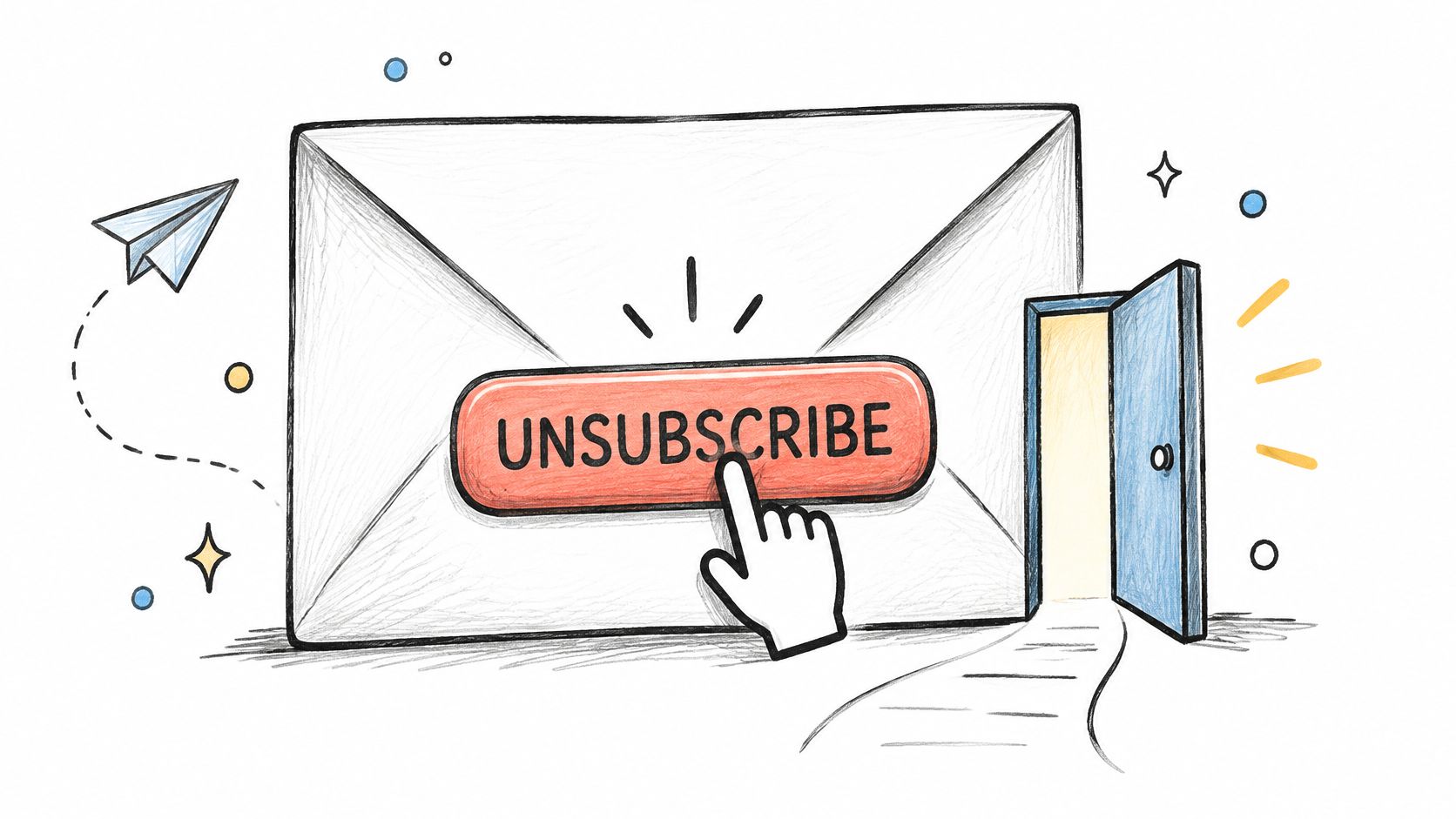
Readers who can't leave easily don't stay happily. They mark the message as spam. An unsubscribe is a mild negative signal, while a spam complaint tells the mailbox provider the sender ignored consent, so hiding the exit damages delivery more than losing a subscriber does.
Bulk marketing mail to Gmail and Yahoo now needs one click unsubscribe using the List-Unsubscribe mechanism, plus a visible footer link for readers who prefer that route. The header route matters because mailbox apps can surface it directly beside the sender name. The footer still matters because people look there first and because not every client displays the header control the same way.
Legal duties sit underneath provider rules. Under the United States CAN-SPAM Act, the FTC CAN-SPAM compliance guide says a sender must honor a valid opt out request within 10 business days. The same guide states the opt out mechanism must remain able to process requests for at least 30 days after the message is sent.
Good operations go faster than the legal floor. Unsubscribes should update segments, automations, welcome flows, and paid sequences automatically, and a suppressed address shouldn't be revived by a later import. Testing with a second address before a major campaign catches broken links, login walls, and preference pages that require unnecessary information.
A frequency choice can help when it's honest. Offering monthly instead of weekly may retain a reader who likes the content but not the pace. It shouldn't become a maze, a guilt screen, or a condition for leaving. Say a small shop sends product drops twice a week. A monthly digest option saves some readers, while anyone who chooses full unsubscribe should be out in one click.
4. Keep Your List Clean by Removing Bounces and Inactive Addresses
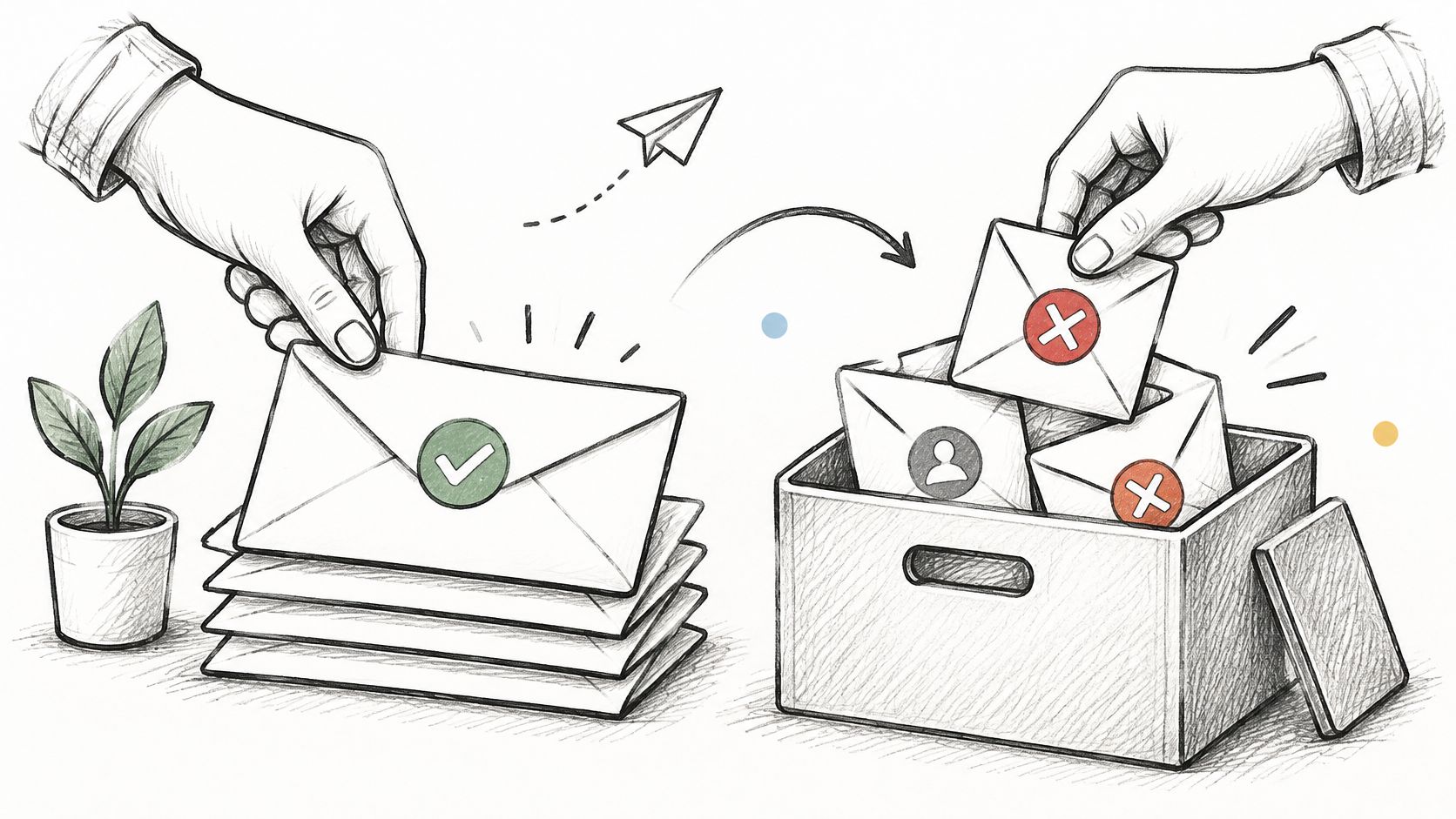
List size feels like progress, but dead and disengaged addresses tax every send. Hard bounces are permanent failures, such as a mailbox that doesn't exist. Soft bounces are temporary, such as a full mailbox or a short server problem. Treating both the same either keeps bad data too long or removes usable addresses too fast.
Hard bounces should be removed immediately and never imported again. Soft bounces deserve limited retries, then suppression if they repeat across campaigns. A sudden rise in soft bounces can also signal throttling or reputation trouble, so the pattern matters more than any single failed address.
Inactive subscribers are harder because privacy features make opens less reliable. Clicks, replies, purchases, site logins, and confirmed reading behavior should carry weight alongside opens. A reader who never clicks anything for a long stretch is still a risk, but deleting people only because image tracking failed can remove genuine readers.
A Workable Sunset Routine
Flag inactivity early: Tag subscribers with no meaningful engagement in about 90 days.
Send a short re-engagement sequence: Three messages are enough to ask whether they still want the mail, offer a lower frequency, or present the most useful recent issue.
Suppress nonresponders: Stop regular sends after the sequence, usually within a 90 to 180 day window chosen for the audience, and keep a record to prevent accidental re-addition.
Say a local newsletter keeps sending daily briefings to everyone acquired during a launch giveaway. Engagement falls, complaints rise, and Gmail placement worsens for loyal readers too. A sunset routine reduces reported list size, and that's the cost. The benefit is that remaining engagement signals describe people who still want the publication.
5. Keep Spam Complaint Rates Well Below the Bulk Sender Threshold
Complaints are the clearest reader vote against a sender. Low opens can reflect weak topics or broken tracking, and unsubscribes can reflect a changed need. A spam report says the message felt unwanted enough for the reader to use the strongest control available.
There's a concrete ceiling. The Elastic Email summary of Google and Yahoo authentication requirements states senders should keep the spam rate shown in Google Postmaster Tools below 0.3%, with less than 0.1% treated as a safer operating target. Waiting until the rate approaches the ceiling leaves no room for one bad import, one mismatched partner promotion, or one segment that was promised something different.
Where Complaint Spikes Usually Start
Complaints cluster by source. A contest list, a purchased list, an old customer export, or a lead magnet with vague consent language often performs worse than the core audience. Segment complaint rates by campaign, domain, acquisition source, and subscriber age so a small bad group doesn't hide inside a large healthy average.
A rising complaint rate calls for pausing or throttling the affected segment first, not sending more mail to average it down.
Prevention is mostly expectation management. The signup page should name the sender, topic, and frequency, and the welcome email should repeat that promise in plain language. If a weekly gardening letter suddenly becomes daily affiliate offers, complaints are a rational response.
Google Postmaster Tools should be checked weekly by anyone sending regularly to Gmail. Say complaints jump after a co-marketing campaign. The useful response is to stop mailing that source, review what those subscribers were told, and require fresh confirmation before any return. List growth purchased with complaints is expensive growth.
6. Warm Up New Domains and Send on a Steady Schedule
A new domain has no track record, and filters notice sudden volume. Sending thousands of messages on day one from a domain that sent nothing last week looks like a compromised account or a rented list. Warming up gives mailbox providers a pattern of wanted mail before volume rises.
Start with people most likely to open, click, or reply, often recent subscribers and customers active in the last 30 days. Increase volume gradually over a few weeks while watching bounces, complaints, and placement. Doubling every few days can work when results stay clean, but it's a pacing guide, not a promise. Rising soft bounces or complaints mean slow down, narrow the audience, and find the cause.
Consistency Beats Bursts
A weekly newsletter sent on Tuesday mornings builds a clearer pattern than four messages in one week followed by silence. Readers also learn when to expect it, which supports real engagement. Seasonal businesses can't always send weekly, but they can avoid long dormancy followed by a full list blast.
Say a creator moves a publication to a new sending domain before a launch. The safer sequence is a small send to recent clickers, then confirmed subscribers in stages, then the broader confirmed list. The launch is delayed slightly, and some launch energy is lost. That's cheaper than starting the new domain with a reputation problem.
Old imports need special care. A large archive list shouldn't enter in one step, and addresses with no recent permission evidence shouldn't be mailed just because they once bought something or attended an event. Confirm interest where possible, add contacts gradually, and keep transactional mail steady during the transition. Warming up doesn't fix bad consent. It only introduces good mail at a pace filters can learn from.
7. Segment by Engagement and Send Relevant Content
Relevance is a deliverability tool because it changes reader behavior. People open, click, save, and reply to mail that matches why they subscribed. They ignore or report mail that treats every interest, purchase stage, and activity level as identical.
Benchmarks help only when used carefully. Mailchimp's email marketing benchmarks suggest aiming for an open rate of around 34.23% and a click through rate of around 2.66%, while breaking results down by industry because they vary by industry and audience. A segment far below its own recent history deserves attention. A segment below a broad benchmark may serve a different kind of reader.
Start small. Two or three segments, such as active readers, paying members, and inactive subscribers, are enough to change sending decisions. Active readers can receive every issue, paying members can receive member material, and inactive subscribers can receive less often while re-engagement runs separately.
Use clicks to learn topics: Repeated clicks on pricing guides, recipes, or local events show what each group values.
Separate announcements from routine issues: Reserve full list sends for broad news, a pattern also used in targeted email campaigns by customer stage.
Give new subscribers a welcome series: Early messages should confirm topic, frequency, and the best starting material.
VeloCMS includes newsletter segments, tags, and newsletter automations, and the guide to newsletter tag segmentation explains the mechanics. Say a cooking blog tags readers who click baking posts. A sourdough issue goes first to that group, while a general roundup goes to everyone active. The list feels smaller per send, but each send gives filters stronger evidence that recipients want it.
8. Monitor Deliverability With Postmaster Tools and Test Sends
A delivered count can't diagnose placement. The Scalero email program benchmarking report found only 25% of senders consistently ran inbox placement tests. That's the blind spot. Mail can be accepted, counted as delivered, and still sit in spam where almost nobody reads it.
Google Postmaster Tools shows domain reputation, spam rate, and authentication results for Gmail. Microsoft SNDS gives IP-level signals for Outlook.com traffic to senders who control their own sending IPs. Both should be set up before the first major send, because historical data is most useful when a later campaign goes wrong and the sender needs a clean baseline for comparison.
Authentication also needs ongoing attention. NIST Technical Note 1945 notes DMARC can authenticate a message when either SPF or DKIM succeeds under the relevant alignment rules. Reports therefore need review after adding a help desk, commerce tool, course platform, or any service that sends as the domain.
A Simple Post Send Check
Seed tests to accounts at Gmail, Outlook, and Yahoo show whether a message reached the inbox, spam, or nowhere visible. They aren't perfect because personal filtering differs, but repeated spam placement across seeds is useful evidence. A simple log recording bounce rate, complaint rate, unsubscribe rate, clicks, and seed placement turns scattered impressions into a trend.
Say delivery stays high while clicks fall and seed accounts show Gmail spam placement. That pattern points to reputation, engagement, or content expectation problems, not server acceptance. The next send should go to recent engagers while authentication reports and complaint sources are checked. Senders troubleshooting a failed campaign can use the newsletter sending troubleshooting guidance alongside provider dashboards, then compare results by mailbox provider instead of treating all recipients as one inbox.
Email delivery best practices at a glance
Practice | Primary goal | Difficulty | Key metric to watch |
|---|---|---|---|
Authenticate your sending domain with SPF, DKIM, and DMARC | Verify sender identity and protect domain reputation | High: requires DNS configuration | SPF/DKIM pass and DMARC alignment |
Use double opt-in to confirm every subscriber | Verify consent and improve list quality | Low: requires a confirmation flow | Confirmation rate |
Make unsubscribing one click and honor it immediately | Reduce spam complaints and respect unsubscribe requests | Medium: requires headers and suppression logic | Unsubscribe processing time |
Keep your list clean by removing bounces and inactive addresses | Reduce delivery failures and suppress unresponsive subscribers | Medium: requires ongoing list management | Bounce rate and inactive subscriber rate |
Keep spam complaint rates well below the bulk sender threshold | Protect sender reputation and inbox placement | Medium: requires regular monitoring | Complaint rate; target below 0.1% |
Warm up new domains and send on a steady schedule | Build sender reputation gradually | Medium: requires careful volume planning | Bounce and complaint rates as volume increases |
Segment by engagement and send relevant content | Improve relevance and subscriber engagement | Medium: requires segment upkeep | Engagement by segment |
Monitor deliverability with postmaster tools and test sends | Detect delivery issues and track provider reputation | Medium: requires tool setup and regular reviews | Reputation, spam rate, and inbox placement |
Your First 30 Days of Better Email Delivery
The first week should fix identity. Publish SPF and DKIM for every sending domain and subdomain, add DMARC at p=none, and inventory every legitimate tool that sends as the domain, including the newsletter system, store receipts, contact forms, course platform, and support desk. Read the first aggregate reports before tightening enforcement. A legitimate service failing alignment is easier to fix during monitoring than after DMARC begins quarantining real mail.
Week two should fix consent and exits. Switch public signup forms to double opt-in, rewrite the confirmation email so the publication name and promise are unmistakable, and store signup source with each subscriber. Test one click unsubscribe and the footer link with a separate address, then confirm that suppression reaches automations, segments, welcome flows, and future imports. This stage may slow visible growth. It also removes the addresses most likely to bounce, ignore, or complain.
Week three should establish measurement. Verify the domain in Google Postmaster Tools, register dedicated sending IPs in Microsoft SNDS where you have them, create seed addresses at major providers, and start a plain log for each send. Record hard bounces, soft bounces, complaints, unsubscribes, clicks, and placement notes beside the campaign name and audience source. Numbers without segment context invite the wrong fix. A complaint problem in one imported group shouldn't trigger a redesign for loyal readers, and a placement problem at one provider shouldn't be read as a failure everywhere.
Week four should reduce risk from the existing list. Remove hard bounces, suppress repeated soft bounces, tag subscribers with no meaningful engagement in about 90 days, and run a three message re-engagement sequence. People who respond return to regular sends, people who choose less frequent mail move segments, and nonresponders are suppressed from routine issues. The reported list will shrink. That's not lost reach if those addresses weren't reading, and cleaner engagement gives the remaining audience a better chance of inbox placement.
After 30 days, the routine should be boring. Check Postmaster Tools weekly, review DMARC reports after adding any sending service, clean bounces after every campaign, and review inactive subscribers on a regular cycle. Tighten DMARC only when legitimate sources pass consistently. Send most often to people showing recent interest, and treat full list blasts as occasional events rather than a default habit. Most email delivery best practices fail at the maintenance stage, not the setup stage.
For publishers who want writing, sending, segmentation, and tags in one place, VeloCMS offers native newsletter delivery with segments and tags. Every plan is paid and starts with a 14-day free trial, so the setup can be tested with real forms and a real sending domain before committing. The platform doesn't remove the need for authentication, consent, list cleaning, or postmaster monitoring. It reduces the number of separate tools involved while those responsibilities stay visible.
If a blog, newsletter, membership, and email list belong in one subscription, VeloCMS combines publishing with native newsletter delivery, segments, tags, and newsletter automations. Set up the custom sender domain, confirm subscribers properly, and use the 14-day free trial on a paid plan to test the workflow with a real issue before sending at scale.