small business CMS · Oct 12, 2026
10 Best Content Management System for Small Business 2026
No single platform wins for every small business, and the best content management system for small business usually comes down to WordPress, Squarespace, or Wix for the most common brochure, blog, and lead-gen setups. The decision is less about feature counts and more about hosting burden, monthly a

No single platform wins for every small business, and the best content management system for small business usually comes down to WordPress, Squarespace, or Wix for the most common brochure, blog, and lead-gen setups. The decision is less about feature counts and more about hosting burden, monthly add-ons, newsletter or membership fit, page speed, and how hard it is to leave later.
Most owners ask the wrong first question. They ask which CMS has the most tools, when the better question is which one keeps working on a busy week without turning into a maintenance project. That is where the trade-offs show up fast, especially once a site needs forms, email, product pages, bookings, or content that must load well on mobile. For a broad look at CMS selection from an SEO angle, compare top CMS options for SEO.
Table of Contents
1. WordPress
WordPress still fits many small businesses because the ecosystem is broad and the software is flexible. WordPress.org is the base, but most of the workload sits around it. Hosting, updates, security, SEO plugins, backups, and theme changes can turn a simple site into a maintenance task. That is why many owners end up paying for managed hosting anyway, even when the core software is free.
W3Techs' historical data shows how common WordPress has been, but scale alone does not make it the right choice for every team. It is easy to find developers, themes, and migration help. It is also easy to add more plugins than the site can comfortably carry.
Practical rule: WordPress works best when someone can own the site long term. If nobody will manage plugins, theme updates, and security, the “free” CMS gets expensive in time.
The bigger question is total monthly cost after add-ons, not the sticker price. For a closer look at that trade-off, see the real cost of running a WordPress blog. WordPress is a strong fit for a blog, lead forms, and light ecommerce when you can accept the upkeep. It is also portable, which matters if leaving later could become a project of its own. The ecosystem keeps growing, and Bragly social proof widgets are one more example of that, but each extra layer adds something else to maintain.
2. Squarespace
Squarespace fits owners who want a polished site without a pile of setup decisions. The platform handles hosting, SSL, analytics, templates, and a basic commerce stack in one place, which keeps the day-to-day workload low for a nontechnical team. Its best use case is a service business, local brand, portfolio, or simple shop where design consistency matters more than custom engineering. The trade-off is that the more a business leans on transactions, memberships, or custom behavior, the more the limits show up.
3. Wix
Wix is the fastest route for many small businesses that need to get live quickly and do not want to touch code. The drag-and-drop editor, app market, and vertical tools for bookings, restaurants, and other local business categories make it easy to assemble a working site. That convenience comes with a real cost question, though. Add-ons can stack up, and moving a complex site away later is harder than with open-source systems. The migration guide for Wix blogs is useful precisely because leaving is not as simple as flipping a switch.
Wix usually wins the first week and loses some points in year three. That is not a dealbreaker, but it should be part of the purchase decision.
The Wix website makes the platform's no-code appeal obvious. For a solo founder, that can be enough. For a team that expects to outgrow the starter site, the question is whether the convenience today will create migration friction later.
4. Webflow
Webflow sits in a different lane. It is for owners and designers who care about a more custom front end without running their own server stack. The editor gives far more layout control than typical site builders, and that can pay off for a small business that wants a premium look without hiring a full development team. Webflow also brings hosted infrastructure, which removes some operational burden.
The catch is learning curve and cost pressure. Webflow can be excellent for a small business with a designer or agency partner, but it is not the easiest choice for a busy owner who just wants to publish a blog post, change a hero section, and move on with the week. Its strength is control. Its weakness is that control asks more from the user than a simpler builder does.
5. Shopify
Shopify fits when commerce is the business, not a side feature. It covers storefront content, checkout, payments, and omnichannel selling without forcing a small team to stitch tools together. For lighter product catalogs, see how to sell products on your blog without Shopify. If you need pages, posts, landing pages, and a store in one place, Shopify often beats bolting commerce onto a generic CMS. The Shopify platform is built for that job.
6. Ghost

Ghost is the cleanest option for a business built around publishing, email, and paid membership. It is writing-first by design, which keeps the editor simple and the workflow fast. Native memberships and email delivery reduce the need for extra tools, and that matters for solo creators or small teams that want less maintenance. Ghost also keeps the product focused, which is a strength when the site is mainly a newsletter, publication, or paid audience hub.
Where Ghost fits
Ghost works best when content is the product or the main lead engine. It is less comfortable for a business that needs lots of page types, complicated product catalogues, or a very broad corporate site structure. For those teams, the simplicity can start to feel narrow instead of efficient.
If the site lives or dies on publishing cadence, Ghost is easy to keep running. If the business needs many content models, it can become cramped.
7. VeloCMS
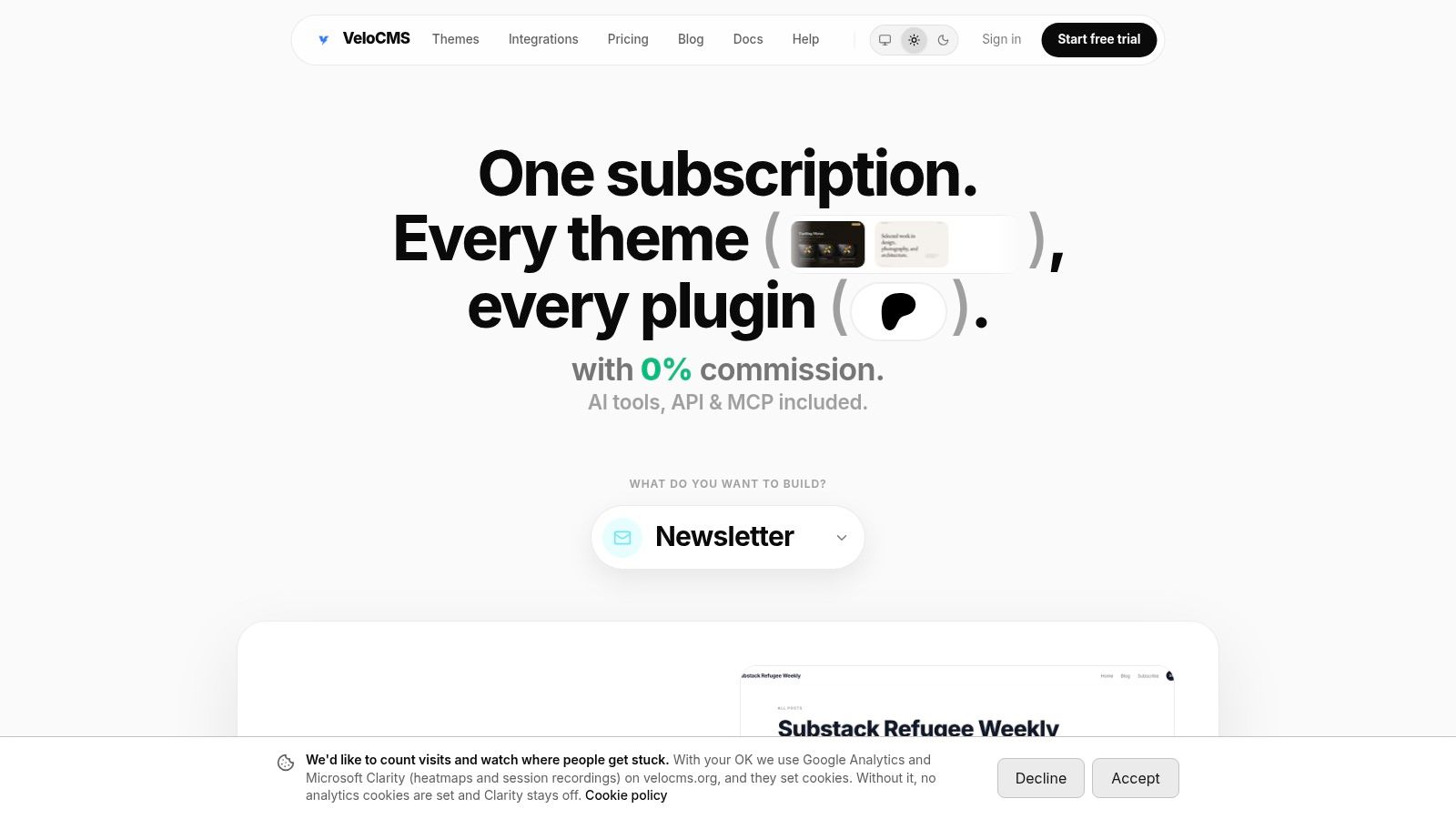
VeloCMS fits small businesses that want fewer tools to manage. It combines a block editor with AI rewrite and slash commands, AI SEO scoring, a native newsletter system, paid memberships, native commerce, and a reader theme library. The core appeal is operational. One login, one billing relationship, and less plugin upkeep. That matters when the site owner is also the editor, publisher, and support desk.
Portability is part of the pitch too. The site says it has tested importers for WordPress, Squarespace, Substack, Ghost, and Medium, plus full Markdown and JSON exports. For owners who may need to leave later, that is a practical safeguard. The published pricing is direct, with Pro at about $7.20 per month, Business at about $23.20 per month, and Agency at about $55.20 per month, all billed annually ($9, $29 and $69 on monthly billing). Every plan includes a 14-day free trial, and there is no free plan. VeloCMS also offers internal comparison pages and an admin demo, so buyers can inspect the workflow before they commit.
Why it stands out
VeloCMS is strongest on day-to-day simplicity. Native email delivery removes a separate ESP bill, and the site says it takes 0% platform commission on creator revenue (Stripe's processing fees still apply). It also speaks to owners who have seen WordPress stacks grow into a pile of plugins and recurring fees.
There is a trade-off. Claims on the site are not the same as independent audit data, so teams with strict speed requirements should test their own pages before switching. The platform looks best for small businesses that care about total monthly cost after add-ons, routine editing time, newsletter or membership fit, and how hard it will be to leave later.
8. Duda
Duda is built for agencies and freelancers who manage many client sites, not for a lone owner who just needs a simple home page. The white-label options, client permissions, and team collaboration tools make it efficient when a studio handles multiple accounts. For a single small business, though, it can feel like more platform than necessary. Duda makes more sense when site production is a service line.
Good fit, bad fit
The good fit is a small agency, a web designer, or a consultant with recurring client work. The bad fit is a bakery, clinic, or local service business that wants one site and low overhead. Duda's value appears when collaboration is the bottleneck.
9. HubSpot Content Hub
HubSpot Content Hub is strongest when the site, CRM, forms, and lead nurturing all need to live together. Small businesses that run inbound marketing, gated content, and sales follow-up often like that tight connection. The trade-off is weight. For a simple brochure site, HubSpot can feel like too much system for too little need. The HubSpot Content Hub makes sense when content is part of a larger revenue process.
When it pays off
It pays off when lead capture and reporting matter enough to justify a more connected stack. If the business wants a blog and contact page, the platform is probably more than it needs. If the business wants the website to feed sales and service data directly, the extra structure starts to make sense.
10. Craft CMS
Craft CMS is for businesses that need structure, custom content models, and a more customized editing experience. It is developer-friendly by design, which makes it a strong fit for a boutique agency build or a small business with specific content relationships. The Craft CMS site reflects that positioning clearly. The downside is obvious too. It usually needs a developer to set it up well, and that makes it a poor choice for owners who want a simple self-serve platform.
Craft is one of the better choices when the content model matters more than the theme library.
Its real value shows up when a site needs multi-site, localization, or a more controlled structure than a general-purpose builder can offer. For the average small business, that's overkill. For a business with unusual content requirements, it can be the right kind of overkill.
Top 10 CMS Comparison for Small Businesses
Platform | Core features | UX & performance | Monetization & pricing | Best for | Unique advantage |
|---|---|---|---|---|---|
WordPress | Gutenberg editor, large plugin directory, themes, open‑source | Variable (host/plugins dependent); self‑managed | Free software; pay for hosting, plugins, maintenance | Flexible sites, developers, agencies | Largest ecosystem & full portability |
Squarespace | Template‑driven builder, hosting, ecommerce, memberships | Polished templates, managed hosting, easy setup | Subscription tiers; transaction fees on lower plans | Non‑technical small businesses, creatives | Design‑first, all‑in‑one managed solution |
Wix | Drag‑and‑drop editor, AI site creation, large app market | Very beginner‑friendly; managed hosting | Tiered plans; apps/add‑ons can increase cost | Beginners, vertical small businesses (restaurants, bookings) | Fast no‑code setup with industry toolkits |
Webflow | Visual design engine, CMS Collections, interactions | Professional output, hosted CDN; steeper learning curve | Separate Site plans and Workspace plans | Designers and agencies needing pixel control | Pixel‑level design without server management |
Shopify | Commerce‑first platform, storefront CMS, POS | Reliable hosted commerce, PCI compliant | Plans + app fees; transaction fees unless using Shopify Payments | Product‑centric small businesses & omnichannel sellers | Best‑in‑class checkout & commerce infrastructure |
Ghost | Writing‑first CMS, native email & memberships | Fast, minimal plugin overhead; simple editor | Self‑host free or Ghost(Pro) paid; 0% platform fee (Stripe applies) | Creators, newsletter publishers, subscription models | Built‑in subscriptions and native email delivery |
VeloCMS | All‑in‑one: block editor + AI SEO, newsletters, memberships, commerce, themes, migrations, exports | Modern stack; targets ~0.8s desktop LCP; interactive admin demo | Predictable plans: Pro ~$7.20/mo, Business ~$23.20/mo, Agency ~$55.20/mo billed annually; 14‑day trial; 0% platform commission (Stripe fees apply) | Independent writers, newsletter publishers, small teams & agencies | Consolidates CMS+email+commerce+themes with tested imports and full exports |
Duda | White‑label builder, team collaboration, managed AWS hosting | Strong agency ops, client permissions, scalable for many sites | Site‑based plans; ecommerce tools available | Freelancers, studios, agencies managing many client sites | White‑label + operational tooling for agencies |
HubSpot Content Hub | CMS + CRM integration, personalization, marketing automation | CRM‑tied personalization & reporting; hosted | Free tools plus Starter, Professional and Enterprise editions | SMBs focused on inbound marketing and lead capture | Deep CRM + content + automation integration |
Craft CMS | Flexible content modeling, GraphQL, multi‑site/localization | Developer‑friendly; clean authoring UI | One‑time project license or Craft Cloud hosting | Developer‑driven bespoke projects & structured content | Highly flexible content modeling for custom builds |
Choose With a Trial, Not a Brochure
The best content management system for small business is the one that fits the way the business works, not the one with the longest feature page. Shortlist two platforms that match how the business actually runs. Then rebuild one real page on each during a trial, test a full content export, and total the yearly cost including add-ons, transaction fees, and any developer time before making a move.
That test should include the boring parts. Publish a blog post, update a landing page, change a call to action, send a newsletter, and check how long each job takes when the owner is busy. A platform can look great in a demo and still become annoying in week six when a plugin breaks, a theme update changes layout, or a payment fee appears in the wrong place.
If the site depends on content, email, memberships, or a simple store, VeloCMS is worth a serious look because it brings those pieces into one subscription and keeps the migration path open. The VeloCMS site is the place to see how that setup compares before the next rebuild starts.
VeloCMS brings blogging, newsletters, memberships, SEO tools, and themes into one platform, which is exactly the kind of setup small businesses compare against WordPress, Wix, and the rest. If fewer plugins, native email delivery, and portable exports sound like the right trade-offs, visit VeloCMS and see whether it fits the way the site runs.