CMS for agencies · Nov 05, 2026
Best CMS for Agencies: 10 Platforms Compared (2026)
There isn't one best CMS for agencies for every client, and that's the short answer. The right platform depends on who edits sites after launch, who handles updates and hosting, how much custom development the agency sells, and what a client takes away if the relationship ends. Say an agency runs 25

There isn't one best CMS for agencies for every client, and that's the short answer. The right platform depends on who edits sites after launch, who handles updates and hosting, how much custom development the agency sells, and what a client takes away if the relationship ends.
Say an agency runs 25 client sites. Several need plugin updates each month, one client wants to fix a typo without opening a ticket, and a new retainer client asks who owns the content, the subscriber list, and the site if they leave. Those aren't feature list questions. They're operating questions, and they decide whether a CMS protects margin or eats it week after week.
Familiarity still shapes most shortlists. In Promethean Research's 2024 Agency Webdev Trend Report, 83% of surveyed web-development and design professionals said they currently use WordPress. The same survey found 63% used the same number of CMS platforms as the previous year, which fits how agencies work. They rarely rip out a whole toolkit at once. They keep what staff know and add an option when a project needs it.
The ten platforms below are judged on that basis, including client editing, handoff, maintenance, billing per site, and portability. Agencies weighing a wider rebuild can also compare contemporary software stack choices, but the CMS decision still comes down to daily client work.
Table of Contents
1. VeloCMS
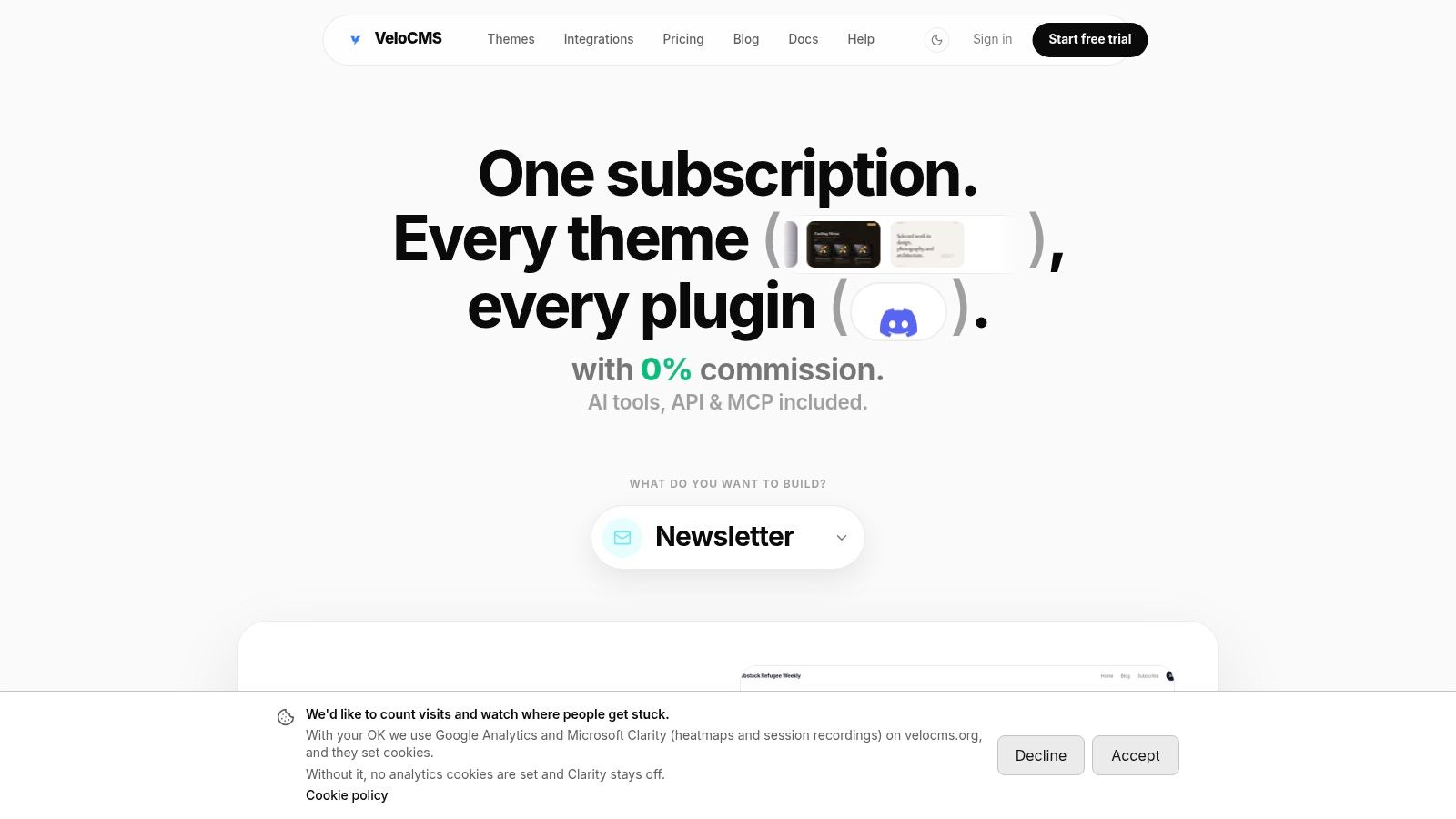
Five client sites under one bill for $69/month changes the math on small accounts. VeloCMS bundles blogging, newsletters, memberships, commerce, and SEO tools into a single subscription, so it suits agencies whose clients need a content site and an email list rather than heavy custom development. Hosting and updates come with the platform, which shrinks the agency's job to design, content, and handoff.
Editors get a block editor with AI rewriting, slash commands, and live AI SEO feedback during drafting. Newsletters support segments, tags, and automations, and paid memberships run at 0% platform commission. The Agency plan covers five sites, unlimited team members, white-label branding with custom fonts, colors, and domain, dedicated support and onboarding, and API access with no daily call cap. Extra sites cost $9/month each, each client site connects its own Stripe account so client revenue stays separate from agency billing, and annual billing drops the plan to $662.40/year.
Handoff and Limits
Migration tools import from WordPress, Squarespace, Substack, Ghost, and Medium. Content and audience data export as Markdown and JSON, so a departing client takes posts, members, subscribers, and media, not just page text. Agencies can review the agency setup and multi-site options before testing a real client page.
Strength: Blogging, newsletters, memberships, commerce, 41 themes, and connectors for Kit, Mailchimp, and Zapier sit in one plan with no add-on purchases.
Strength: 0% platform commission and per-site Stripe connections suit paid newsletters and membership clients.
Limit: There's no free plan. Every plan starts with a 14-day free trial.
Limit: The roughly 0.8-second desktop LCP figure is an internal target, not an independently published field measurement, so it needs testing on production-like pages.
2. WordPress
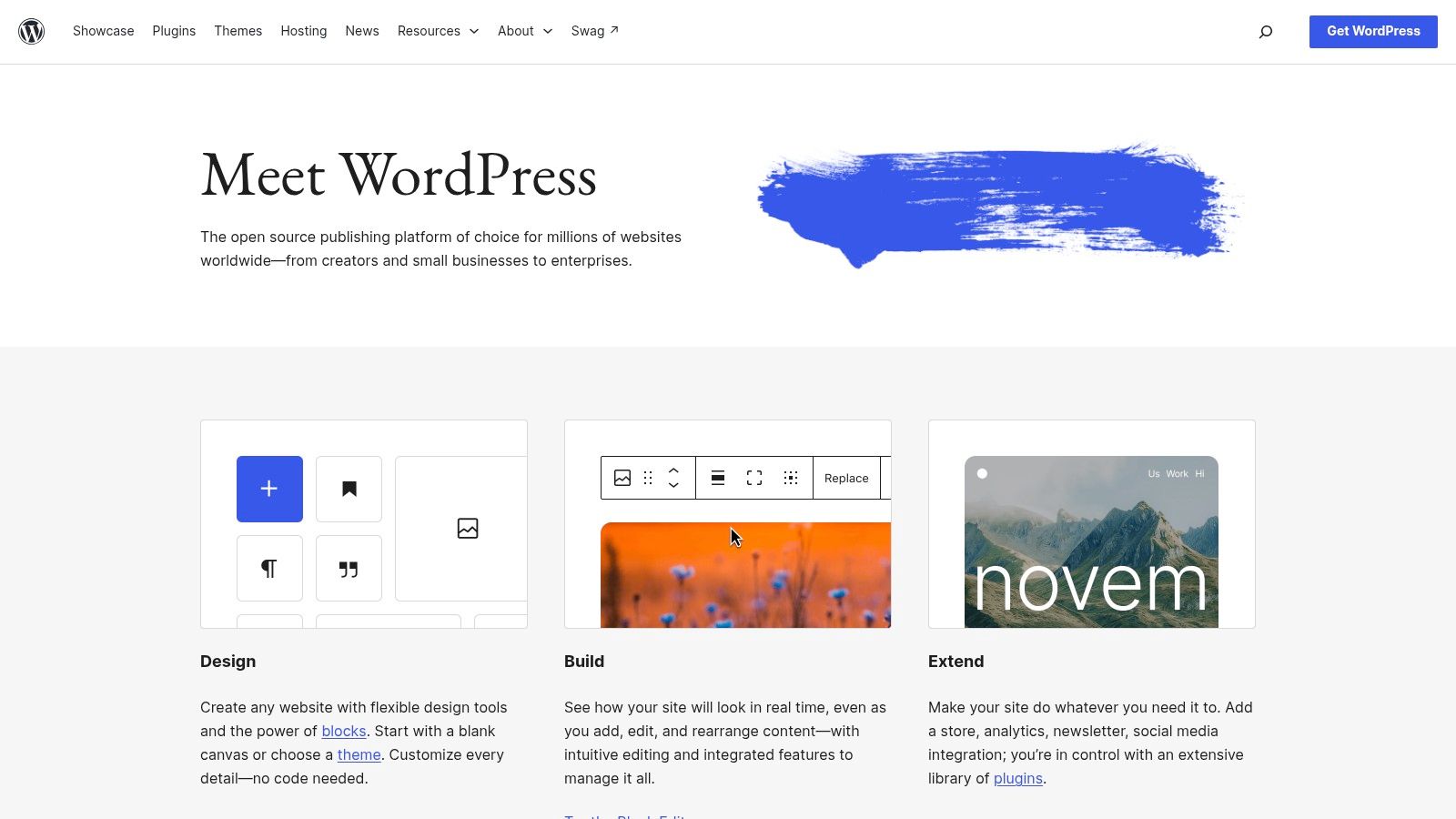
WordPress remains the default for agencies that need range. It handles blogs, brochure sites, publications, and custom builds, and clients can usually find another developer if they move on. That portability of skills is a real advantage, even when the site itself needs work to move cleanly.
The software is free, but the site isn't. Hosting, premium themes, plugins, backups, security, and updates sit with the agency or the client, and someone has to own that list. Agencies should price that work openly instead of absorbing it, and the breakdown in what running a WordPress blog really costs is a useful check before quoting a care plan.
Performance also varies sharply by build. The State of Web Vitals methodology explains how CMS-level Core Web Vitals pass rates are measured from real-user data, and WordPress results spread widely from site to site. That isn't a verdict on a careful agency build. It's a warning that theme choice, plugins, images, and hosting decide the result.
Strength: Block editor, custom content types, REST API, user roles, revisions, and a large plugin ecosystem cover most client requests.
Strength: Agencies choose hosting and development approach, with no CMS licence fee.
Limit: Plugin compatibility, updates, and security need ongoing ownership across every client site.
Best fit: Varied portfolios where the agency has developers and sells maintenance properly.
3. Webflow
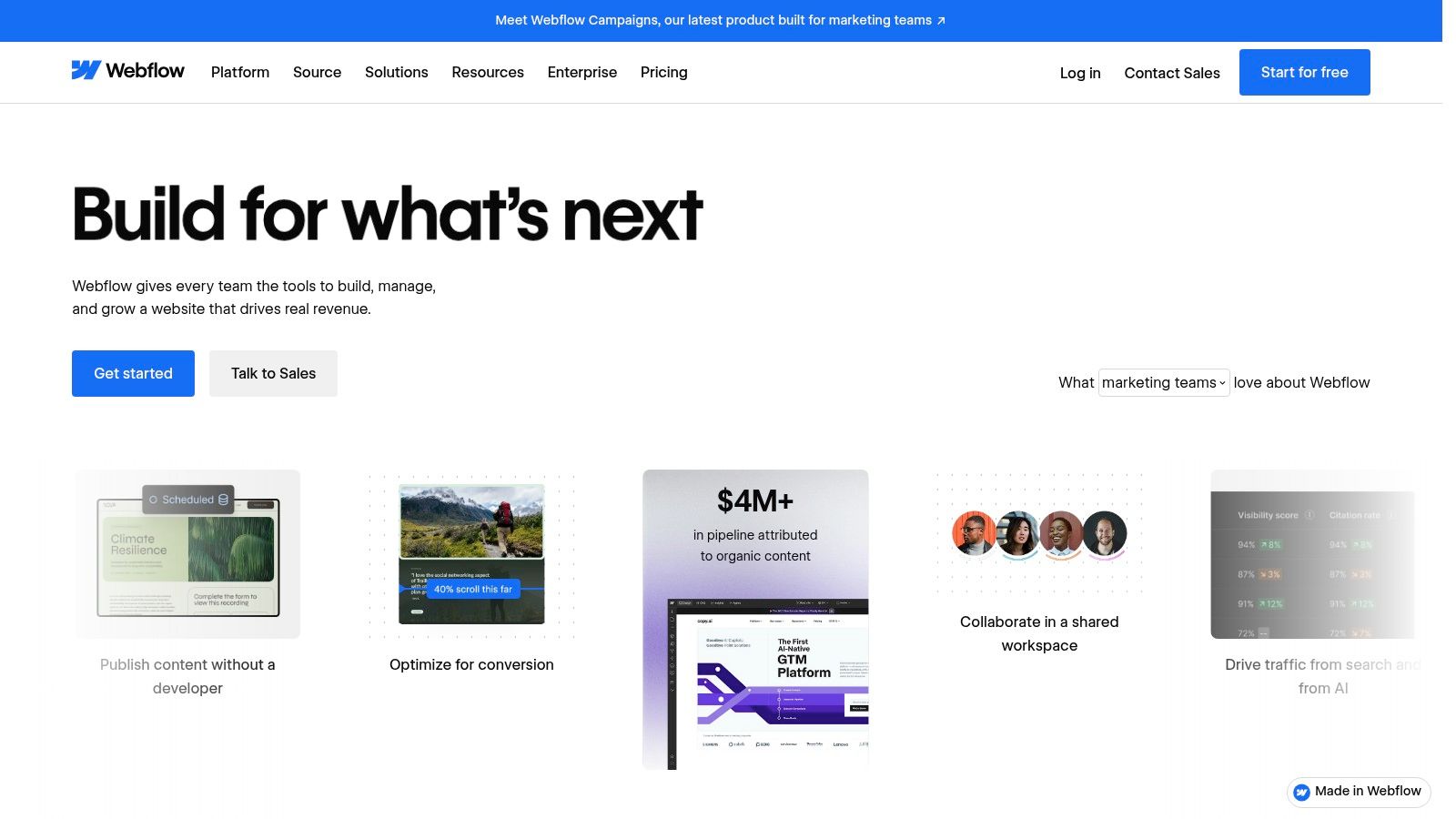
Design-led agencies often reach for Webflow when layout control matters more than a plugin library. Designers build responsive pages visually, clients edit structured content through CMS Collections, and managed hosting removes separate server upkeep. For marketing sites, case studies, and blogs with predictable content types, that split works well.
Handoff is the strong point and the catch. Clients can update collection items without touching the design system, which reduces small requests. The visual builder takes time to learn, so a client who wants to redesign pages alone may struggle. Train editors on collections only, and keep layout changes in agency hands unless the client has internal design support.
Costs need watching at portfolio level because Workspace and site plans are priced separately. One site can look reasonable while a portfolio tells a different story. Complex custom functions may also need embedded code or external services, which adds accounts to manage. Before promising a clean exit, check export options, embedded code, and where the content will live next; the Webflow-to-VeloCMS import question is a useful example of the scope to confirm before quoting the move.
Strength: Detailed visual control, staging, managed hosting, and client access suit polished marketing sites.
Limit: Per-site plans add up, and advanced functionality often sits outside the builder.
Best fit: Design-first agencies with repeatable page patterns and trained client editors.
4. Craft CMS
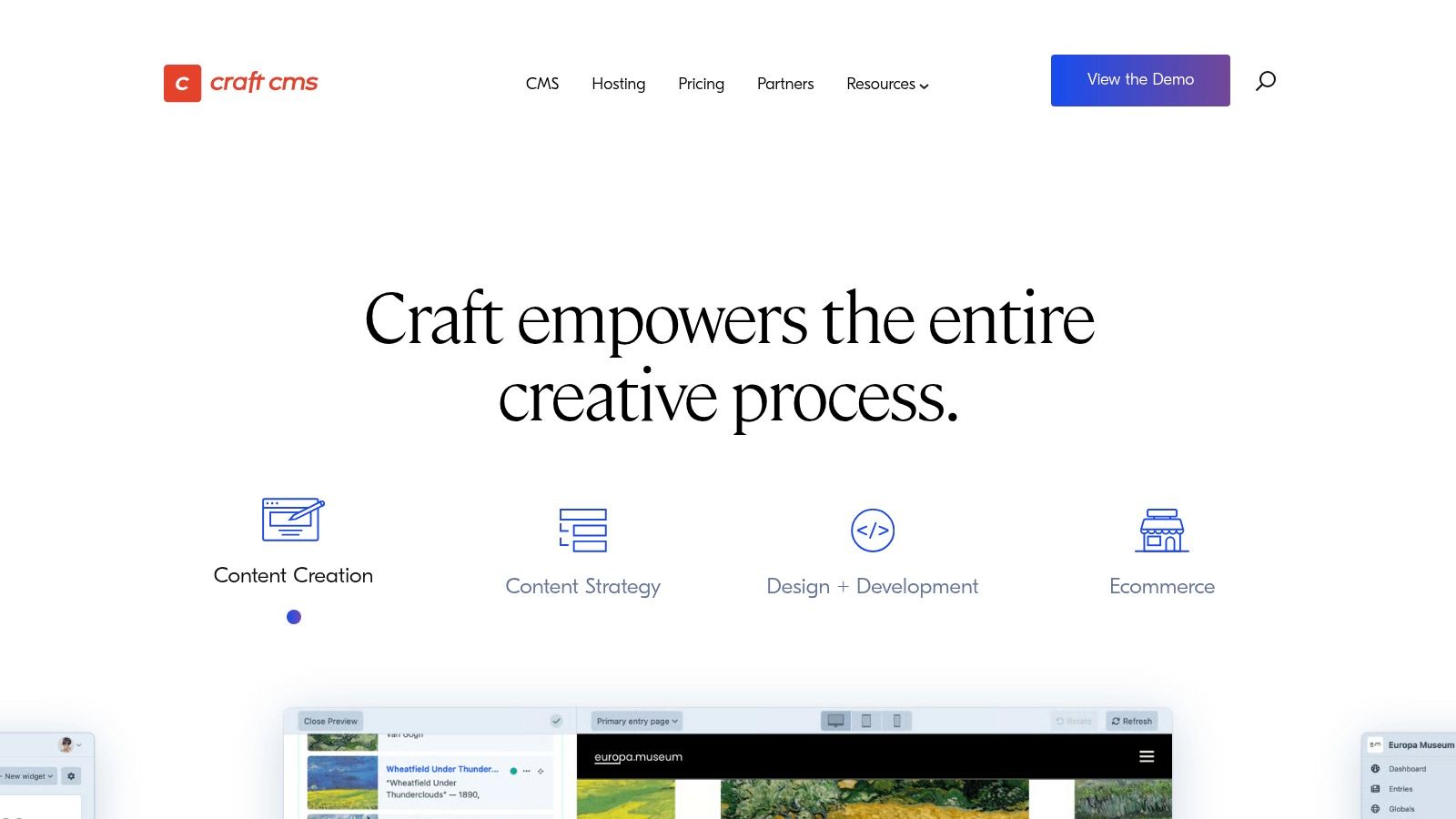
Craft CMS suits agencies that build each site around the client's actual content instead of forcing content into a theme. Developers define custom fields and content structures, then shape the editing screens around them. Clients get an admin that matches their work, not a generic page builder with fields they'll never use.
That control costs developer time. Craft isn't a no-code route, hosting is separate, and updates need technical ownership. A free Solo edition exists alongside paid Team and Pro licences, so licence and renewal costs belong in the project budget from the start, not in a surprise invoice later.
Practical rule: Choose a tailored CMS only when the client will pay for the modelling work that makes editing simple later.
Multi-site and localization features help agencies serving groups with several brands or regions. Commerce and headless options are available through Craft products and integrations, though each addition needs scoping like any custom build. Handoff can be excellent because editors see only relevant fields, but the client becomes dependent on finding Craft expertise if they leave.
Strength: Project-specific templates and authoring interfaces reduce editor confusion on bespoke sites.
Strength: Developers keep close control over structure, templates, and implementation.
Limit: Build, hosting, and maintenance require technical resources on every project.
Best fit: Custom client sites that have outgrown generic builders and need careful content modelling.
5. Statamic
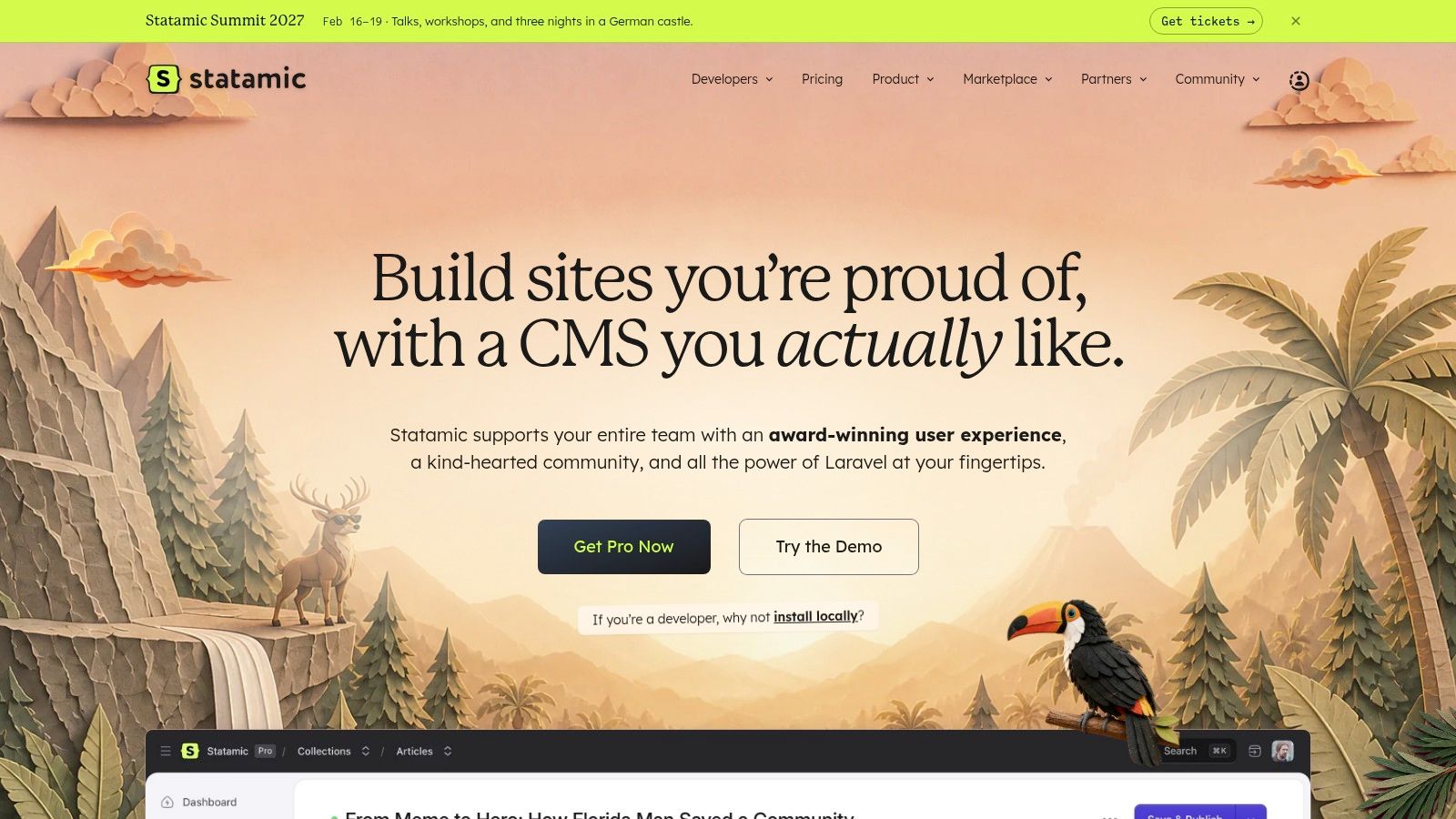
For Laravel agencies, Statamic is the natural shortlist entry. It's a Laravel-based CMS with flexible content modelling through Blueprints, a customizable control panel, live preview, and asset management. Content can live in flat files instead of a traditional database by default, with a database driver available when a project needs it.
File-based content suits Git workflows. Developers can version content changes alongside code, review them, and roll back with familiar tools. That appeals to technical teams, but it doesn't remove the need for suitable hosting, deployment discipline, and someone who understands the stack after launch.
The Pro edition adds agency-relevant tools including roles, revisions, multilingual sites, APIs, Git integration, and white-label customization. White labelling helps when clients log in daily and the agency wants its own brand in front of them. Paid licensing is per site, so portfolio maths matter again, especially for small brochure sites with thin margins. The general-purpose ecosystem is also smaller than WordPress, which means fewer ready-made answers for odd client requests.
Strength: Flexible structures and a customized control panel give editors a clean, limited interface.
Limit: Implementation needs Laravel skills, and per-site licensing raises cost on small sites.
Best fit: Developer-led agencies already standardized on Laravel and Git-based delivery.
6. Drupal
Drupal is built for clients whose content, permissions, and languages are highly complex. Structured content types, fields, and taxonomies manage large collections, while granular permissions and editorial workflows support organizations where many people create, review, and approve content. Universities, public bodies, and large membership organizations are the usual fit.
That depth is wasted on a five-page brochure site. Configuration takes expertise, upgrades need planning, and hosting plus maintenance sit outside the free core software. Agencies without Drupal specialists shouldn't sell it on reputation alone, because the client pays for that learning curve in slower delivery and harder support.
Where Drupal earns its place is governance. Multilingual features and translation workflows are extensive, and decoupled or headless delivery lets one content source feed several channels. That reflects a broader shift described in a 2024 academic review of CMS development, which ties the rise of headless architectures to multi-channel and omnichannel delivery needs. For those clients, structured content isn't a preference. It's the requirement.
Strength: Access control, workflows, taxonomies, and multilingual tools handle demanding governance needs.
Limit: Implementation and upgrades require Drupal expertise, and total cost depends heavily on development.
Best fit: Large, multilingual, or permission-heavy projects with budgets for specialist build and support.
7. Sanity
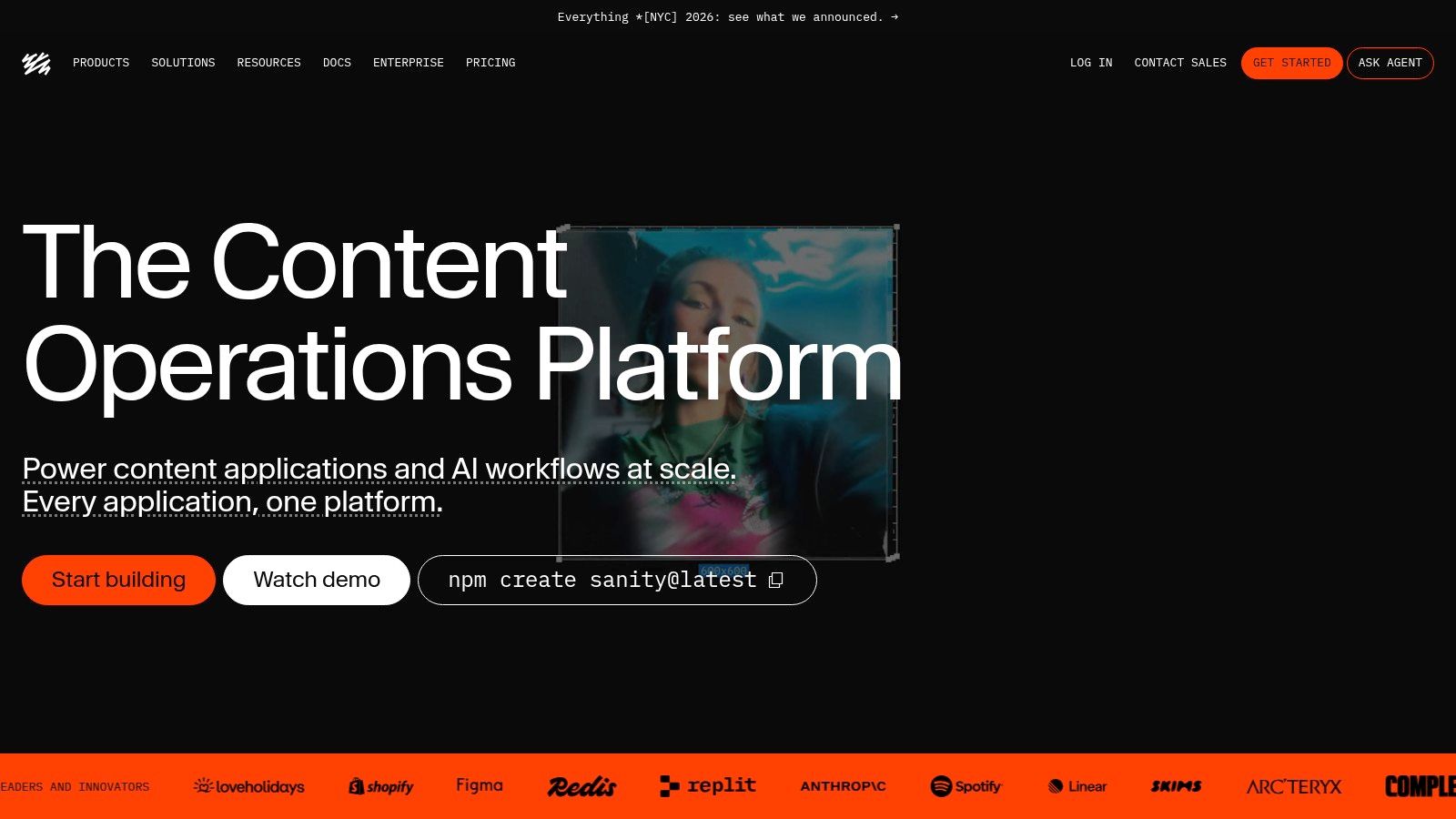
Sanity is a headless CMS, which means it manages structured content and delivers it by API while the agency builds the website or app separately. That suits clients publishing to a site, an app, and other channels from one source. It doesn't suit a client expecting a finished website builder in the box.
The customizable Sanity Studio lets developers shape schemas and editing screens around the client's content. Live preview and visual editing help marketers see changes in context, and real-time collaboration, comments, and tasks on eligible plans reduce review friction. Done well, editors get structure without feeling locked out of the page.
Done badly, they get a form with forty fields and no idea what publishes where. Agencies carry that design responsibility, plus the front-end build, hosting choices, and preview setup. Usage quotas and pay-as-you-go charges also need monitoring, because a busy client site can push costs beyond the original estimate. Handoff should include schema documentation, or the next developer inherits guesswork.
Strength: Custom content models and APIs serve multiple front ends from one content source.
Strength: Visual editing and collaboration bridge developer and marketer workflows.
Limit: No ready-made site builder, and every project needs front-end development.
Best fit: Agencies with developers whose clients publish across web, app, and other channels.
8. Storyblok
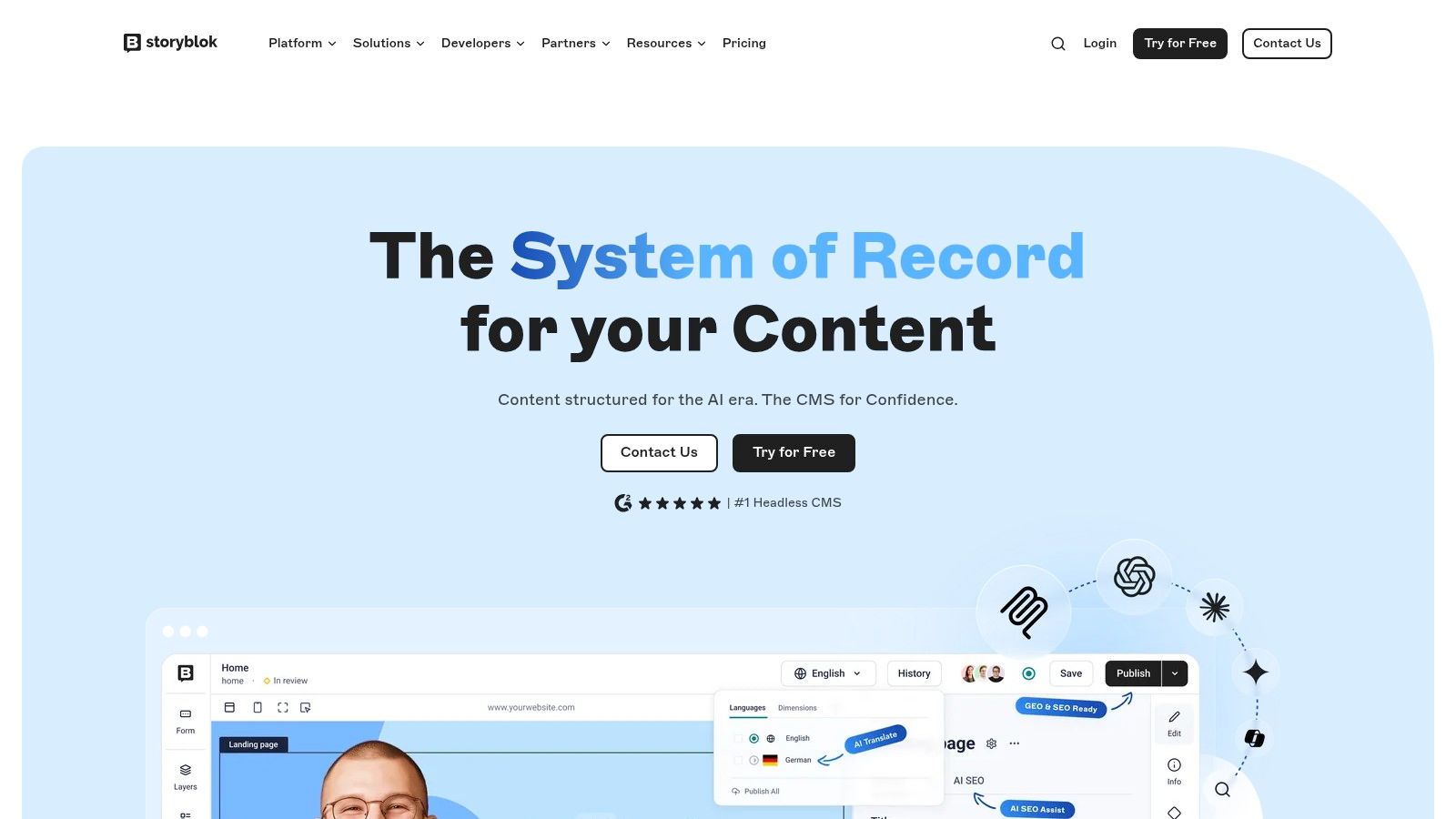
Storyblok answers the common headless complaint that editors can't see the page they're changing. Its Visual Editor shows content in page context with live preview, while developers build a component-based front end behind it. Marketers assemble pages from approved sections instead of editing raw fields blind.
That component approach protects design consistency across a client portfolio. Agencies define the blocks, set the options, and let clients reorder or edit within guardrails. Localization, collaboration, and app integrations vary by plan, so agencies should confirm which tier a project needs before quoting, not after the client asks for a second language.
The limits are the usual headless ones. Developers still build and maintain the front end, hosting, and rendering layer. Plan limits for users, requests, traffic, and content volume need checking per client, and high-volume or multi-project use may push an agency into paid or custom plans. Performance then depends on the agency's front end, so testing against Google's thresholds matters. Google's Core Web Vitals guidance sets a good Largest Contentful Paint at 2.5 seconds or less, measured across real visits rather than one clean demo page.
Strength: Visual preview makes headless editing workable for non-technical client teams.
Limit: Front-end build and plan limits keep total cost firmly in custom project territory.
Best fit: Custom sites where marketers need page-level editing without a monolithic CMS.
9. HubSpot Content Hub
HubSpot Content Hub makes sense when the client already runs marketing in HubSpot. Website and blog content connect directly to CRM-connected forms, segments, and marketing workflows, so a lead captured on a landing page lands in the same system the sales team uses. For inbound-focused clients, that removes integration work agencies otherwise build and maintain.
Outside that ecosystem, the case weakens fast. A client who only needs a simple site and a contact form pays for a platform built around CRM activity they may never use. Advanced features and memberships sit at higher tiers, and seat plus credit allowances affect the monthly figure. Agencies should quote the tier the client needs at month twelve, not the entry price at signing.
Free tools let a team test the basics before upgrading, which helps evaluation. SEO recommendations and content tools on eligible plans support agencies selling ongoing content work. Handoff is straightforward for marketing staff already trained on HubSpot, but leaving the platform later means separating website content from CRM data and workflows, so exit scope belongs in the contract from day one.
Strength: Content, forms, and lead data live in one system for HubSpot-centered clients.
Limit: Higher tiers get expensive, and value drops sharply without the wider HubSpot stack.
Best fit: Agencies serving lead generation clients committed to HubSpot CRM.
10. Duda
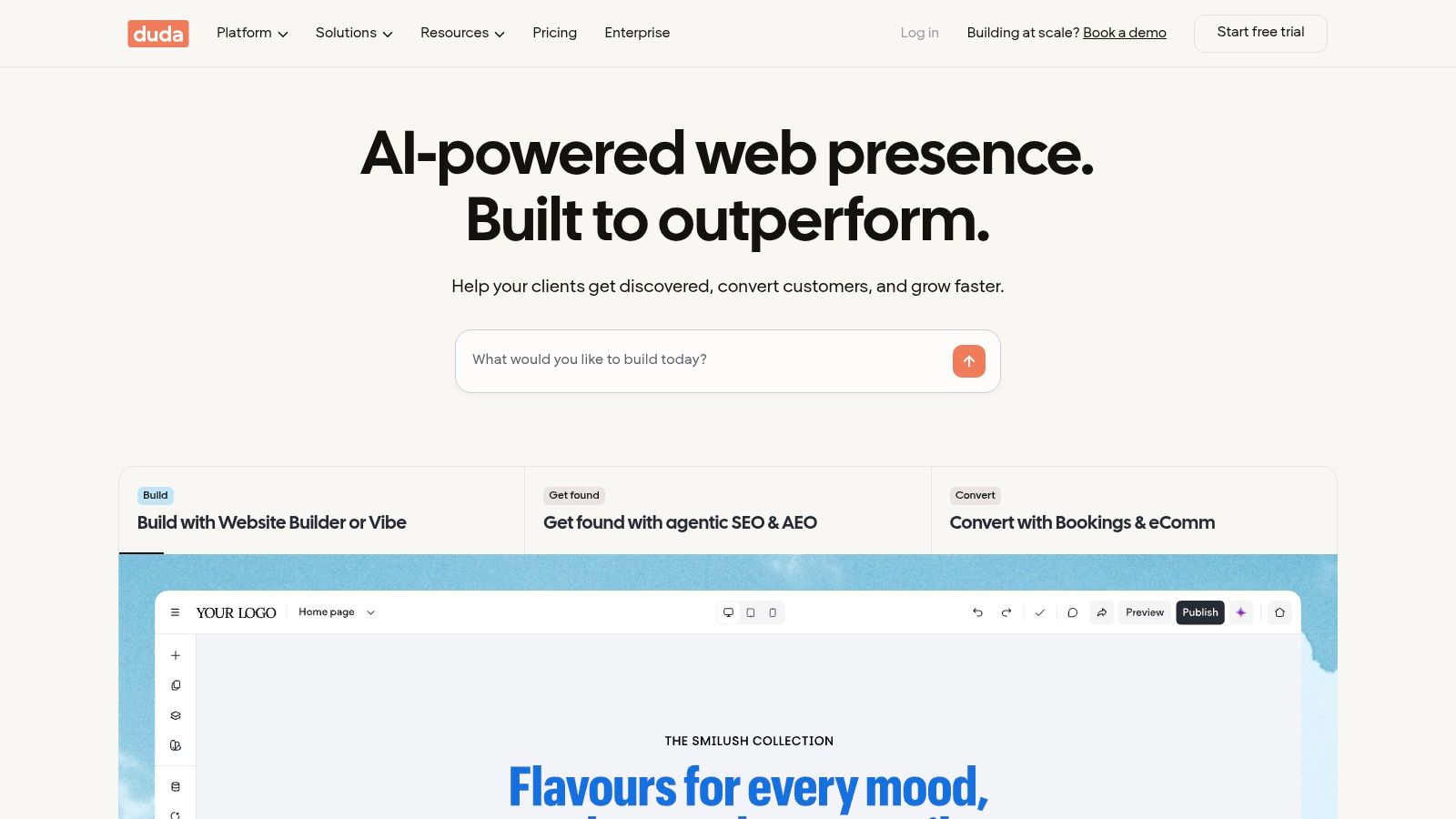
Duda is aimed squarely at agencies producing repeatable client sites. It combines a website builder, CMS, and managed hosting with client access, site management tools, reusable widgets and templates, plus white-label options on eligible plans. For local business sites built to a pattern, that speed is the product.
White labelling matters commercially. Clients log into an environment carrying the agency's brand, which supports care plans and keeps the relationship visible. Client access means the customer can handle routine edits themselves, so the agency fields fewer requests to swap a photo or fix a headline. Managed hosting removes server administration entirely, letting a small team keep a large portfolio live without a maintenance rota for updates and patches.
A managed platform with standardized templates gives every site the same baseline, which is what makes a big portfolio manageable. Still, agencies should test their own templates before committing, because heavy images and third-party widgets can undo good defaults quickly.
The trade-off is openness. Duda is less open-ended than a self-hosted CMS for custom functionality, and paid plans tied to site counts must fit agency margins as the portfolio grows. Portability deserves attention at signing too, since a site built inside a closed builder is harder to hand over if the client later wants to move. Check the design and editing controls against each client's needs before standardizing.
Strength: Agency plans, white labelling, and managed hosting streamline repeatable client delivery.
Limit: Custom development runs into platform boundaries sooner than on open systems.
Best fit: High-volume small business sites where speed and low upkeep beat deep customization.
How the ten platforms compare for agency work
Read this as an operating model, not a feature checklist. The useful split is who owns editing, where hosting and upkeep land, and how cleanly billing scales when one client becomes ten.
Platform | Pricing model | Hosting | Best for agencies | Main trade-off |
|---|---|---|---|---|
VeloCMS | 14-day free trial; Pro $9/month, Business $29/month, Agency $69/month with five sites included and extras at $9/month each; 20% off annual billing | Included | Agencies wanting publishing, newsletters, memberships, and commerce under one subscription | No free plan; extra sites beyond five add per-site fees |
WordPress | Free open-source software; hosting, themes, plugins, and development may cost extra | Chosen and managed separately | Agencies needing flexibility and a broad developer ecosystem | Security, updates, backups, and plugin compatibility require management |
Webflow | Workspace and site hosting plans priced separately | Managed hosting available | Design-led agencies building marketing sites with client editing and collaboration | Separate plans can add up; custom functionality may need code |
Craft CMS | Free Solo edition; paid Team and Pro licenses | Separate hosting | Agencies building bespoke sites with tailored content models | Requires development expertise and ongoing technical maintenance |
Statamic | Paid license per site | Requires suitable hosting | Laravel agencies needing flexible content modeling and white-label options | Technical implementation required; smaller ecosystem |
Drupal | Free open-source core; implementation and maintenance add costs | Hosting chosen separately | Agencies serving complex, multilingual, or governance-heavy projects | Complexity and upgrades require Drupal expertise |
Sanity | Usage-based plans and possible pay-as-you-go charges | Headless platform; front end hosted separately | Developer-led agencies building multi-channel experiences | Requires front-end development; usage costs need monitoring |
Storyblok | Pricing and limits vary by project use and content volume | Headless platform; front end hosted separately | Agencies building component-based sites with visual editing | Front end requires development; plan limits may constrain scale |
HubSpot Content Hub | Free tools available; advanced features require paid plans | Platform-hosted | Agencies whose clients use HubSpot CRM and marketing tools | Advanced plans can be expensive; value is lower outside the HubSpot ecosystem |
Duda | Paid plans; costs depend on plan and site count | Managed hosting included | Agencies managing multiple client sites and white-label workflows | Less open-ended for custom development; site counts affect margins |
Free cores still bill through hosting and maintenance. Hosted plans fold more of that work into the subscription, while headless tools push cost into front-end build time.
Choosing Your Agency CMS Without Regret
Start with three questions and answer them for a typical client, not the most demanding one. Who edits the site after launch, a trained marketer, a business owner fixing opening hours, or agency staff on retainer? Who handles updates and hosting, and is that work priced or absorbed? What happens to the content if the relationship ends, including posts, pages, images, members, subscribers, and metadata?
Portability deserves a direct test, not a sales page promise. Under GDPR, people can request their personal data in a structured, commonly used, machine-readable format in qualifying cases, as the European Union GDPR guidance for businesses explains. But legal portability for personal data isn't the same as a full site export. Agencies should run an export during evaluation and open the files. If subscriber records, media, or membership data can't leave in usable form, the client doesn't really own the site.
Cost needs the same treatment. A free CMS with paid hosting, plugins, email tooling, and monthly maintenance hours can cost more per client than a subscription platform. A 2025 industry report summarized in the State of Enterprise WordPress 2025 report states that around six in ten enterprises incur additional charges for ongoing site maintenance and updates. That's the line item agencies forget when comparing licence prices. Work out cost per managed client site, including integrations, newsletter delivery, migrations, training, support tickets, and the margin needed on care plans.
Accessibility belongs in the shortlist too, because clients create most regressions after launch by adding images, headings, links, and embeds. The 2025 WordPress Professionals Survey covered by Rocket.net's agency services analysis, which drew on more than 1,200 professionals, put website accessibility at only 24.8% adoption among agency services. Agencies that pick platforms with accessible defaults, constrained components, and clear editor prompts can sell that gap as a service instead of inheriting it as risk.
The best test is unglamorous. Build one real client page on each shortlisted platform, hand it to a non-technical editor, and time them fixing a headline, swapping an image, and publishing a post.
Then check the numbers that decide margin. Confirm the cost of adding the next client site, the next team seat, and the next language. Test performance on mobile and desktop with analytics and forms switched on, since that is the site clients run. Agencies doing bespoke work alongside platform builds may also weigh tailored website development for projects that outgrow any CMS on this list. For standard client blogs, newsletters, and membership sites, every VeloCMS plan starts with a 14-day free trial, so an agency can test editing, exports, and multi-site billing against a real workflow before the first charge arrives.
For agencies managing client blogs, newsletters, and membership sites without a plugin maintenance rota, VeloCMS combines publishing, native email, memberships, commerce, and 41 themes in one plan, with white-label options and portable exports when a client relationship ends. Every plan starts with a 14-day free trial and there's no free plan, so test it against one real client workflow first. Visit VeloCMS to start the trial and compare the Agency plan against current per-client costs.