best blogging platform for beginners · Nov 19, 2026
The Best Blogging Platform for Beginners in 2026: 10 Picks
What if the easiest platform to start on is the one that creates the most work in year two? Most beginners do best on a hosted service that handles hosting, design, and publishing without plugins. The right pick still depends on the job. A hobby blog needs a free or cheap editor. A newsletter needs

What if the easiest platform to start on is the one that creates the most work in year two?
Most beginners do best on a hosted service that handles hosting, design, and publishing without plugins. The right pick still depends on the job. A hobby blog needs a free or cheap editor. A newsletter needs built-in email. A small business site needs pages, a custom domain, and room for products or services. The best blogging platform for beginners is the one that matches that job, not the one with the nicest editor demo.
Every platform below is judged on the same five decision points, so the comparison stays like for like. Ease of use is how much setup and plugin work you take on. Pricing is the monthly cost, and whether a free tier later takes a cut of revenue. Themes are how much of the design is already done. Built-in email is whether newsletters ship with the blog or need a second tool. Migration path is whether posts and readers can leave with you. Limits sit next to strengths. A free start that blocks exports is not free in any useful sense.
Pew Research reported that 27% of U.S. internet users said they read blogs in late 2004, up 58% from 17% earlier that year. Publishing, comments, and reader tools became standard expectations after that jump, which is why those basics still belong in the comparison.
Pricing changes often, so confirm current plan terms with each provider before paying.
Table of Contents
1. VeloCMS
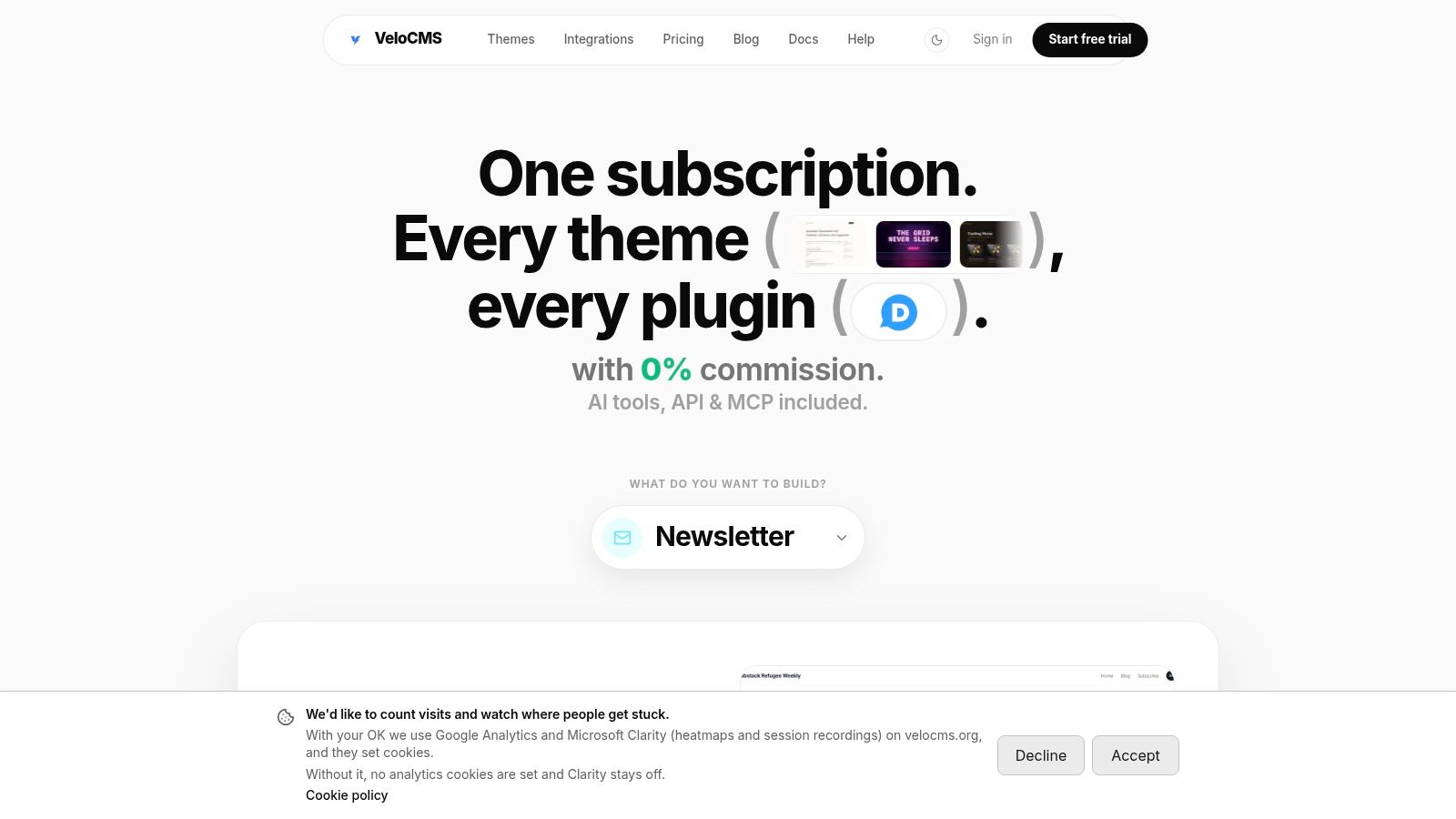
A beginner who wants a blog, a newsletter, and paid memberships in one product can start on VeloCMS Pro at $9/month. There is no free plan. The only unpaid window is a 14-day free trial, so the subscription has to be in the budget before that trial ends.
Ease of use is a short path: sign up, pick a theme, and publish the first post, with no terminal, deployment pipeline, or frontend developer. Themes start from 41 ready designs. The block editor includes AI slash commands, and live AI SEO and AI-search visibility scoring runs while you write.
Pricing on Pro covers one blog, unlimited posts, custom domain connection, reader memberships with Stripe BYOK, and newsletter sending for up to 5,000 subscribers. Built-in email includes segments, automations, and native delivery, and the platform takes 0% commission on creator revenue. Kit and Mailchimp connectors, Zapier, API access, and webhooks cover tools that sit outside the product.
Migration path includes importers for WordPress, Squarespace, Substack, Ghost, and Medium, and content and subscriber data can be exported at any time. The advertised 0.8-second desktop LCP is an internal target, not an independently published benchmark. VeloCMS also publishes 76 head-to-head comparison pages, and its homepage matrix against WordPress, Ghost, Substack, and Squarespace reports native support for 10 of 12 featured capabilities. That score is company-provided, not an independent review. Weigh those limits against the single plan with this guide to choosing a blogging platform.
2. WordPress.com
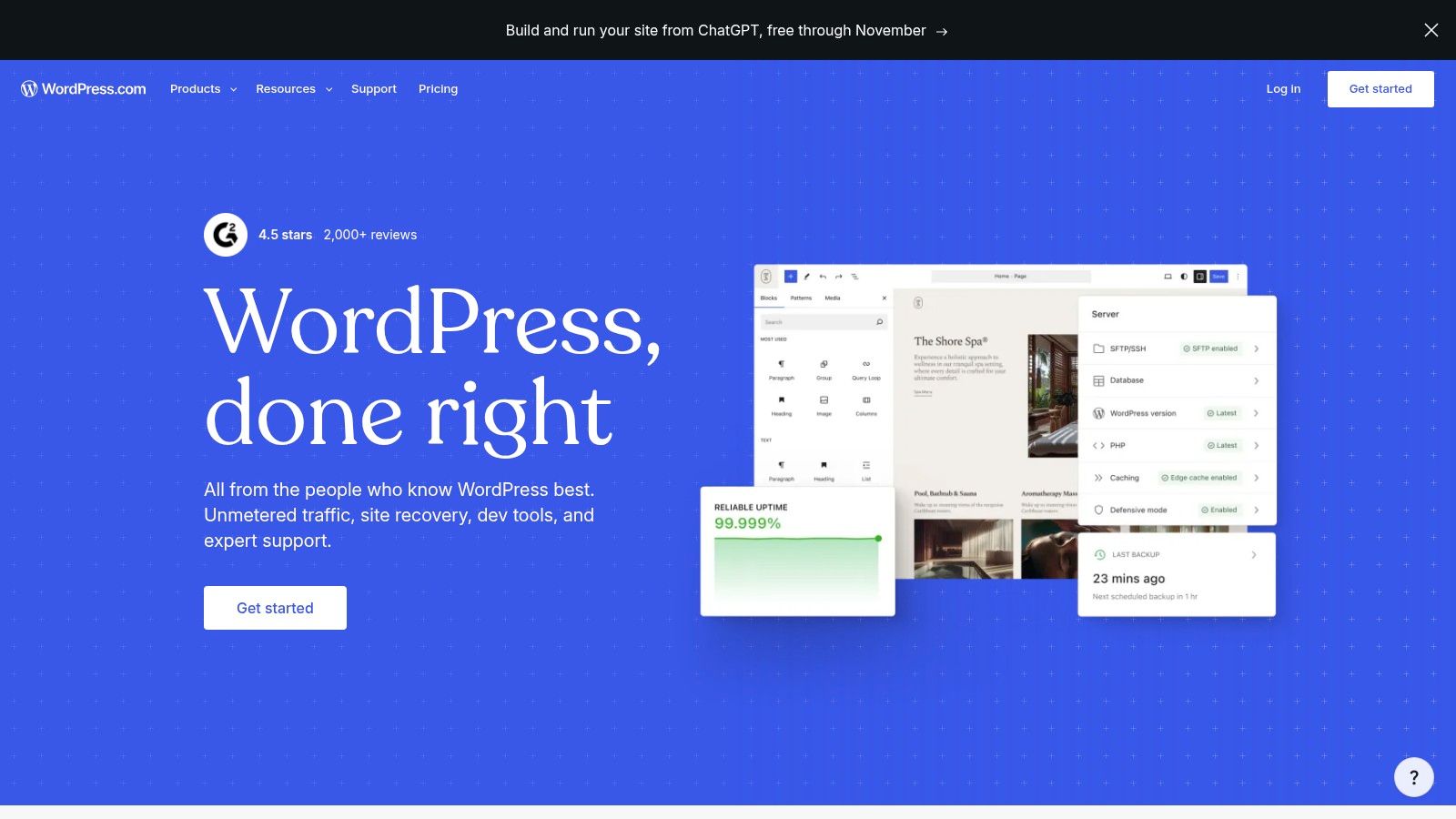
WordPress.com is the hosted route into WordPress, with hosting and routine maintenance handled by the service. A beginner signs up, picks a theme, and writes in the block editor without choosing a host or running updates. That makes it a practical first step for anyone who wants WordPress skills without server work.
Ease of use: Hosted setup, scheduling, comments, and site statistics work from one dashboard, though the range of settings takes time to learn.
Pricing: A free plan with a WordPress.com address covers testing, and paid tiers provide more control.
Themes: Customizable themes handle design without code, with deeper customization tied to plan level.
Built-in email: Newsletter and paid-content tools are included, so a separate email service isn't required at the start.
Migration path: Content and editor skills transfer well if the blog later moves to self-hosted WordPress.
The main trade-off is control. Plugins and some customization depend on the plan, so a feature seen in a tutorial may not exist on a lower tier. For a blog that may grow into a broader website, that upgrade path is the appeal. For someone who only wants to write, the dashboard can feel busier than a text-first service.
3. Wix
Design comes first with Wix. It's a website builder with blogging attached, built for people who think visually and want to arrange a complete site on screen. A template or AI-assisted site creation produces a starting layout, then the drag-and-drop editor handles changes.
That's approachable for nontechnical users. Pages, a blog, hosting, SEO settings, and marketing tools live in one account, and payments, scheduling, or ecommerce can be added on qualifying plans. A small business that needs a services page, a booking flow, and occasional articles gets all three without stitching services together.
Practical rule: Pick the template carefully and test the blog layout on a phone before writing ten posts, because visual freedom on desktop doesn't guarantee a clean reading experience on mobile.
On the five decision points, Wix scores well on ease of use and themes, and less well on long-form publishing focus. The free plan uses Wix branding and a Wix address, so a custom domain and branding removal require paying. Paid prices vary by location and billing term, which makes direct price comparison awkward. Email is handled through its marketing tools rather than a newsletter-first workflow, and moving a heavily designed site elsewhere later usually means rebuilding pages rather than exporting them cleanly.
4. Squarespace
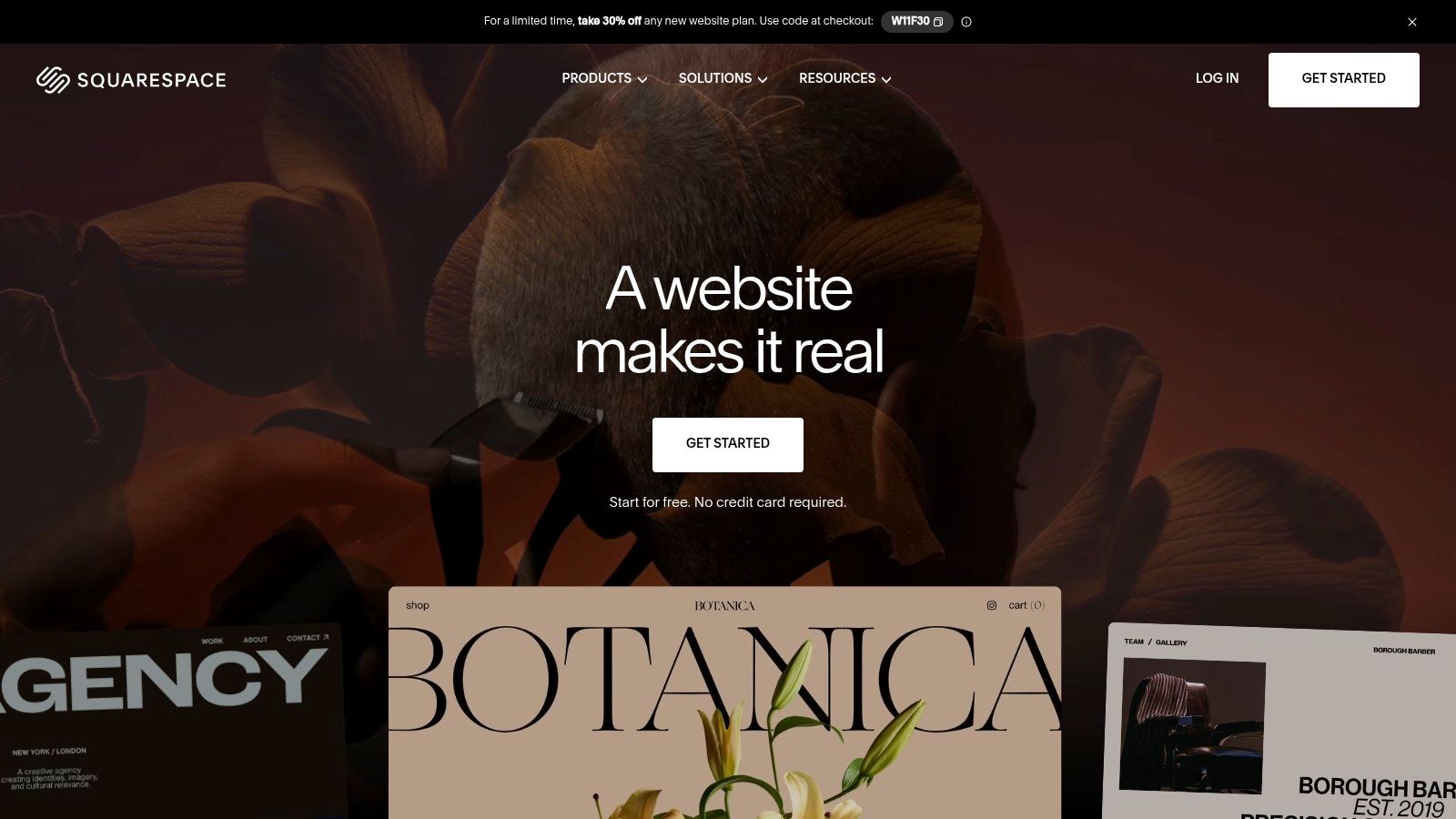
Squarespace suits a portfolio, creative business, or personal brand where the site has to look consistent from the first visit. Professionally designed templates and a visual editor produce a cohesive result without a designer. Blogging sits alongside pages, galleries, and commerce rather than standing alone.
Where it fits the five points
Blog posts support media, categories, tags, multiple authors, and scheduling, with built-in SEO guidance and RSS feeds. Paywalls, memberships, and email campaigns are available, so a creative business can publish free articles and sell access or products from the same site. Design controls are the strength here, but they also demand more setup decisions than a text-first editor.
Pricing is the clear limit. A paid subscription is required after the trial, so there's no free tier for testing whether blogging sticks. Squarespace also isn't built for extensive CMS customization or a large plugin ecosystem. A publisher who needs unusual content structures or third-party tools will feel that ceiling. Migration is possible, but designed pages rarely transfer intact, so the choice works best when the plan is to stay and let the template system do the heavy lifting.
5. Ghost
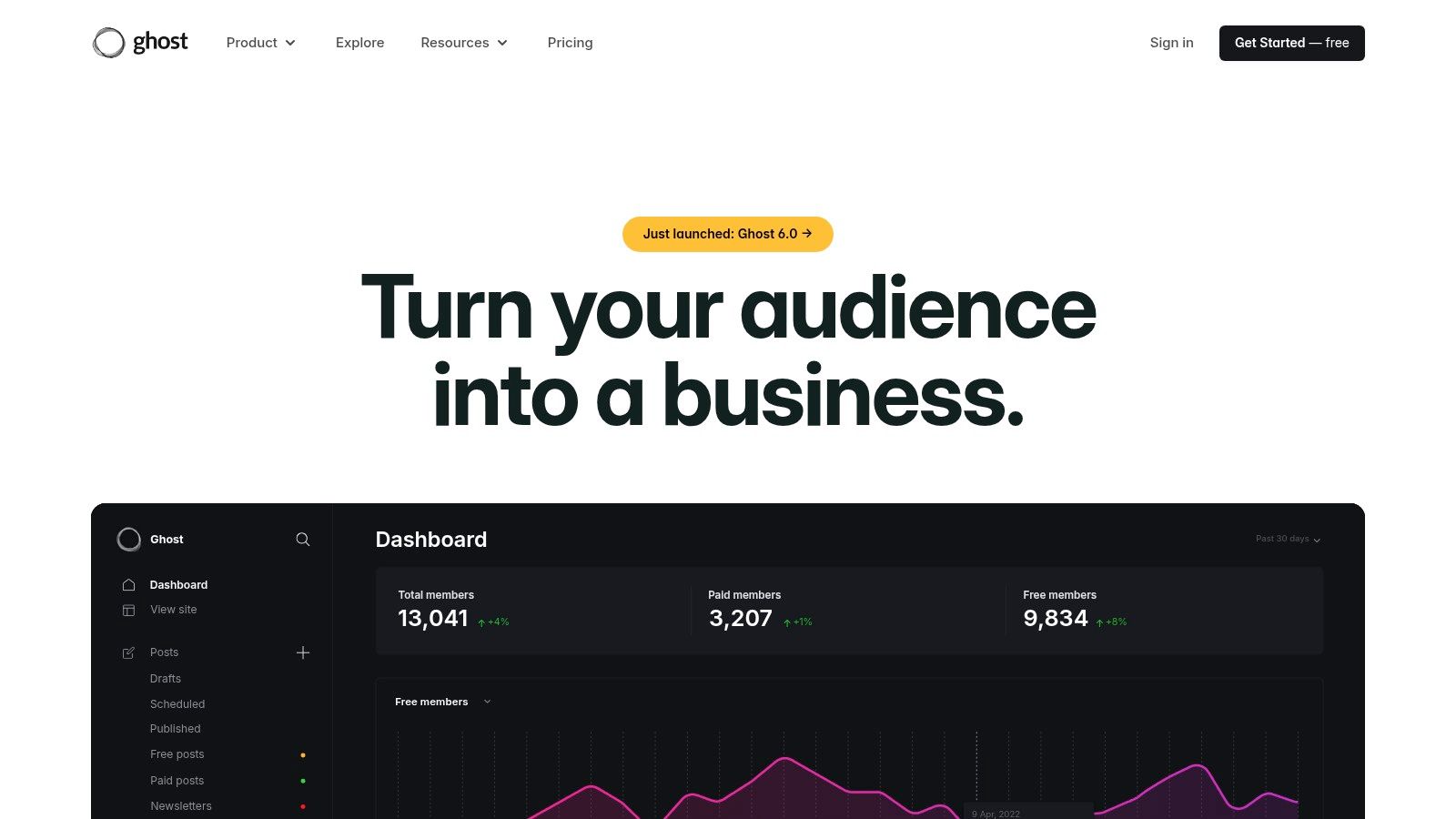
Ghost is built for publications, not general websites. Website publishing, email newsletters, and memberships sit in one system, with paid subscriptions connected to Stripe. For an independent writer or small team planning a paid newsletter, that focus removes a lot of tool-juggling.
Ease of use: The managed Ghost(Pro) service removes server work, while self-hosting the open-source software needs technical setup and ongoing maintenance.
Pricing: Managed plans are paid, and Ghost charges no additional platform transaction fee on paid subscriptions.
Themes: Theme choice is narrower than the big website builders, but designs are publication-focused.
Built-in email: Newsletters, member tagging, imports, and exports are native, not add-ons.
Migration path: Member and content exports support moving, and the open-source option gives an exit that closed services don't.
The honest limit is scope. Ghost does a publication well and a broad business site less well. A beginner who needs booking pages, complex layouts, or a shop first and articles second will work against the tool. A beginner whose whole plan is writing, emailing, and charging members gets a clean, focused setup that doesn't need replacing when revenue starts.
6. Substack
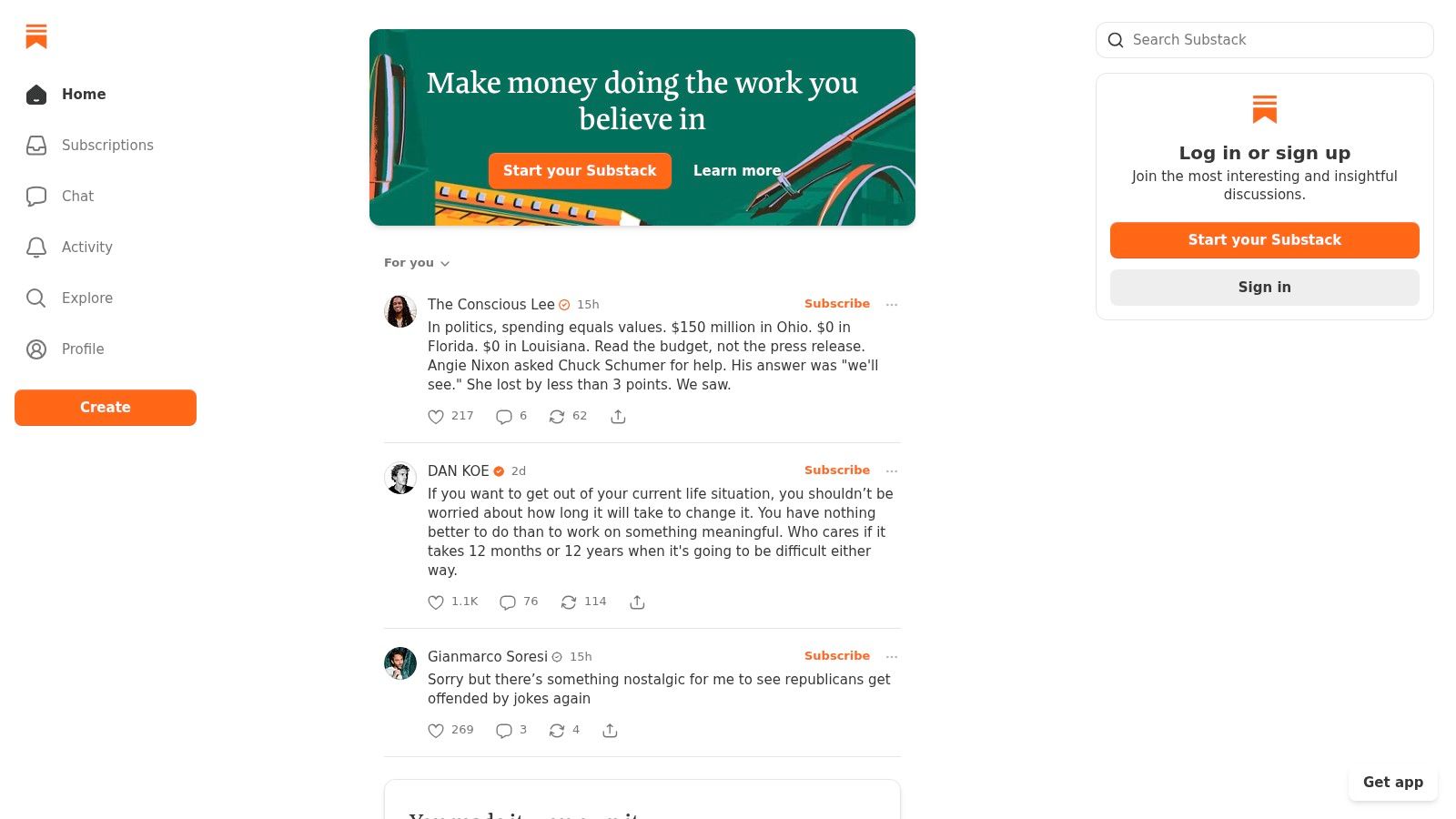
Substack removes nearly every setup decision. There's no hosting to choose, no theme to configure, and no separate email service to connect. A writer names a publication, writes a post, and it publishes to the web and lands in subscriber inboxes at the same time. For testing whether a newsletter idea holds attention, nothing on this list starts faster.
Publishing is free, with optional paid subscriptions built into the workflow, and reader discovery features can surface work to people already reading on the platform. That's the strength and the dependency in one package. Audience growth partly runs through Substack's network rather than the writer's own site.
The economics need plain reading. Substack takes 10% of paid subscription revenue, in addition to payment-processing fees. At low revenue that costs little, but the percentage grows with every subscriber, while a flat subscription elsewhere stays flat. The break-even comparison in this revenue comparison of Substack, Ghost, and beehiiv shows how that math shifts as income rises. Design control and broader business infrastructure are limited compared with an independent CMS, so Substack fits newsletter-style publishing rather than a customized blog website with pages, products, and its own structure.
7. Medium
Medium is a publishing community, not a website a writer owns. There's no hosting, theme, or site structure to choose. An account, a clean editor with automatically saved drafts, and a public profile page are the whole setup.
That simplicity serves a specific purpose. A beginner can test topics, build a body of work, and possibly reach readers through the platform's community and distribution features without building an audience from zero first. Eligible writers can also earn through the Partner Program. None of that reach or income is guaranteed, and both depend on decisions the platform controls.
Treat a rented audience as a testing ground, not an asset. If readers can't be reached without the platform's permission, the list belongs to the platform.
Against the five decision points, Medium is strongest on ease of use and weakest almost everywhere else. There's no meaningful theme choice, no built-in email list the writer controls, and limited say over branding or site structure. Migration means taking the writing elsewhere and starting audience-building again. It's a reasonable place to learn to publish in public. It isn't a sound sole home for a business or brand website.
8. WordPress.org
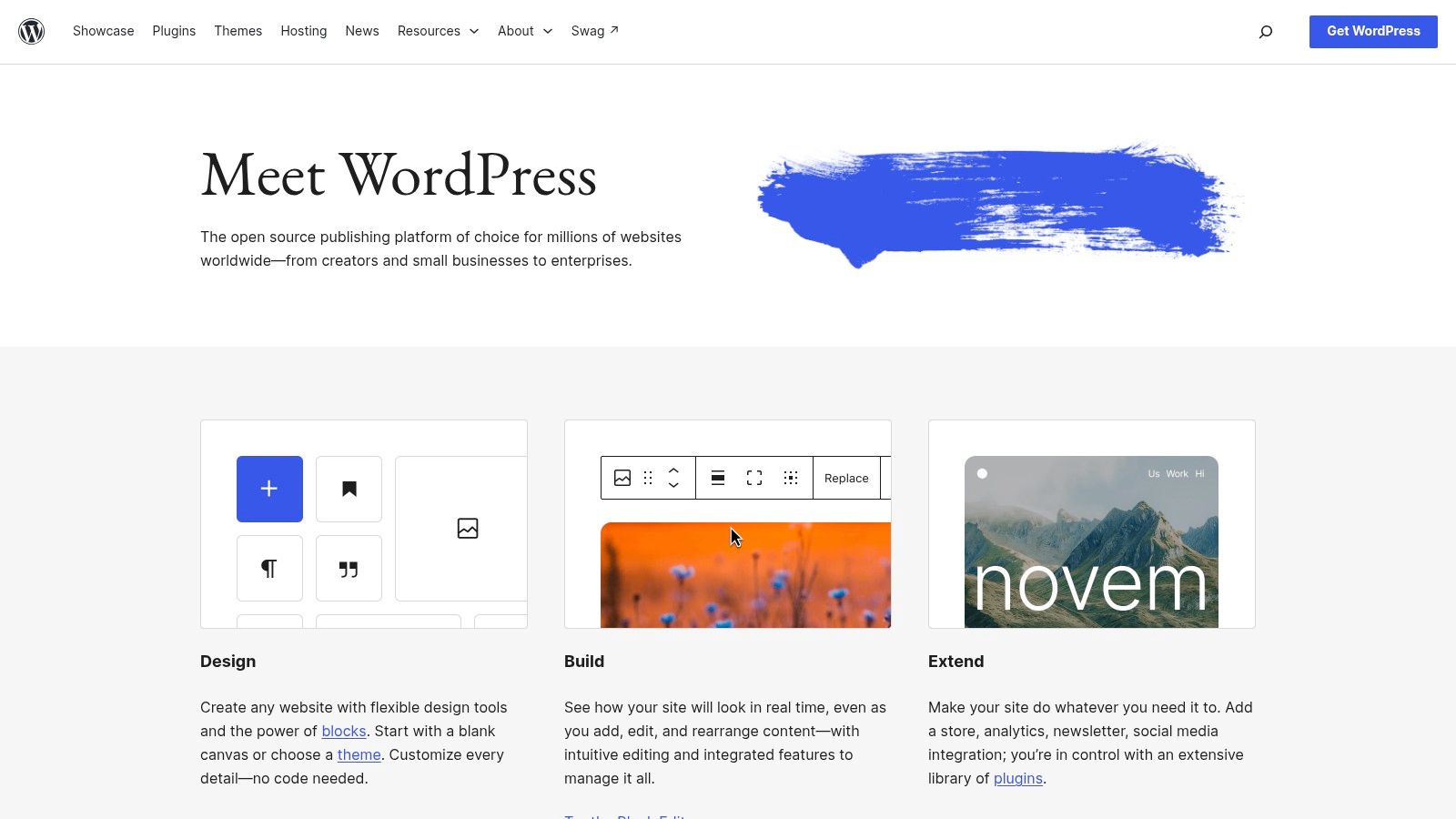
Flexibility is the argument for WordPress.org, and maintenance is the price. The software is free and open source, but it doesn't include hosting. A beginner chooses a host, installs WordPress, and takes responsibility for updates, backups, and security. In return, themes, plugins, content, and site data stay under the owner's control.
Scale explains the ecosystem. W3Techs reports that WordPress is used by 38.5% of all websites and by 57.4% of websites whose content management system is known. Those figures describe usage, not suitability, but they do mean tutorials, themes, and troubleshooting answers exist for almost any problem.
Performance needs checking rather than assuming. Google's Core Web Vitals guidance rates pages on Largest Contentful Paint, Interaction to Next Paint, and Cumulative Layout Shift, and a heavy theme plus several plugins can drag a new site down fast. Email also arrives by plugin or external service, so tools like AI writing support for WordPress newsletters become separate decisions and costs. The full stack adds up, as this breakdown of the real cost of running a WordPress blog sets out. It suits beginners who value portability and don't mind learning upkeep.
9. Blogger
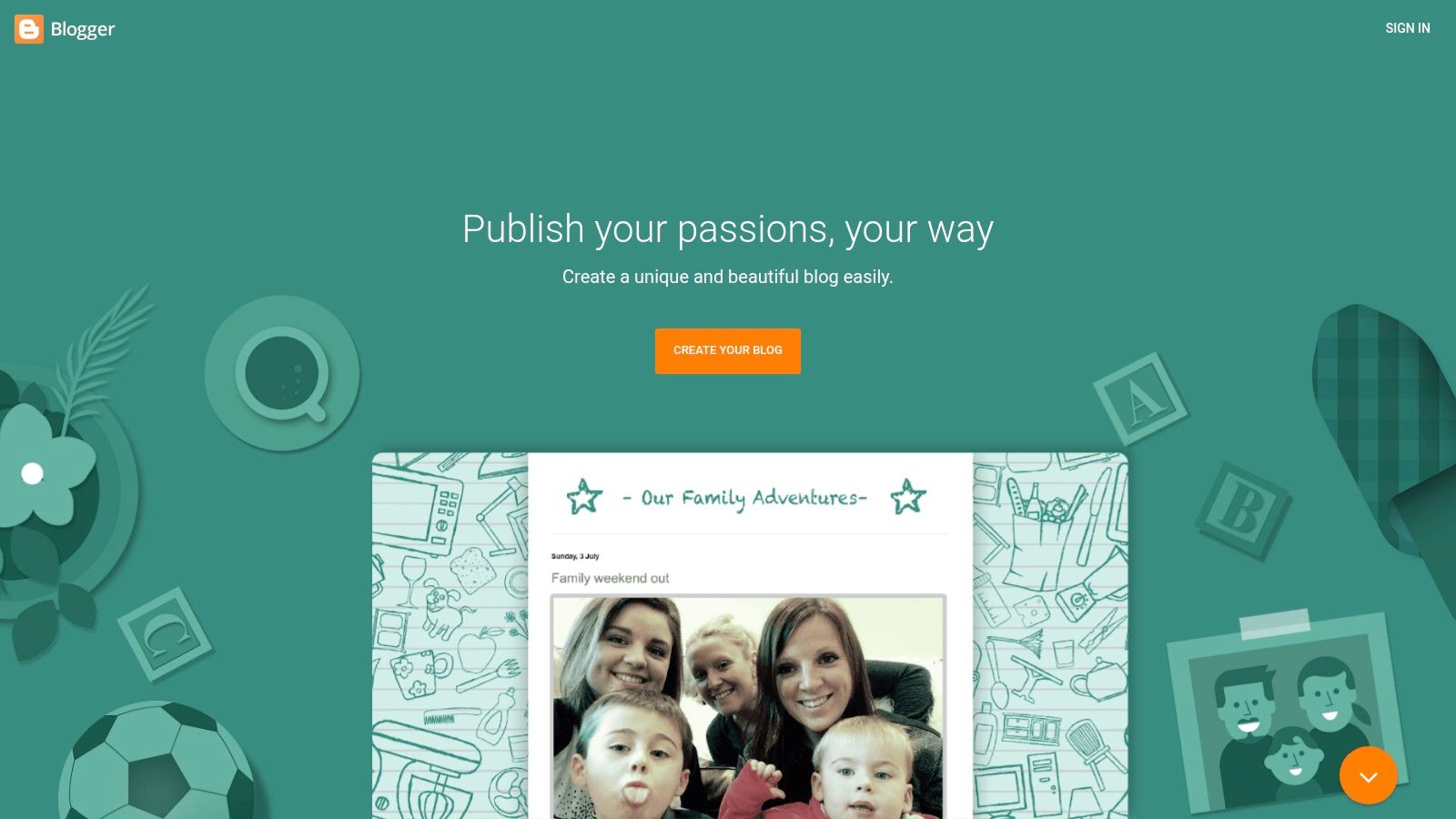
Blogger is Google's straightforward blogging service for people who want to publish without paying for hosting or learning a full CMS. A Google account is enough to create a blog, pick a template, and post. Few technical decisions stand between signup and a published article.
Ease of use: Basic creation and management tools cover a conventional blog with minimal setup.
Pricing: No paid hosting subscription is needed to start, which suits low-cost experiments.
Themes: Templates are included, and a custom domain can be connected, but design flexibility is limited next to larger platforms.
Built-in email: There's no all-in-one membership or newsletter business system, so audience email means adding another service.
Migration path: Content can move on, but a growing publication will likely need rebuilding elsewhere.
Built-in analytics covers basic traffic questions, and for a personal blog or hobby project that may be enough for years. The ceiling shows up when the goal changes. A customized business site, paid memberships, or a structured content operation asks more than Blogger is designed to give. It works best as a deliberate, simple choice, not as the foundation for a publication business.
10. Webflow
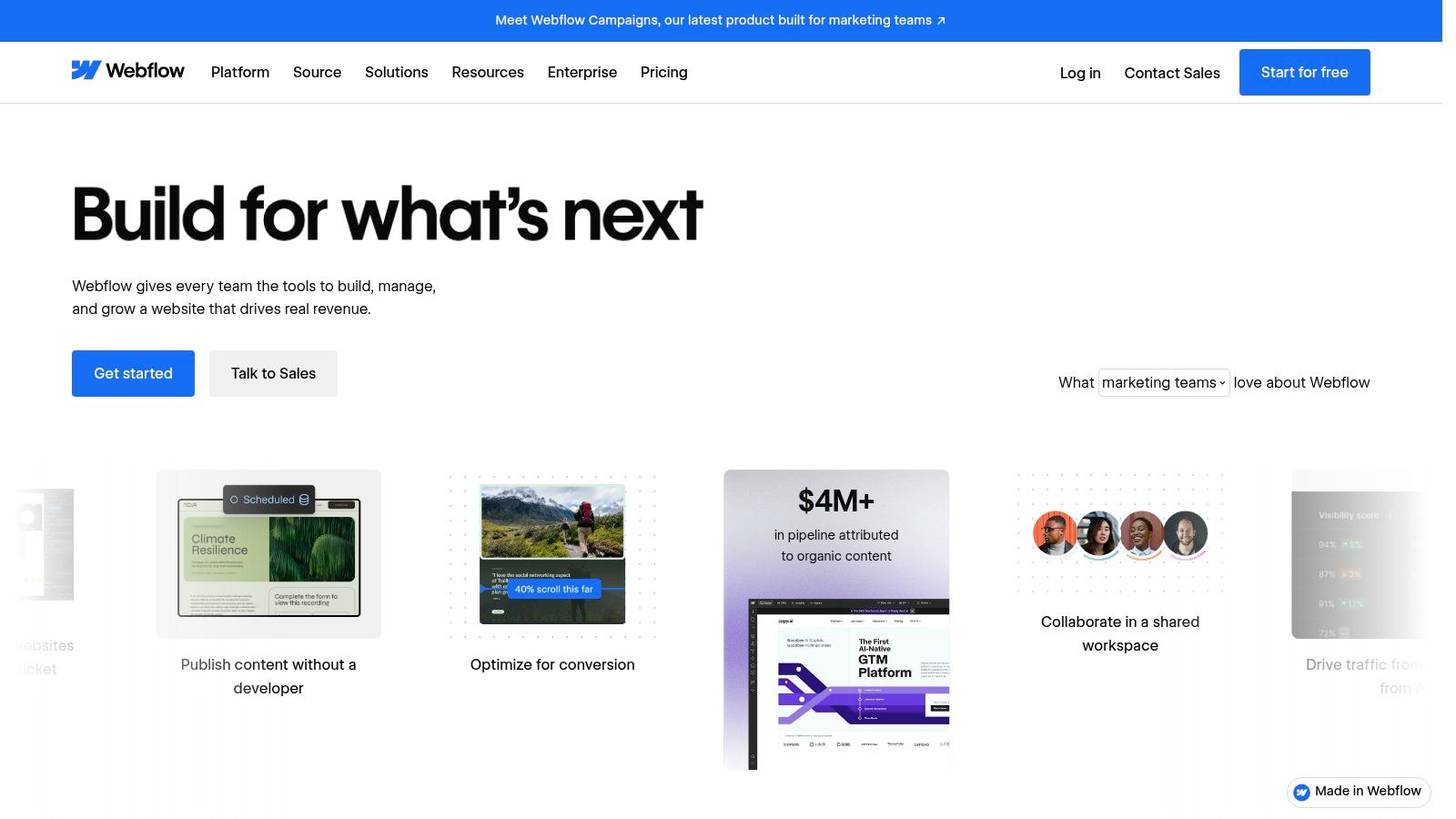
Webflow pairs a visual website designer with a CMS for structured content such as blog posts. It offers more layout control than template-led services, which appeals to beginners building a designed publication, marketing site, or portfolio where the blog must match a distinctive brand.
That control costs learning time. The Designer and CMS collections are concepts a new user has to understand before publishing feels routine, and that curve is steeper than a basic writing platform. Someone who enjoys layout work will find it satisfying. Someone who just wants to write weekly will find it slow.
A free Starter site allows testing before paying, which is the right way to judge fit. Publishing a blog on a custom domain requires a paid site plan, and costs and limits depend on site and CMS needs, so growing archives should be priced before committing. Email isn't a native newsletter system here, so audience building means connecting an external tool. On performance and accessibility, design freedom cuts both ways. Website design statistics compiled by Tested Media cite Google's finding that 53% of mobile visitors abandon a page that takes longer than 3 seconds to load, so a custom layout still needs testing on a real phone before launch.
Beginner blogging platforms compared
The main trade-off is how much each platform includes out of the box. Compare the starting cost, email setup, and intended use before choosing; a free publishing account may still need paid tools for a newsletter or custom site.
Platform | Starting price | Free plan | Built-in newsletter | Best for |
|---|---|---|---|---|
VeloCMS | $9/month (Pro), 14-day free trial | No | Yes, with segments and automations | Beginners seeking an all-in-one blog, newsletter, and membership platform |
WordPress.com | Free plan; paid plans available | Yes | Newsletter tools available | Beginners who want hosted blogging that can grow into a broader website |
Wix | Free plan; paid pricing varies | Yes | Via marketing tools, not newsletter-first | Beginners building a visually designed website with a blog |
Squarespace | Paid subscription after trial | No | Email campaigns available | Design-focused blogs, portfolios, and creative businesses |
Ghost | Paid managed plans; self-hosting available | No free managed plan stated | Yes | Independent publications and paid newsletters |
Substack | Free publishing; fees apply to paid subscriptions | Yes | Yes | Writers starting a newsletter with minimal setup |
Medium | Free publishing | Yes | No writer-controlled list; followers can get new stories by email | Writers seeking a simple publishing experience and potential reader discovery |
WordPress.org | Free software; hosting costs extra | Software is free; hosting is not included | No built-in; add a plugin or external service | Users who want control and flexibility and can manage hosting |
Blogger | Free | Yes | No dedicated newsletter platform stated | Hobbyists and beginners starting a low-cost personal blog |
Webflow | Free Starter site; paid plans for custom-domain publishing | Yes | No; connect an external tool | Users who want detailed visual control over a designed blog site |
How to Choose and Start Publishing This Week
Match the platform to the job, not to the feature list. A hobby blog that may never earn money fits WordPress.com, Blogger, or Medium, where starting costs nothing and maintenance stays near zero. A paid newsletter fits Ghost, Substack, or a consolidated platform with native email and memberships, because bolting those onto a general website builder later means extra tools and extra bills. A designed business site fits Squarespace, Wix, or Webflow, where pages and presentation matter as much as posts.
Money claims deserve skepticism from day one. SurgeGraph's roundup of blogging income suggests roughly 21% of bloggers earn $100 to $1,000 monthly, citing a 2025 report. At that revenue level, the difference between a percentage fee and a flat subscription decides whether the blog breaks even. Beginners should run that arithmetic before choosing, not after the first paying subscribers arrive.
A first-week setup order that works
Day one is for picking the platform and publishing something small. Day two covers connecting a custom domain, because building links and search presence on an address the writer controls pays off later, and resources on backlink building sites only matter once that address exists. Then comes choosing a theme, checking it on a phone, and writing the first real post. Newsletter signup forms and membership tiers wait until publishing is a routine, since an empty publication with perfect automation still has no readers.
Order matters: publish first, monetize second. A platform decision can be revisited, but unpublished drafts build no audience on any system.
Lock-in is manageable when it's checked early. Before committing, a beginner should export a test post and confirm that posts, images, and subscriber data come out in usable formats. Domain moves have their own timing. ICANN's domain transfer guidance explains that a registrar may deny a transfer within 60 days of initial registration, so content can be portable while the domain itself temporarily isn't. Registering the domain independently, rather than through the platform, keeps that separation clean.
For readers who want the blog, newsletter, and monetization stack in one subscription, VeloCMS offers a 14-day free trial on paid plans, with cancellation available from the billing dashboard in one click, no cancellation fee, and no lock-in period. That's a reasonable way to test the consolidated approach against a free start on WordPress.com, within the same week, using the same first post. The test that matters is simple. Whichever platform gets a second and third post published without friction is the right one, regardless of where it ranked here.
Readers who want blogging, newsletters, paid memberships, themes, and AI SEO help in one subscription, without assembling plugins and a separate email tool, can start the 14-day free trial and publish a first post this week. Visit VeloCMS to compare plans, check the theme library, and test whether the consolidated setup fits the publication being built.