beehiiv alternative · Oct 31, 2026
Beehiiv Alternative Options: 10 Picks for 2026
Comparing 10 beehiiv alternative platforms by features, pricing and fit, so bloggers, creators and small teams can pick the right newsletter home.

Which Beehiiv alternative fits if your list, revenue, or plans change? The answer depends on what you need to keep control of: your website, subscription income, email workflows, or operating costs. Publishers often switch when audience or revenue growth changes the bill, when they need a full website, or when newsletter tools no longer cover their marketing needs.
Each option serves a different kind of publisher. Writers may prefer Substack's publishing and discovery experience. Creators selling subscriptions can compare Ghost, VeloCMS, and Patreon, while small businesses may look at Mailchimp or GetResponse. Kit and MailerLite suit creators and small teams seeking email tools without a publication-first setup. VeloCMS and WordPress.com are options for publishers who want their website and other publishing tools together.
Compare more than the monthly price. Check how fees change with revenue, what you can export if you leave, and how much extra software you need to run your site.
Table of Contents
- 1. VeloCMS
- 2. Ghost
- 3. Substack
- 4. Kit
- 5. MailerLite
- 6. WordPress.com
- 7. Buttondown
- 8. GetResponse
- 9. Mailchimp
- 10. Patreon
- Beehiiv alternatives compared
- How to Choose and How to Switch
1. VeloCMS
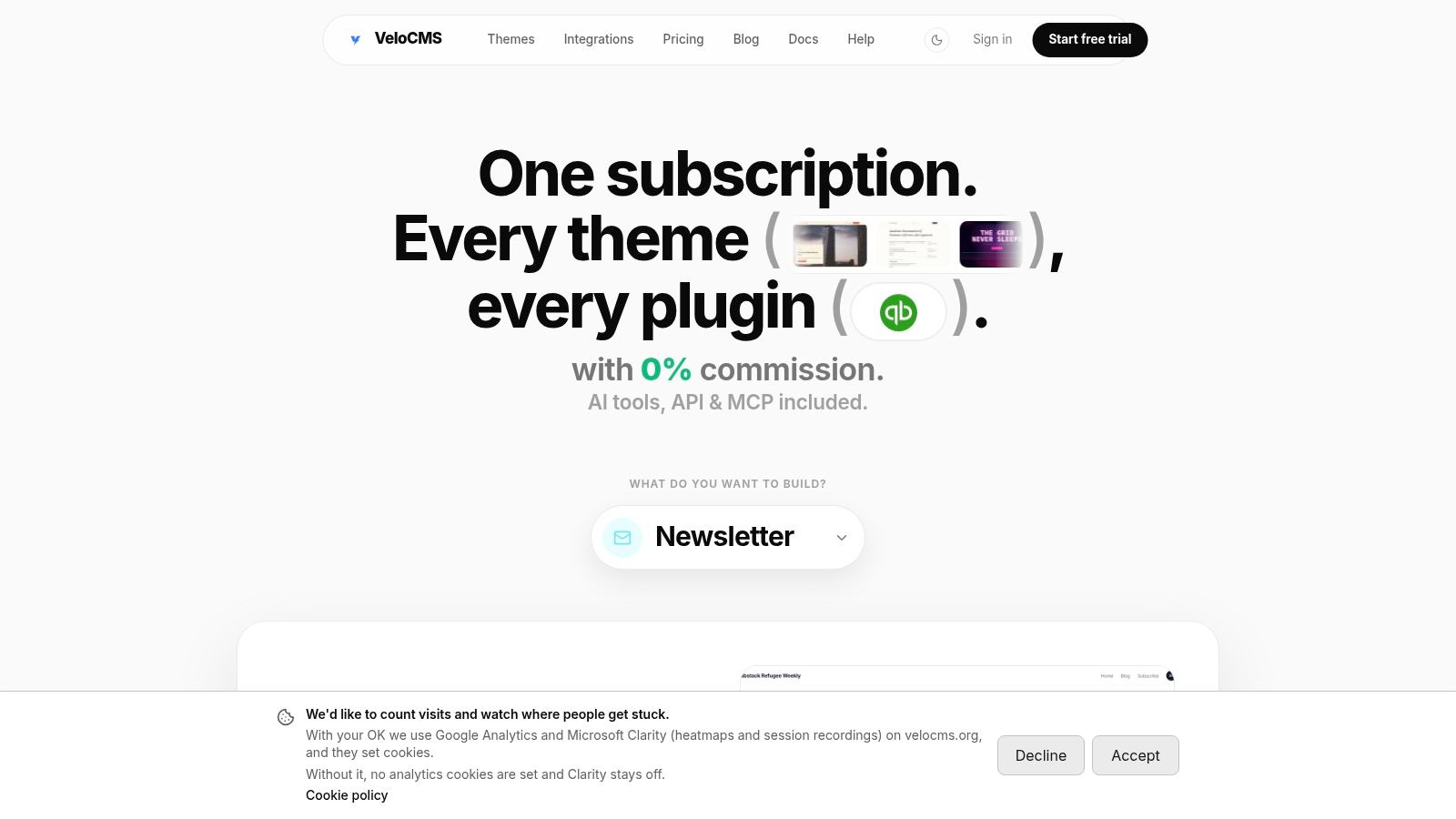
VeloCMS is a fit for publishers who want their website, newsletter, memberships, and commerce under one roof rather than spread across a CMS, email service, and plugins. Its native newsletter tools include tags, segments, and audience automations, while memberships and commerce give publishers ways to sell without a platform commission. That combination can make operating costs easier to understand, but it doesn't mean every publisher will save money. The meaningful comparison is the cost of the whole stack, including integration and maintenance, not just the email subscription. Comparisons of newsletter platforms often focus on headline prices; publishers should also account for the other systems they'd need.
The writing workflow includes a block editor with AI writing help and slash commands, plus live SEO feedback with scoring and schema assistance. Themes, integrations, API access, and webhooks support a branded site and connections to tools such as Kit, Mailchimp, and Slack. VeloCMS offers migration tools for WordPress, Squarespace, Substack, Ghost, and Medium, plus Markdown and JSON exports for posts, audience data, and attachments.
Portability check: An export is only useful if it contains the content and media a publisher needs. Test a sample export and import before moving a live publication.
VeloCMS has no free plan. Every plan starts with a 14-day free trial, and current tiers are listed on its pricing page. The strongest reason to consider it is stack consolidation and portability; the trade-off is paying for a subscription rather than starting on a permanent free tier.
2. Ghost
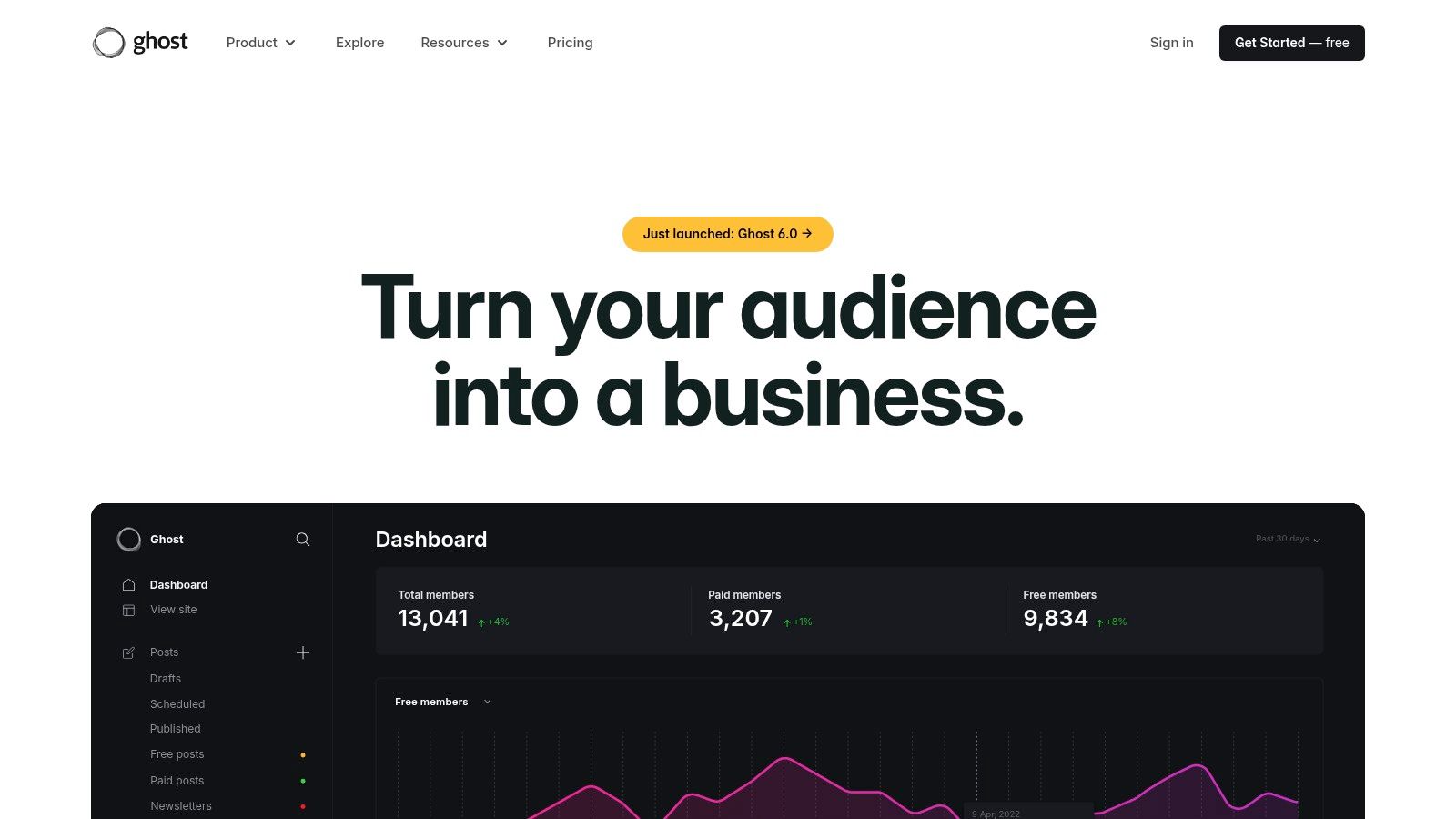
Ghost makes sense when the publication itself is the product. It combines a website CMS, newsletter publishing, and paid memberships, so posts can live on a creator's own branded site as well as arrive by email. Ghost is open source and can be self-hosted, which gives technically capable publishers more control over the software and hosting environment.
That control has a cost in attention. Self-hosting means the publisher takes responsibility for setup, updates, and email delivery. Ghost(Pro) handles managed hosting and email delivery, but managed plans have audience and team limits. Ghost also offers less emphasis on built-in discovery and ad monetization than a platform organized around newsletter growth.
Ghost doesn't charge a platform transaction fee on paid subscriptions, which can matter as membership revenue grows. Still, payment processing and hosting remain part of the operating cost, and a self-hosted installation can require technical help. A publisher weighing Ghost against other paid newsletter platforms can use this revenue comparison of Substack, Ghost, and Beehiiv.
Best fit: a writer or small media team that wants a publication-first site with memberships and is prepared to choose between managed hosting and hands-on maintenance. Less suitable: someone whose main priority is built-in audience discovery or an out-of-the-box growth network.
3. Substack
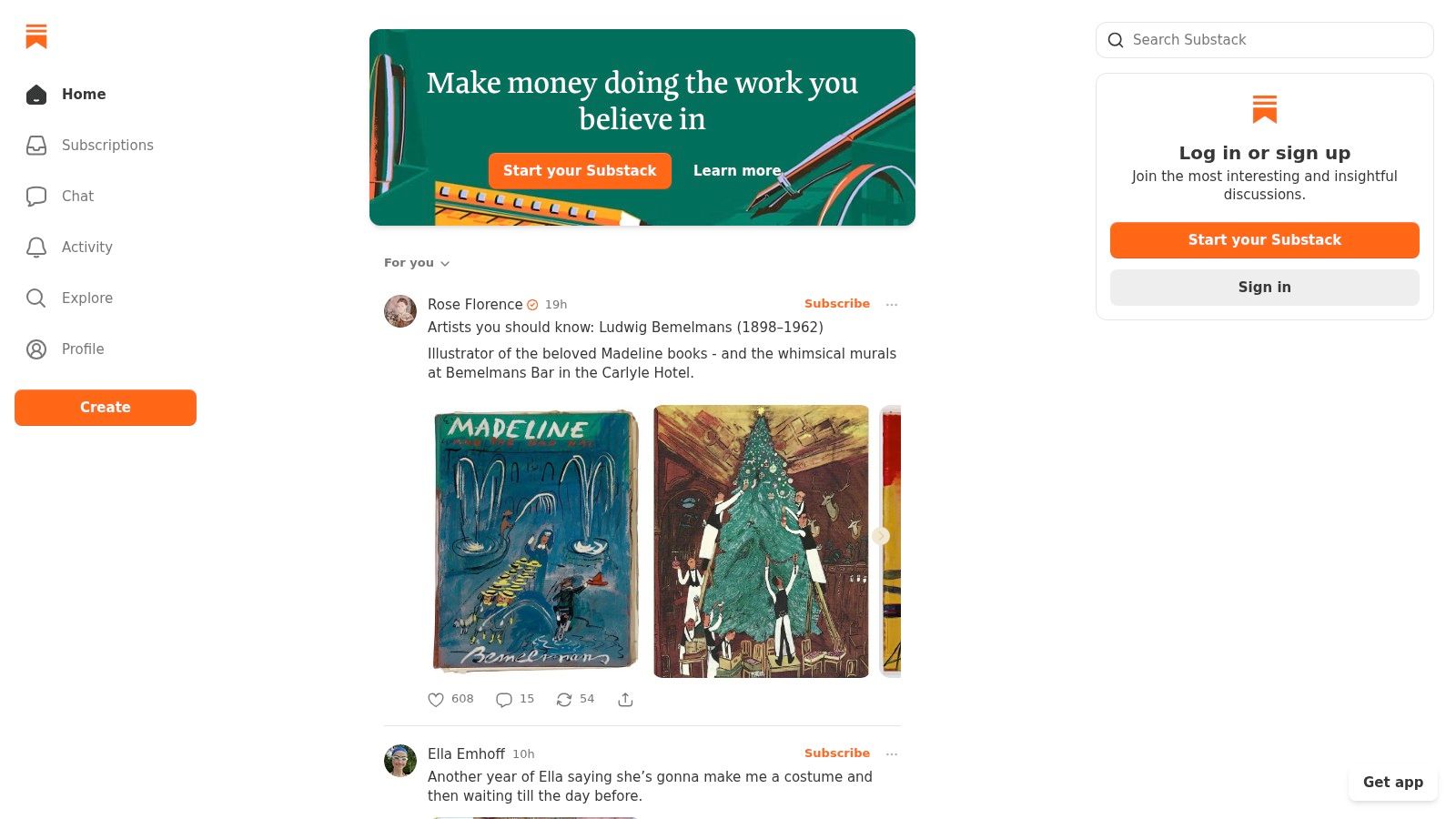
Substack is built for writers who want to publish without first assembling a website and email stack. A post can appear on a public publication page and go to email subscribers, while free and paid subscriptions support a direct reader relationship. The reader and discovery features can help a publication get noticed, but they don't replace an independent marketing plan.
The principal trade-off is revenue share. Substack takes 10% of paid subscription revenue, on top of payment-processing costs, according to Substack's own guide to going paid. For a creator with recurring paid revenue, that percentage is part of the ongoing cost of convenience. The service can still be a sensible starting point for someone testing a publication or prioritizing a simple reader experience over site customization.
A publication that grows into a broader business may want more control over its website, analytics, or customer journey. Substack's design flexibility is narrower than a full CMS, and a move later can involve rebuilding more than the email list. For a closer look at the ownership trade-off, see this guide to subscriber-owned newsletters versus Substack.
Best fit: writers who value quick publishing and discovery, and accept the revenue-share model. Less suitable: publishers who need a highly customized website or want to avoid a percentage fee as paid subscriptions scale.
4. Kit
Kit, formerly ConvertKit, is an email-first choice for creators who use newsletters to sell products, courses, or subscriptions. Signup forms and landing pages collect subscribers; tags and segments help organize them; and visual automations and sequences can guide readers toward a purchase or other action.
The important distinction is that Kit is a creator marketing tool, not a full-featured blog CMS. A publisher with an established website can connect email workflows to that site. Someone building a publication from scratch may still need a separate platform for articles, themes, and broader site management.
Kit offers a free plan with a subscriber limit, while more advanced workflows sit on paid plans. That can make it a reasonable place to start, but the cost model needs attention as the list expands. For creators using source tracking, this attribution guide for ConvertKit marketing teams offers a related way to think about how subscribers arrive.
A welcome sequence is only useful when it reflects what a subscriber signed up for. Tag people by source or interest, then send the most relevant next message.
Best fit: creators building funnels around email, digital products, or subscriptions. Less suitable: publishers who want their newsletter tool to double as a complete website CMS.
5. MailerLite
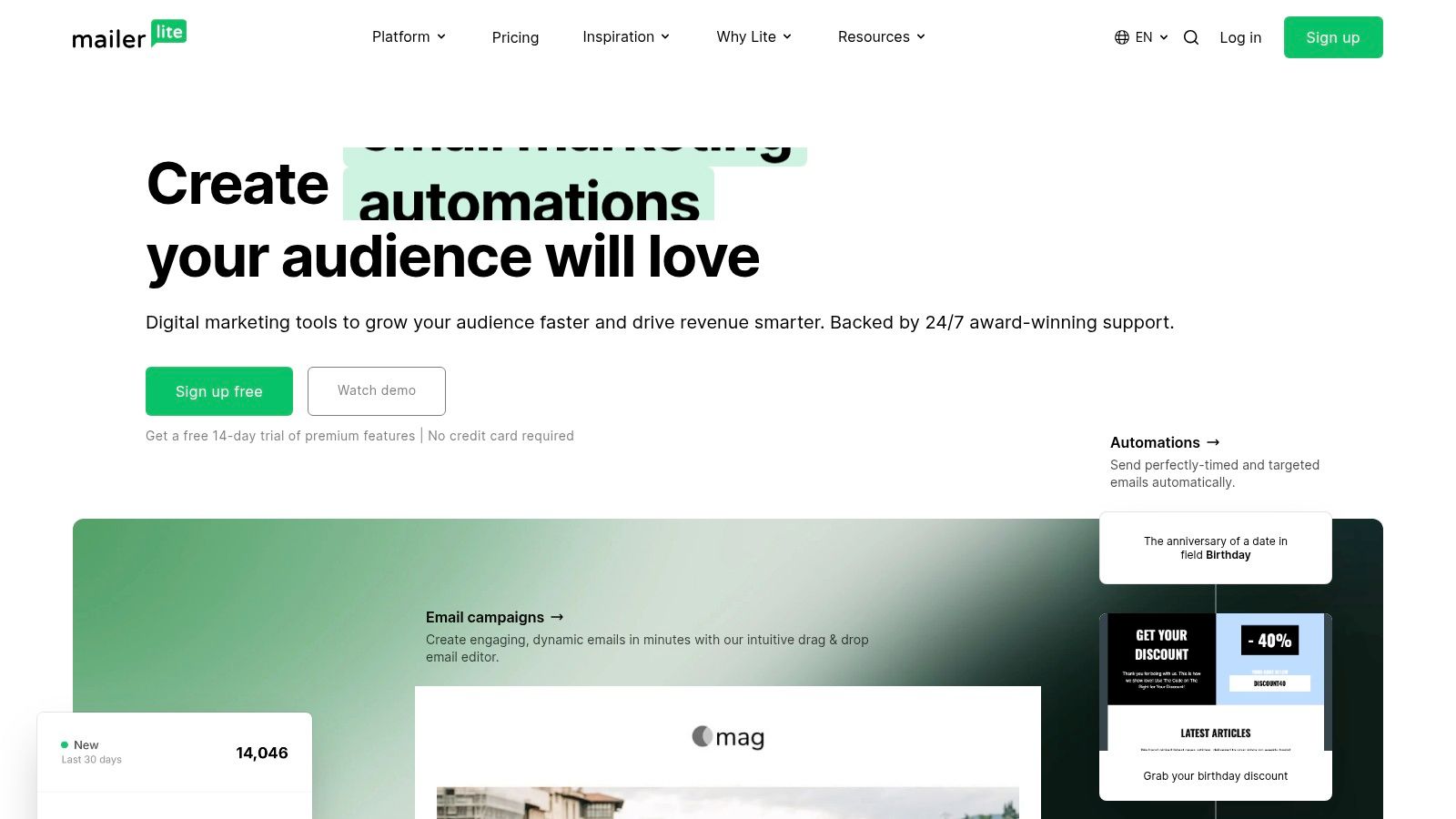
MailerLite brings campaigns, automations, forms, landing pages, website tools, and digital-product features into a marketing-oriented platform. That breadth can suit a small business that needs to capture leads and send follow-up emails without assembling a long chain of integrations.
The free plan has limits: it supports up to 250 subscribers and 2,500 monthly emails. Those limits make it useful for testing a setup, but a publisher should check the current plan rules before migrating a list that exceeds them. Paid pricing depends on list size and billing choice, so compare the likely bill at the audience level the business expects to reach, not only the entry tier.
MailerLite's website features aren't equivalent to a dedicated CMS. A blog with complex content types, custom layouts, or extensive SEO needs may outgrow them and require another system. That's not necessarily a problem if the site is simple and email marketing is the main job.
Best fit: small teams that want email campaigns, audience capture, and basic site tools in one place. Less suitable: publishers who need a highly customizable content platform or want to avoid subscriber-based pricing as the list expands.
6. WordPress.com
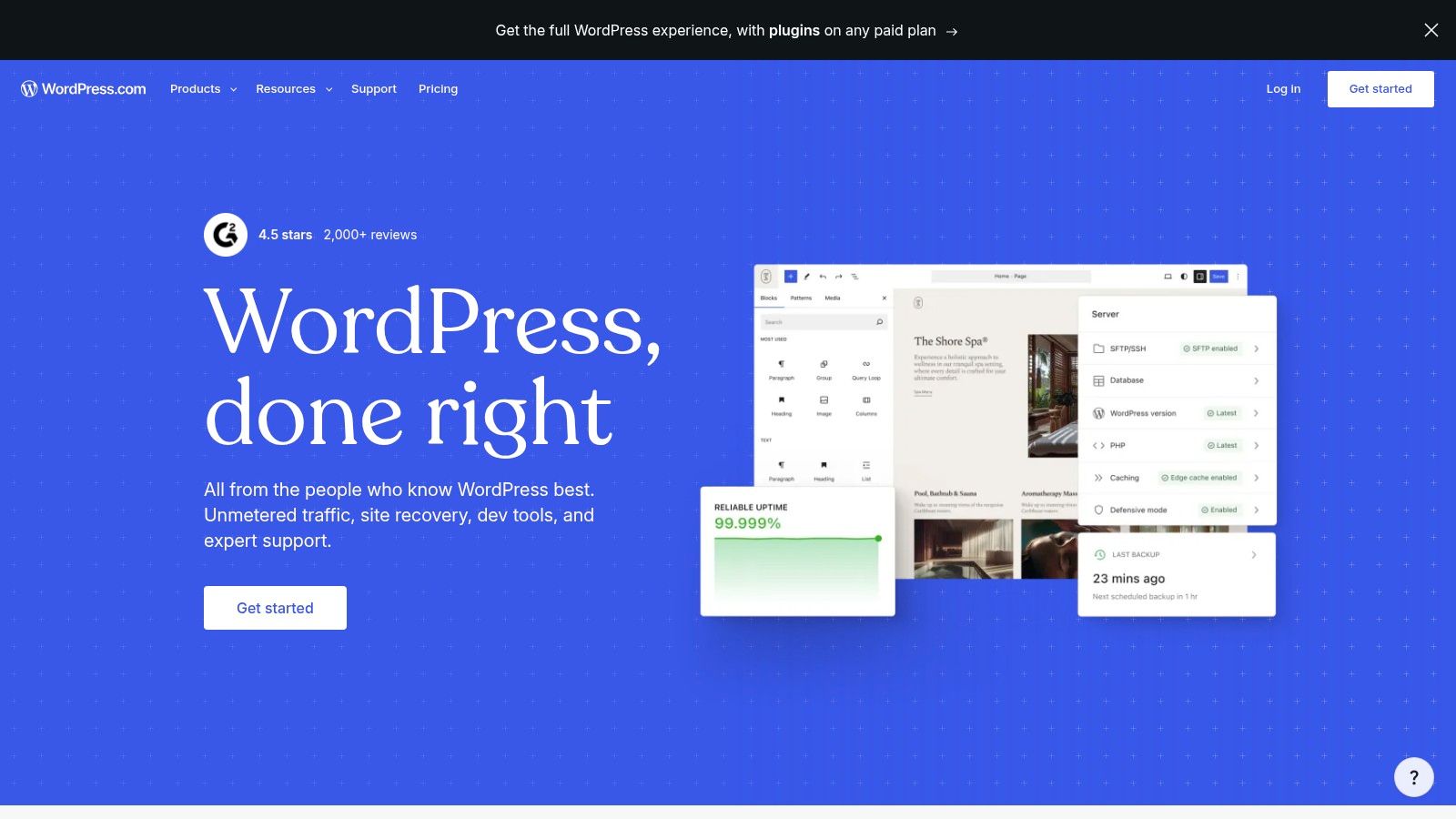
WordPress.com suits bloggers who want the newsletter attached to a larger website. It supports website and blog publishing, newsletter sending, paid subscriber tiers, and post paywalls. Plugins on eligible plans can extend the site, but each added component also brings setup and maintenance decisions.
The export process deserves attention before a move. A full WordPress.com export creates an XML or WXR file with posts, pages, comments, links, categories, and tags, but the export file itself doesn't contain the media files. WordPress.com explains that the original site needs to remain public and accessible while the destination copies referenced media; media can also be exported separately in its export guide.
That distinction affects exit planning. Publishers should verify that images have been copied to the new host before shutting down the old site, then check links, categories, and page formatting after import. For larger exports, WordPress.com may split content into multiple XML files inside a ZIP archive, and each file must be imported separately. Specific-content exports can hot-link media to the original files, as described in its specific-content import documentation.
Best fit: a blogger who wants a flexible website and newsletter together and can manage the extra setup. Less suitable: someone seeking a tightly integrated newsletter workflow with minimal site administration.
7. Buttondown
Buttondown suits writers who want a focused newsletter workflow rather than an all-in-one marketing suite. Its editor and hosted archives keep publishing straightforward, with options such as a custom sending domain, tagging, analytics, paid subscriptions, and automation.
Buttondown offers a free entry plan for small lists, so writers can try a plain newsletter before committing to a larger platform. Check the current plan limits before choosing it. Some capabilities are paid add-ons, and costs can rise as you add features, so compare the plan with the workflow you expect to use.
The trade-off is separation. Buttondown isn't a full website CMS, so writers who want a complete publication site may need to maintain another platform. That can suit someone who prefers a focused email tool, but it leaves more to manage if the goal is to consolidate a website and newsletter.
Best fit: independent writers who value a focused writing and email workflow. Less suitable: teams that need a website, commerce, and newsletter infrastructure in one system.
8. GetResponse
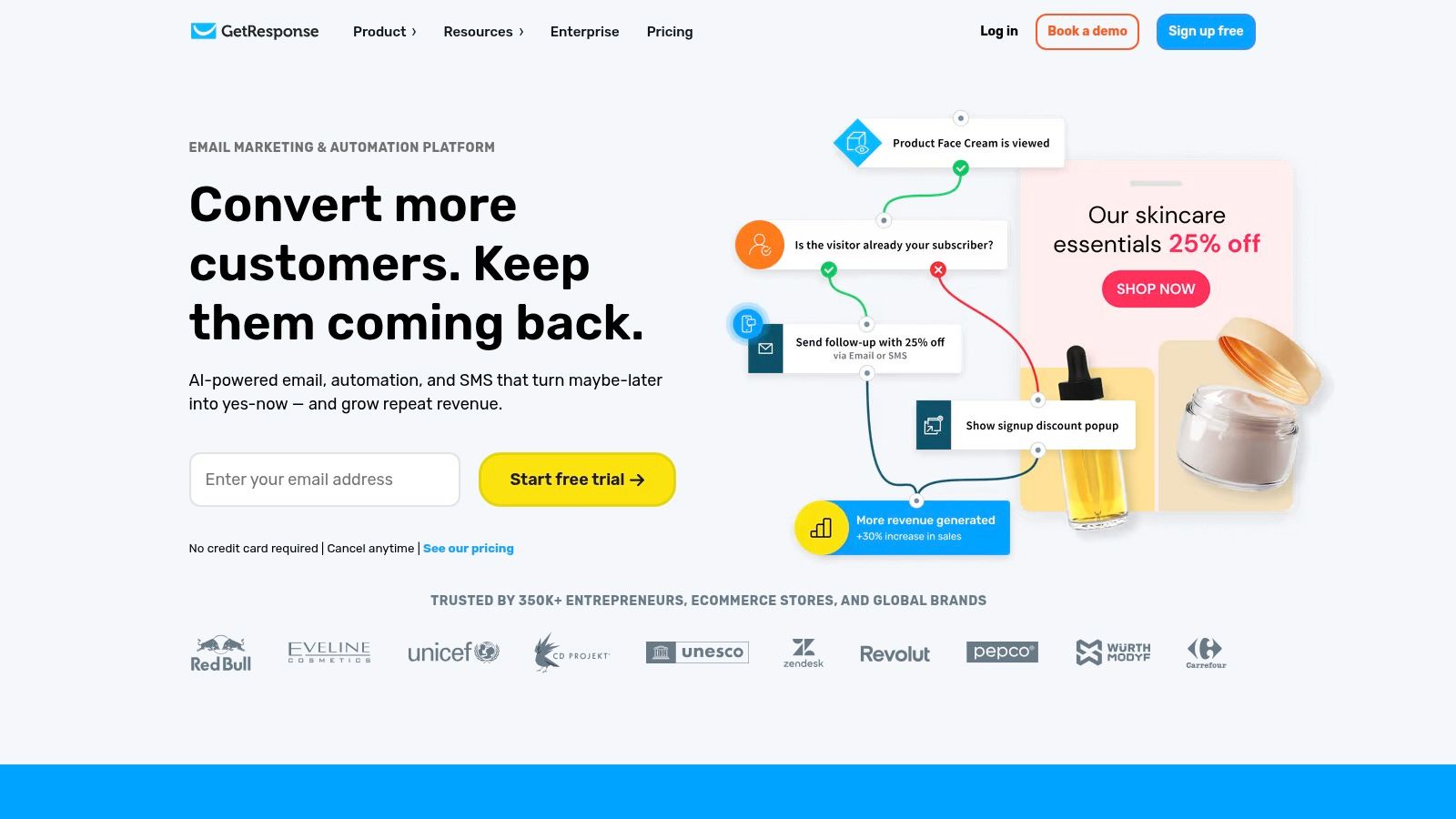
GetResponse is more than a newsletter sender. Its toolkit can include landing pages, automation workflows, sales funnels, webinars, and course tools on eligible plans. That breadth is useful when a business runs campaigns that lead to classes, events, or a paid offer rather than sending regular editorial updates.
The cost and complexity are tied to the size of the contact list and billing term, and some features depend on the plan. Premium newsletter subscriptions aren't included on the entry plan, so a publisher should confirm that the specific monetization tools they need are available at the intended tier. A large feature set can be wasted overhead when the only job is to send a weekly issue.
GetResponse works best when the business will actively use its marketing workflows. A course creator, educator, or small business running campaigns around webinars may benefit from having these tools close to email. A writer who only publishes essays and sells memberships may prefer a platform with a stronger publication and website focus.
Best fit: educators and businesses that need newsletters alongside funnels, webinars, or courses. Less suitable: publishers who want a lightweight newsletter and don't need the wider marketing toolkit.
9. Mailchimp

Mailchimp is a broad email-marketing platform for newsletters, customer campaigns, and business communications. Its contact management, templates, reporting, automations on eligible plans, and integrations can serve a business that sends to customers as well as readers.
That breadth doesn't make it a publication-first CMS. A creator who wants an article archive, paid memberships, and a branded editorial site may need separate tools. Pricing depends on plan and contact count, so the live pricing calculator should be checked against the list to be imported. Before migrating, confirm which contacts count toward billing and what features are included in the selected tier.
The platform is a better match when email supports a wider marketing operation, such as announcements and customer follow-up, than when the newsletter is the main product. Businesses moving from Mailchimp should also map forms, tags, automations, and templates rather than exporting only contact addresses. This practical guide covers how to move a newsletter from Mailchimp, Kit, or Beehiiv to VeloCMS.
Best fit: organizations that need familiar business marketing tools and integrations. Less suitable: creators who want a publication-centered CMS with a direct path from article to paid membership.
10. Patreon
Patreon is primarily a membership and fan-support platform, not a newsletter CMS. Creators can offer paid tiers, community features, and written, audio, or video content, with newsletters serving as one part of the relationship. That makes it relevant to podcasters, media teams, and creators whose main business is recurring member support.
Patreon is free to start, but it charges a 10% platform fee, plus applicable processing and other fees. For a creator with recurring membership revenue, those charges are part of the business model, not a minor setup detail. A publisher should compare what the fee covers with the cost of running memberships elsewhere, including billing, access control, and customer management.
Patreon's focus on memberships and community is also its boundary. It isn't designed to replace a full CMS or an SEO-focused blog, so a creator may need a separate public website to publish search-friendly articles and control the site experience. Keeping that division can work well if the website is primarily an acquisition channel and Patreon is the member hub.
Best fit: creators who prioritize tiers, community, and fan support. Less suitable: publishers who want their newsletter platform to serve as the main website and content archive.
Beehiiv alternatives compared
The right alternative depends on what you need to keep control of as your publication changes: your site, subscriber relationships, revenue, or data. Compare the ongoing cost and the work required to run each platform, not just its free tier.
| Platform and best for | Free tier | Pricing model | Standout limitation |
|---|---|---|---|
| VeloCMS, creators and small teams seeking an all-in-one publishing and monetization platform | No free plan; 14-day free trial on paid plans | Subscription plans scaled by team size, API access, and branding | No ongoing free plan |
| Ghost, publishers wanting a branded website, newsletters, and memberships | Open source; self-hosting still has server and email costs | Open-source self-hosting or paid managed hosting billed by plan | Self-hosting requires technical and email-delivery work |
| Substack, writers prioritizing simple publishing and reader discovery | Free to publish | 10% fee on paid subscription revenue, plus processing costs | Limited site design and brand control |
| Kit (formerly ConvertKit), creators building email funnels and selling products | Up to 10,000 subscribers | Free plan; paid plans for advanced workflows | Not a full-featured CMS |
| MailerLite, small teams seeking accessible email marketing and audience-capture tools | Free plan; limited to 250 subscribers and 2,500 monthly emails | Free and paid plans; pricing scales with subscriber count | Publishing tools are not equivalent to a dedicated CMS |
| WordPress.com, bloggers who want a flexible website with newsletters | Free plan available | Free and paid plans; subscription fees vary by plan | Broader capabilities may require plugins and extra setup |
| Buttondown, independent writers who prefer a simple, text-focused newsletter workflow | Free for the first 100 subscribers | Free entry plan; paid plans and add-ons | Not a full website CMS |
| GetResponse, businesses and educators running broader email campaigns and automations | Free trial available | Paid plans; pricing scales with contact count and billing term | Broad feature set may be more than newsletter publishers need |
| Mailchimp, organizations needing integrations and customer-marketing tools | Limited free plan; paid plans scale with contact count | Plans vary by contact count and features | Less suited to publication-focused publishing |
| Patreon, creators focused on paid memberships and fan support | Free to start | Standard plan charges a 10% platform fee, plus applicable fees | Not a full CMS or SEO-focused blog |
This comparison highlights different trade-offs. VeloCMS bundles publishing and monetization in a subscription, while self-hosted Ghost gives publishers more control at the cost of managing hosting and email delivery. Substack has no charge for free publishing, but paid subscriptions incur a platform fee. Mailchimp's free plan is limited, and its paid pricing depends on contact count.
How to Choose and How to Switch
Match the platform to the business model, not to the longest feature list. Writers who want to start without a fixed platform subscription and value reader discovery can consider Substack. Publishers who want an owned site with memberships can compare Ghost and VeloCMS. Funnel-heavy creators may prefer Kit, while small-business marketing teams can look at Mailchimp or GetResponse. Patreon fits membership-first creators, and Buttondown suits writers who want a minimal newsletter workflow.
Before moving, export the subscriber CSV and posts archive from the current platform. Run a sample through the new platform's importer, then check which fields didn't transfer. Custom fields, comments, paid-subscriber status, image attachments, URL structure, and automation rules can all need separate handling.
For a WordPress.com migration, confirm that media has copied to the destination before taking the source site offline. The WordPress.com export contains references to media rather than the files themselves, so deleting or privatizing the old site too soon can break image links. A migration should also include a test send to a small internal group, a review of the signup forms, and a check that unsubscribed contacts remain suppressed.
VeloCMS publishes importers for WordPress, Squarespace, Substack, Ghost, and Medium archives, and offers full Markdown and JSON exports. That makes it a relevant option for publishers prioritizing both consolidation and a practical exit path. For email campaigns, compare engagement by audience segment rather than relying on one aggregate open rate. The Efficy/Apsis benchmark reports an average newsletter open rate of 20.58%, a click rate of 2.51%, and a bounce rate of 2.97% in its 2025 email benchmark report. Treat those figures as reference points, not guarantees of results on a new platform.
Email compliance belongs in the migration plan too. The U.S. CAN-SPAM Act requires accurate header information, non-deceptive subject lines, a clear opt-out method, and honoring unsubscribe requests within 10 business days, according to the FTC's CAN-SPAM compliance guide. Verify that the new sending setup preserves unsubscribe handling and suppression records.
For related channel planning, a social media scheduler can help coordinate promotion around newsletter publishing. The final decision should come down to the pricing model that fits the revenue shape, the website the publisher needs, and the data that can be taken along if plans change.
VeloCMS combines blogging, newsletters, memberships, and site theming in one subscription, with AI-assisted editing, SEO tools, and portable Markdown and JSON exports. For publishers weighing a Beehiiv alternative, visit VeloCMS to see whether its consolidated approach fits the way the publication earns and grows.